

Get feedback from NewOaks AI for each new row added to Google Sheet and update the Google Sheet column
Each new row in your Google Sheet is sent to the NewOaks AI GPT model with your prompt, and the response is written back into a cell you choose, so the sheet holds both the input and the AI’s feedback.
 Google Sheets
 NewOaks AI
3 steps Setup ~5 min Used on 2.5k sites Free to import
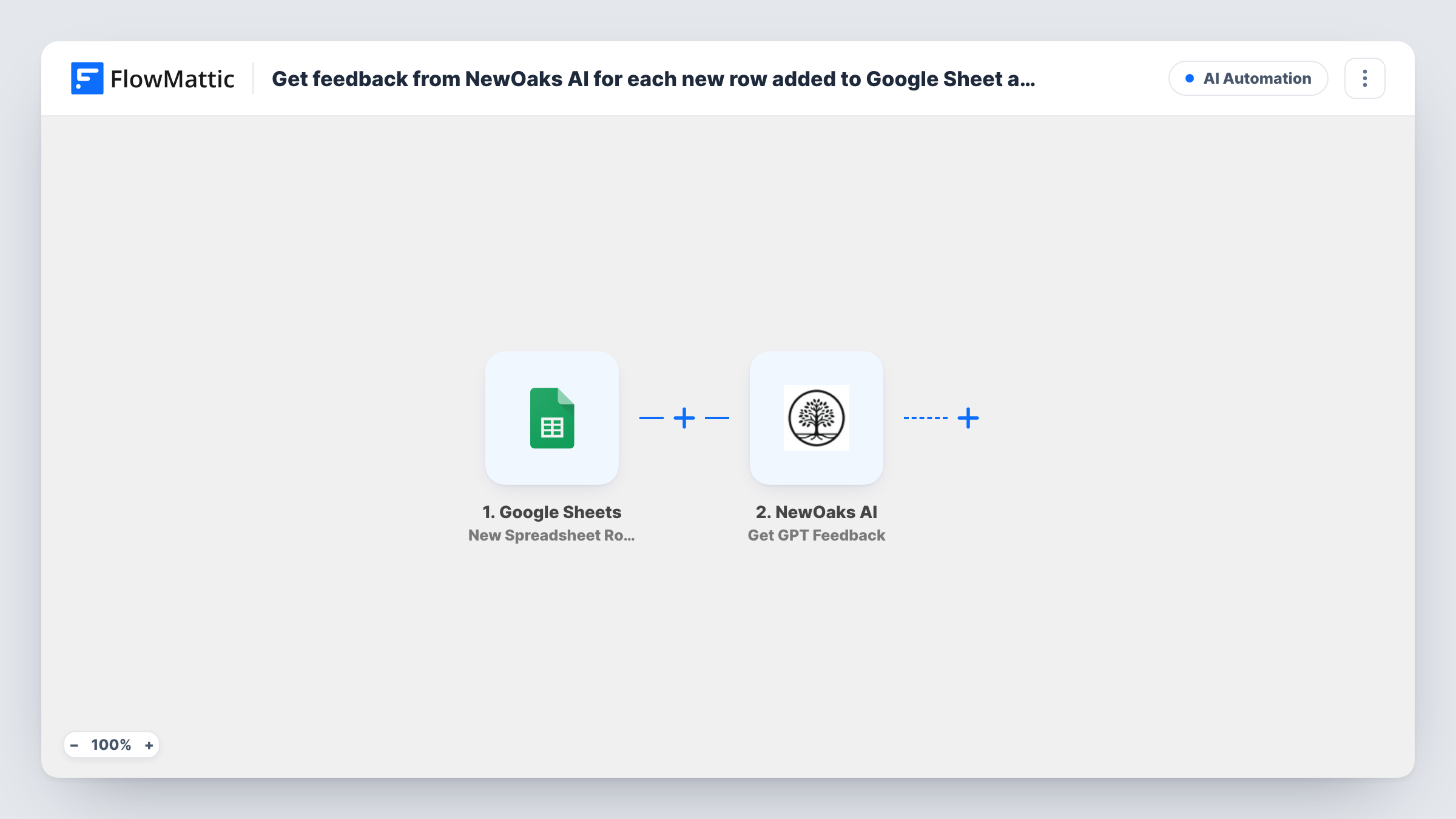
What this workflow does
A spreadsheet is a handy place to collect things you want an AI to look at: survey answers, draft product descriptions, customer comments. Copying each one into a chat window and pasting the answer back is slow. This workflow does the round trip for every new row and keeps the result next to the original data.
The Google Sheets trigger fires when a new row is added to the spreadsheet you connect, and passes that row's values on. The NewOaks AI Get GPT Feedback step then sends a request to the NewOaks AI GPT model and returns its response. It ships unmapped, so after import you write the instruction and map the row's text into it, for example "Give two lines of feedback on this answer" followed by the answer column.
The last step, Update Cell Data, writes into one cell of the spreadsheet. It ships unmapped too: choose the sheet and the cell, and map the NewOaks AI response as the value. To land the feedback on the same row, build the cell reference from the new row's position; run a test row and check Task History to see which row details the trigger sends.
Every new row starts a run, including blank or test rows, and the step updates a cell rather than adding a row.
Feedback on open survey answers
A product team pastes free-text survey replies into a sheet and gets a short AI summary of each reply in the next column, ready for sorting by theme.
Reviewing draft copy
A marketer lists draft headlines in a sheet and the NewOaks AI response suggests a tighter version beside each one.
First pass on support comments
A support lead logs customer comments in Google Sheets and the AI writes a one-line note on the tone and topic of each, so the team knows what to read first.
How this workflow runs
What happens at each step once the workflow is on, and what you need before you import it.
 Google Sheets New Spreadsheet Row
Fires once for each row added to the connected Google Sheets spreadsheet. The row's column values are passed to NewOaks AI for the prompt.
- NewOaks AI Get GPT Feedback
Sends a prompt to the NewOaks AI GPT model and returns its answer. The step ships unmapped: after import, write your instruction and map the text from the new row's columns into it.
- Google Sheets Update Cell Data
Writes a value into one cell of your spreadsheet. Nothing is mapped in the template, so choose the sheet and cell and map the NewOaks AI response as the value; aim the cell at the new row's feedback column.
What you need
- FlowMatticCore
- Google Sheets AccountAccount
- NewOaks AI AccountAccount
After importing, map your own data. To keep the template universal, not every step is pre-filled. Open each step in the builder and connect your accounts and fields (channels, lists, sheets, recipients) before you switch the workflow on.
Make it yours
Changes worth making after you import it.
- Keep a dedicated feedback column at the end of the sheet that people leave empty, and point the Update Cell Data step at that column on the new row.
- Put a Filter between the Google Sheets trigger and the Get GPT Feedback step that continues only when the text column is not empty, so blank rows don't send empty prompts. Pick whichever column holds the text.
- Tell the model the format you want in the prompt, such as one sentence or a score from 1 to 5, so the cell values are easy to compare down the column.
Questions about this workflow
Does the AI feedback go into the same row as the new data?
Only if you set the cell that way. The Update Cell Data step ships empty, so you choose the cell, ideally the feedback column on the row that started the run. Check a test run to confirm where the value lands.
Do I need a NewOaks AI account?
Yes. The Get GPT Feedback step runs through your NewOaks AI connection, so connect your account in that step after import.
Will rows that were already in the Google Sheet get feedback?
No. The trigger reacts to rows added after the workflow is turned on, so existing rows are left as they are.
What does NewOaks AI receive from the row?
Only what you put into the prompt. Map the columns you want the model to read, and leave out anything you don't want to send.
More AI Automation workflows
Other ready-to-import templates from the same category.






Import this workflow into your WordPress site
Download the JSON, import it from the Workflows screen and connect your accounts. Every run stays on your server, with no per-task fees.
30-day money-back guarantee Unlimited workflows and runs Self-hosted