

Log every inbound DIDWW SMS message in a Google Sheets spreadsheet
Each text message that arrives on your DIDWW number is written to a new row in Google Sheets, so you keep a searchable log of inbound SMS outside your telephony account.
 DIDWW
 Google Sheets
2 steps Setup ~5 min Used on 2.5k sites Free to import
What this workflow does
Texts sent to a business number often matter later: an order confirmation, a complaint, a reply to a campaign. Keeping them only in your DIDWW account makes them hard to search, sort or share with colleagues. This workflow copies each one into a spreadsheet as it comes in.
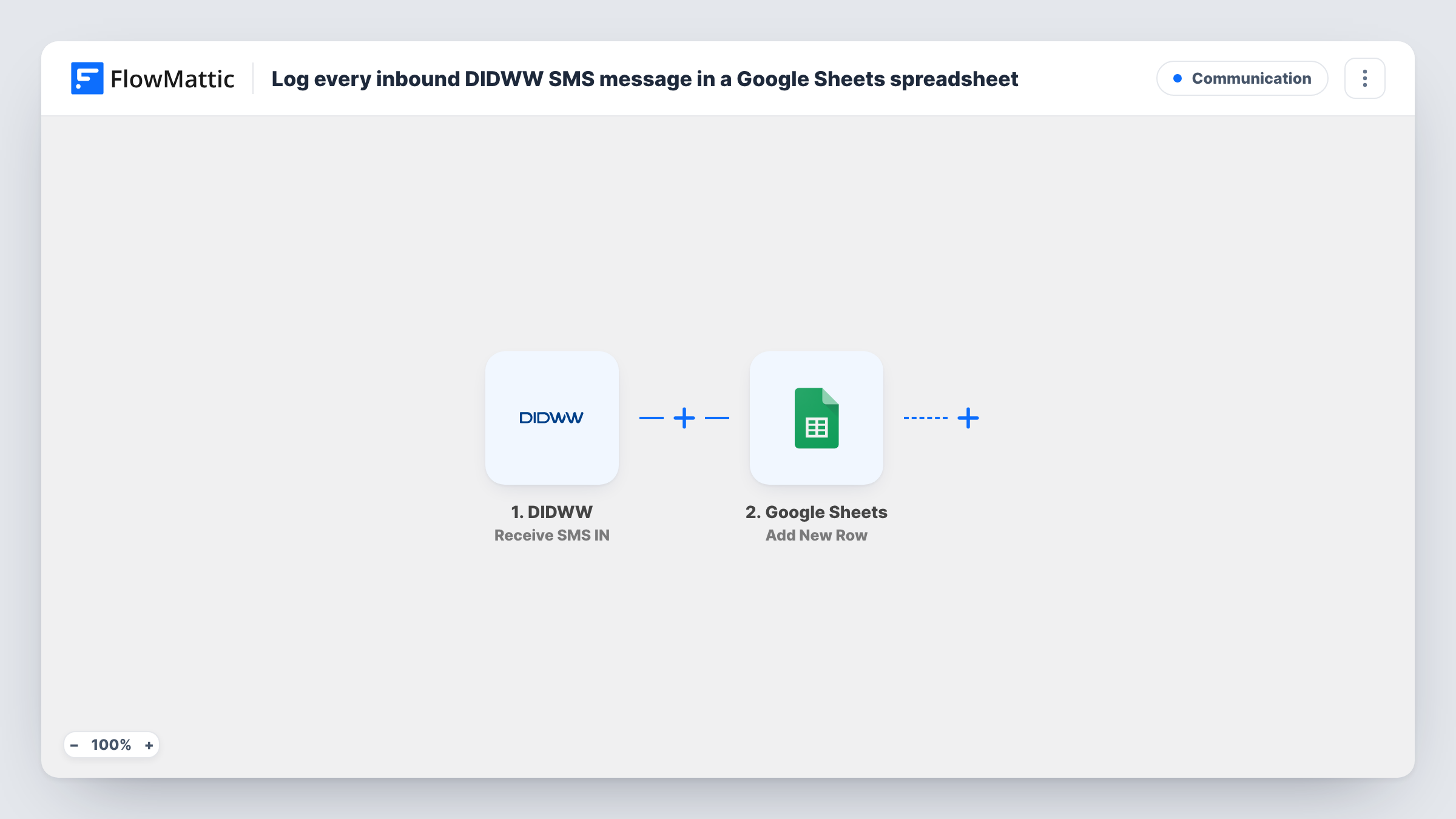
The DIDWW trigger is Receive SMS IN, which fires when an SMS is received on your DIDWW number. FlowMattic takes the message data and hands it to Google Sheets, where Add New Row writes it to the spreadsheet you choose. You map each column, for example the sender's number, the text and the time it arrived.
Only inbound texts are logged. Calls on the number use DIDWW's separate voice triggers and don't start this workflow. Each message gets its own row, and Task History records every run.
Text-in competitions and keywords
Customers text a keyword to your DIDWW number. The sheet becomes the entry list you can sort and count when the promotion closes.
Shared inbox for a small team
Staff without access to your DIDWW account read incoming texts in a shared Google Sheet and mark which ones they have answered.
Keeping a record of customer texts
Every SMS from customers is stored with its sender and time, so you can look back at what someone sent weeks ago.
How this workflow runs
What happens at each step once the workflow is on, and what you need before you import it.
 DIDWW Receive SMS IN
Runs when a text message is received on your DIDWW number. The message data, such as the sender and the text, is passed on for mapping.
- Google Sheets Add New Row
Writes each inbound SMS as a new row in the Google Sheets spreadsheet you choose. Connect your Google account and map the message details to the sheet's columns.
What you need
- FlowMatticCore
- DIDWW AccountAccount
- Google Sheets AccountAccount
After importing, map your own data. To keep the template universal, not every step is pre-filled. Open each step in the builder and connect your accounts and fields (channels, lists, sheets, recipients) before you switch the workflow on.
Make it yours
Changes worth making after you import it.
- Add header columns such as From, Message and Received to the sheet before the first run, so mapping is quick.
- Add a Filter after the trigger that continues only when the text contains a keyword, if you want the sheet to hold one campaign's replies.
- Add a Slack message step after the row is written if someone on your team should be told about each new text.
Questions about this workflow
Are DIDWW calls logged in the sheet as well?
No. The trigger fires only for inbound SMS. DIDWW's voice-in and voice-out call events are separate triggers you could use in another workflow.
Are texts received before I import this copied?
No. Only messages that arrive on the number after the workflow is on are logged.
Which DIDWW message details can I log?
Whatever the SMS event sends. Text your number once after import and look at the captured fields before mapping the columns.
More Communication workflows
Other ready-to-import templates from the same category.







Import this workflow into your WordPress site
Download the JSON, import it from the Workflows screen and connect your accounts. Every run stays on your server, with no per-task fees.
30-day money-back guarantee Unlimited workflows and runs Self-hosted