

Log every new Monetizze approved in a Google Sheets spreadsheet
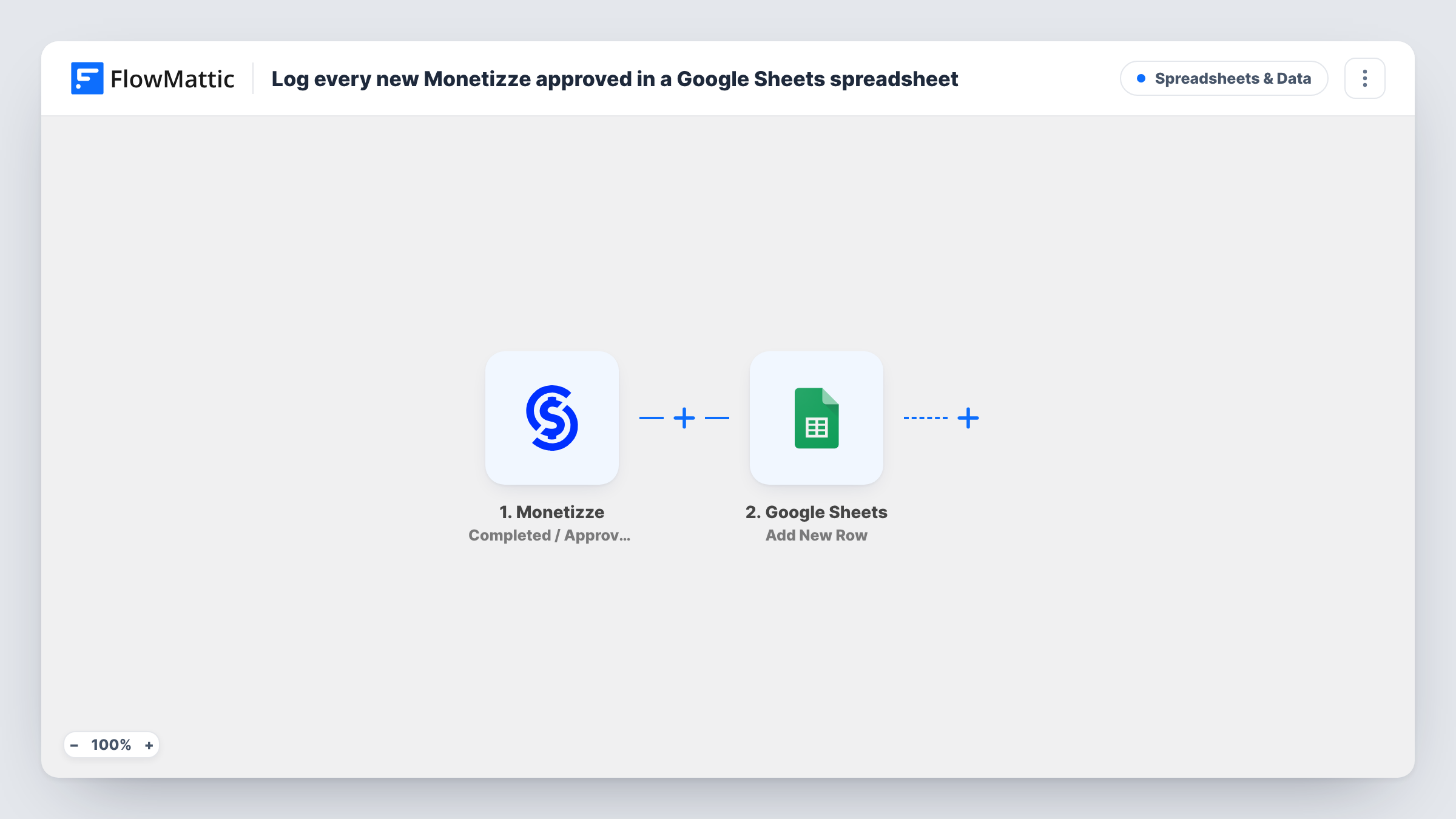
Every Monetizze sale that is completed or approved is added as a new row in Google Sheets, so you keep a running record of paid sales that you can sort, total and share.
 Monetizze
 Google Sheets
2 steps Setup ~5 min Used on 3.3k sites Free to import
What this workflow does
Monetizze shows your sales in its own panel, but reporting, commission checks and accounting often happen in a spreadsheet. Copying each approved sale across by hand is slow and easy to get wrong. This workflow adds a row for every one.
The Monetizze trigger fires when a sale is completed or approved. FlowMattic receives the sale's details and passes them to the Google Sheets step, which adds one row to the spreadsheet you pick. You map columns to sale fields such as the product, buyer and amount.
Each approved sale starts one run and adds one row. The sheet is a log, not a live mirror, so later refunds or cancellations in Monetizze don't change the rows already written. Task History lists every run with the data sent.
Monthly revenue sheet for a producer
A course producer keeps a sheet of approved Monetizze sales and adds a SUM formula to see the month's total without exporting.
Commission checks for affiliates
If the sale data includes the affiliate, map it to a column and filter the sheet to check each affiliate's approved sales.
Sharing sales with an accountant
Your accountant gets view access to the sheet and reads approved sales as they come in, with no Monetizze login.
How this workflow runs
What happens at each step once the workflow is on, and what you need before you import it.
 Monetizze Completed / Approved
Fires when a Monetizze sale is completed or approved. The sale and buyer details are passed to the Google Sheets step.
- Google Sheets Add New Row
Records the approved Monetizze sale as a new row in the spreadsheet you choose. Connect Google on import and map columns to sale fields.
What you need
- FlowMatticCore
- Monetizze AccountAccount
- Google Sheets AccountAccount
After importing, map your own data. To keep the template universal, not every step is pre-filled. Open each step in the builder and connect your accounts and fields (channels, lists, sheets, recipients) before you switch the workflow on.
Make it yours
Changes worth making after you import it.
- Map the sale date and amount to their own columns, so you can sort the sheet and total it with a formula.
- Track pending sales too by building a second workflow on Monetizze's Awaiting Payment trigger that writes to a separate tab.
- After import, wait for or create a real approved sale so FlowMattic captures the Monetizze fields before you map columns.
Questions about this workflow
Does a refunded Monetizze sale get removed from the sheet?
No. The workflow only adds rows when sales are completed or approved. Rows already written stay as they are.
Are Monetizze sales awaiting payment logged as well?
No. This template uses the Completed / Approved trigger only. Monetizze's Awaiting Payment trigger can feed a second workflow.
Will older approved Monetizze sales be added?
No. Only sales approved after the workflow is switched on reach the sheet.
Can I log sales for different products in separate tabs?
Yes. Add a Router after the trigger with a route per product, each with its own Google Sheets step pointed at a different tab.
More Spreadsheets & Data workflows
Other ready-to-import templates from the same category.




Import this workflow into your WordPress site
Download the JSON, import it from the Workflows screen and connect your accounts. Every run stays on your server, with no per-task fees.
30-day money-back guarantee Unlimited workflows and runs Self-hosted