

Log every new PayWhirl customer in a Google Sheets spreadsheet
Each time a customer is added to your PayWhirl account, this workflow writes their details to a new row in Google Sheets, building a customer list you can sort, share and report on.
 PayWhirl
 Google Sheets
2 steps Setup ~5 min Used on 2.1k sites Free to import
What this workflow does
Your billing tool knows who your subscribers are, but not everyone who needs that list has a login to it. A bookkeeper, a fulfilment partner or a co-founder may only want a spreadsheet. This workflow keeps one filled for you, a row per new customer.
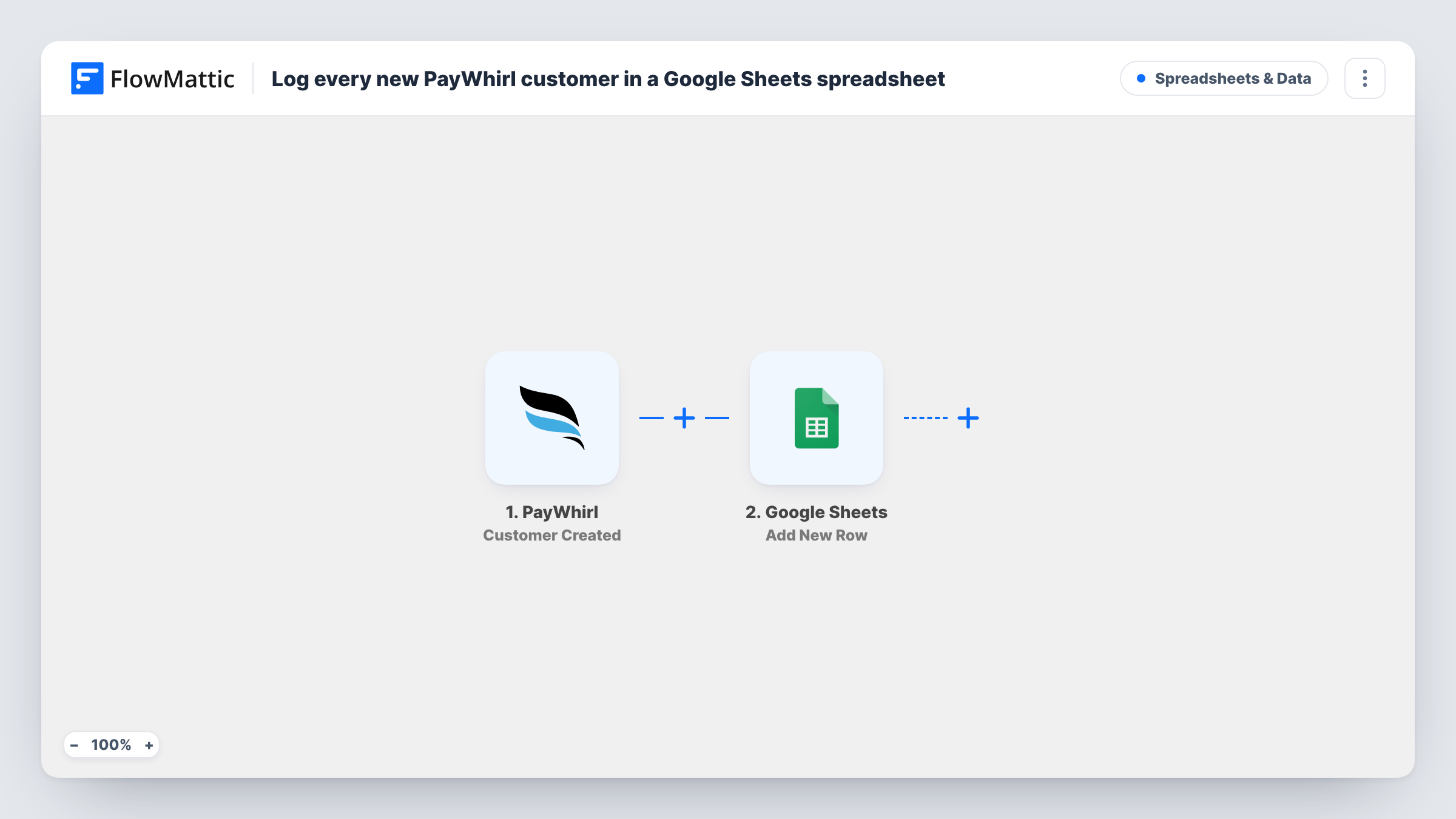
The PayWhirl trigger runs when a customer is added to your account. That covers customers who sign up through the portal, those created during a widget checkout, and customers an admin adds by hand. FlowMattic passes the customer data to Google Sheets, where the Add New Row action writes it to the spreadsheet and sheet you select.
You choose the columns. Map the customer details you care about, and leave out anything your sheet's readers shouldn't see. The row is written once, when the customer is created; later changes in PayWhirl don't update it.
Customer list for your accountant
Share the sheet with your bookkeeper so they can match new PayWhirl customers against payments without needing access to your billing account.
Welcome pack fulfilment
A partner who mails welcome boxes works from the sheet, seeing each new subscriber as a row they can mark as shipped.
Monthly sign-up reports
Add a date column and use a pivot table or chart in Google Sheets to count new customers per month.
How this workflow runs
What happens at each step once the workflow is on, and what you need before you import it.
 PayWhirl Customer Created
Runs when a customer is added in PayWhirl, whether through portal signup, a widget checkout or manual entry by an admin. Their details pass to the sheet step.
- Google Sheets Add New Row
Writes the PayWhirl customer to a new row in the Google Sheets spreadsheet you pick. Map each column to a customer detail; a test customer shows what PayWhirl sends.
What you need
- FlowMatticCore
- PayWhirl AccountAccount
- Google Sheets AccountAccount
After importing, map your own data. To keep the template universal, not every step is pre-filled. Open each step in the builder and connect your accounts and fields (channels, lists, sheets, recipients) before you switch the workflow on.
Make it yours
Changes worth making after you import it.
- Keep a fixed header row in the sheet and avoid inserting columns in the middle later, since the step writes values to the columns you mapped at setup.
- Customers that admins add for testing also start a run. Add a Filter after the trigger that skips your own email domain to keep test customers out of the sheet.
- Want subscriptions too? Import a second copy with PayWhirl's Subscription Created trigger and point it at another tab in the same spreadsheet.
Questions about this workflow
Are customers created by an admin in PayWhirl included?
Yes. The Customer Created trigger fires for portal signups, widget checkout signups and customers added manually by an admin.
Does the sheet row change when a PayWhirl customer updates their details?
No. The row is written once when the customer is created. Changes made later in PayWhirl aren't copied to the sheet.
Will my existing PayWhirl customers be added to the sheet?
No. Customers who were in PayWhirl before you turned the workflow on don't start a run. Export them from PayWhirl if you want a complete list.
Does the Google Sheet need headers first?
Yes. Put your column headers in the first row before mapping, so the Add New Row step can show each column for you to fill.
More Spreadsheets & Data workflows
Other ready-to-import templates from the same category.




Import this workflow into your WordPress site
Download the JSON, import it from the Workflows screen and connect your accounts. Every run stays on your server, with no per-task fees.
30-day money-back guarantee Unlimited workflows and runs Self-hosted