

Log every new Pimcore data object in a Google Sheets spreadsheet
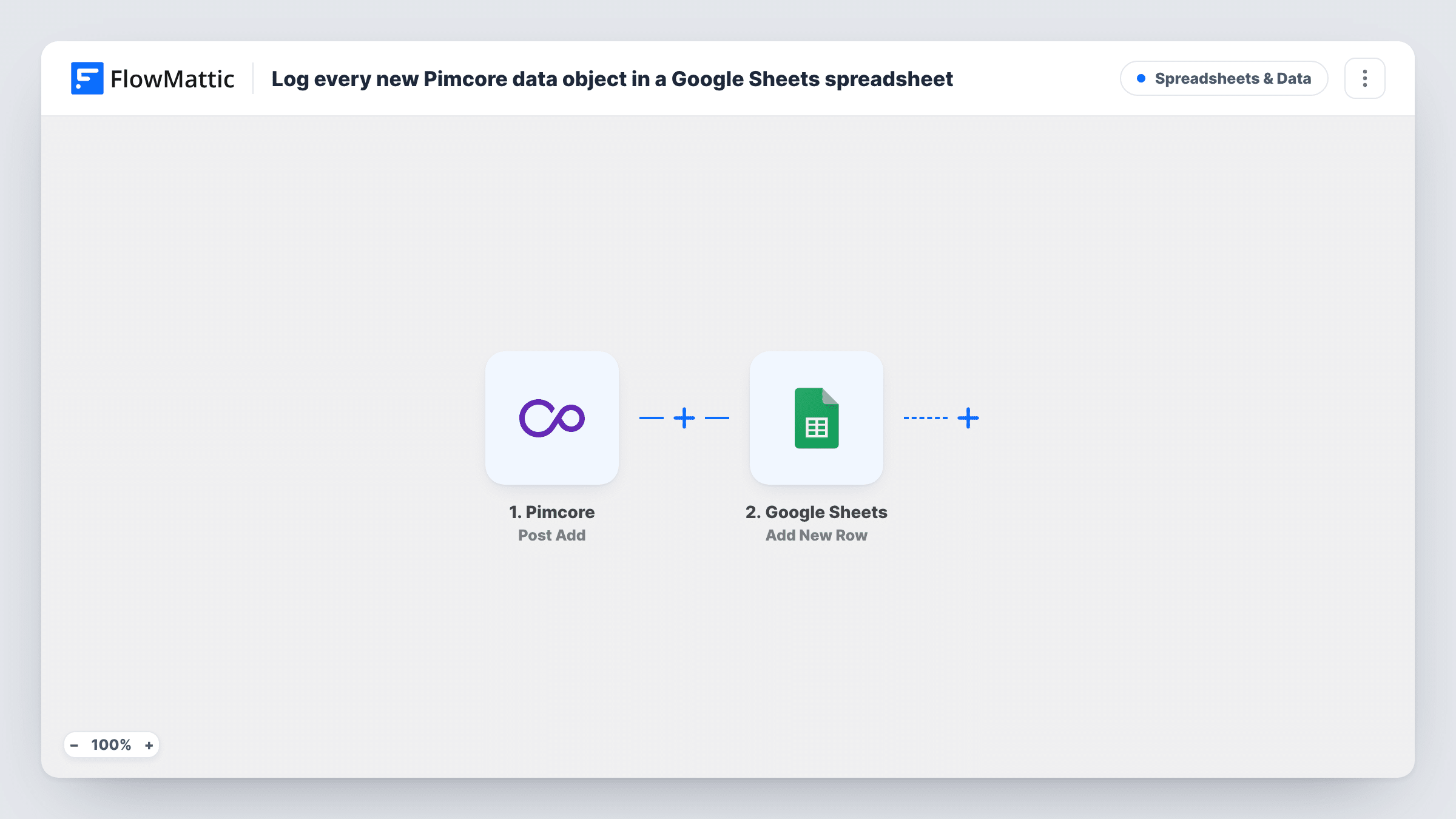
When Pimcore raises its postAdd event for a new data object, this workflow writes the details to a new Google Sheets row, giving product and content teams a shareable log of what has been added to Pimcore.
 Pimcore
 Google Sheets
2 steps Setup ~5 min Used on 2.2k sites Free to import
What this workflow does
Pimcore is where product and master data is built, but not everyone who needs to follow that work has a Pimcore login or wants one. Merchandisers, translators and agency partners often just need a list of what has been added. This workflow keeps that list in a Google Sheet.
The Pimcore trigger listens for Pimcore's postAdd event, which Pimcore fires after a new element has been added. FlowMattic receives the data sent with that event and passes it to Google Sheets, where the Add New Row action writes the values you map into the spreadsheet and sheet you choose.
Each event adds one row, and the workflow never edits or removes rows. Later changes to the object in Pimcore are not reflected in the sheet, because postAdd only covers the addition. Add one object in Pimcore after import and look at the test data, so you know exactly which values arrive and what kinds of element raise the event in your setup.
New products for the merchandising team
Each product object added in Pimcore shows up as a row the merchandising team reviews when planning what to feature.
Translation queue
Translators work from a sheet of newly added objects, so they can see what needs localised text without browsing Pimcore.
Audit trail for data stewards
Data stewards keep a dated list of additions in Google Sheets, useful when checking who added what during a catalogue migration.
How this workflow runs
What happens at each step once the workflow is on, and what you need before you import it.
 Pimcore Post Add
Fires on Pimcore's postAdd event, raised after a new element is added. The data sent with the event becomes values you can place in sheet columns.
- Google Sheets Add New Row
Adds one row to the spreadsheet tab you choose for every postAdd event. Connect your Google account, pick the file and tab, and map the Pimcore values to columns.
What you need
- FlowMatticCore
- Pimcore AccountAccount
- Google Sheets AccountAccount
After importing, map your own data. To keep the template universal, not every step is pre-filled. Open each step in the builder and connect your accounts and fields (channels, lists, sheets, recipients) before you switch the workflow on.
Make it yours
Changes worth making after you import it.
- Add a Filter after the trigger if the test shows postAdd also arrives for elements you do not want logged, and continue only for the class or type of object you track.
- Include a column for the object's ID or path, if the test data contains one, so each row can be traced back to the object in Pimcore.
- Set up column headers in the sheet before mapping, so the values from the first Pimcore test land under clear names.
Questions about this workflow
Does editing a Pimcore object add another row to the sheet?
No. The trigger listens for postAdd, which covers additions. Edits are a different Pimcore event and do not run this workflow.
Are objects already in Pimcore copied into Google Sheets?
No. Only additions made after the workflow is active reach the sheet. Export existing objects from Pimcore if you need a starting list.
Which Pimcore values can I put in the spreadsheet?
Any value that arrives with the postAdd event. Add a test object after import and the captured data shows you what can be mapped to columns.
More Spreadsheets & Data workflows
Other ready-to-import templates from the same category.




Import this workflow into your WordPress site
Download the JSON, import it from the Workflows screen and connect your accounts. Every run stays on your server, with no per-task fees.
30-day money-back guarantee Unlimited workflows and runs Self-hosted