

Log every new Teachfloor course in a Google Sheets spreadsheet
Each time a course is created in Teachfloor, this workflow adds a row to Google Sheets with the course details you map, building a catalogue of your courses that people outside Teachfloor can read.
 Teachfloor
 Google Sheets
2 steps Setup ~5 min Used on 342 sites Free to import
What this workflow does
As a Teachfloor academy grows, it gets harder to answer simple questions like which courses exist and when each was added. Staff in sales, finance or partnerships may not have access to Teachfloor at all. A shared spreadsheet that fills itself solves that, and this workflow keeps it filled.
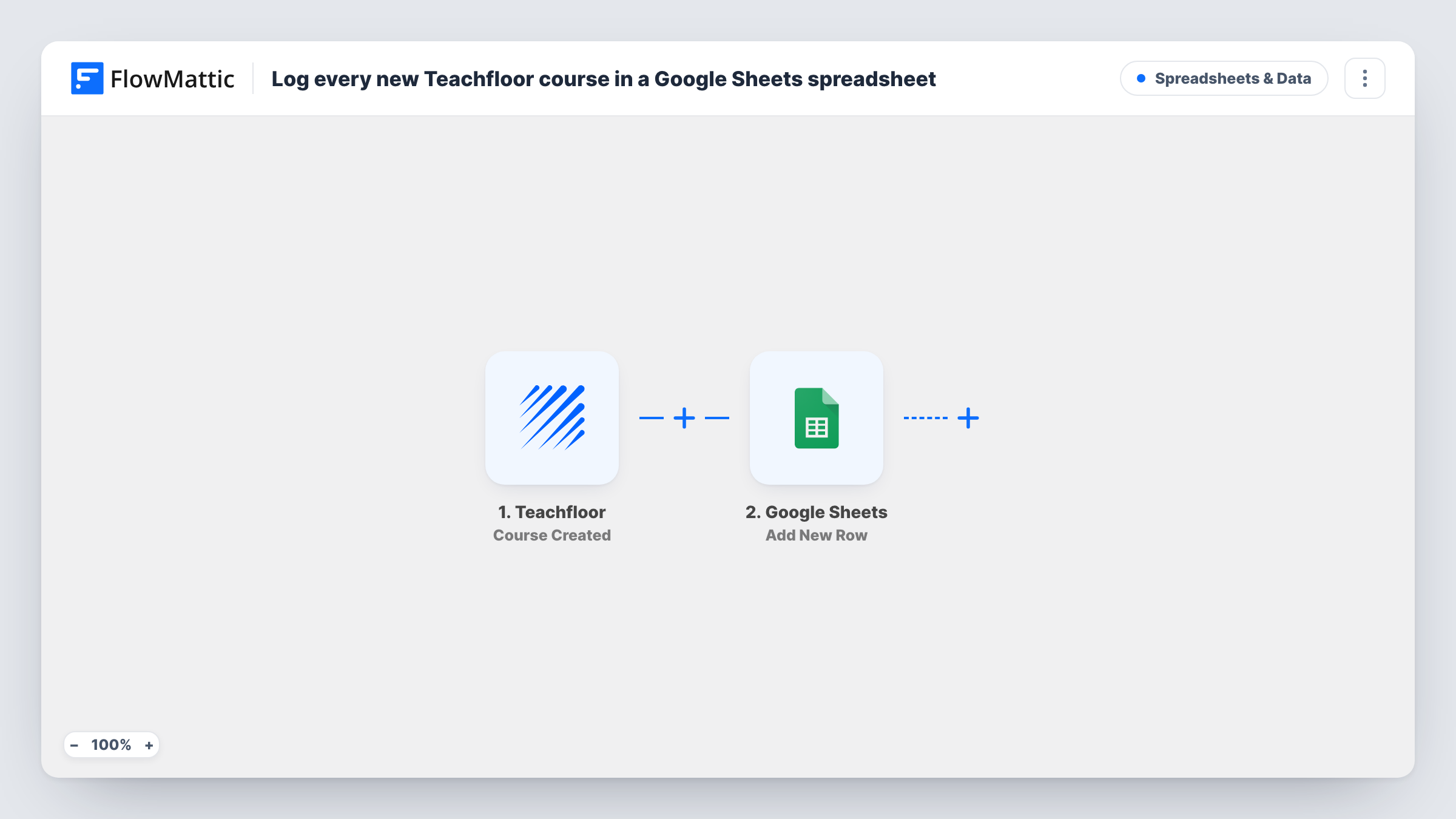
The Teachfloor trigger is Course Created, which fires when a new course is created. FlowMattic receives the course data Teachfloor sends with that event. The second step runs Add New Row in Google Sheets, writing the values you map into the columns of your chosen sheet.
Rows are added once, at creation. If you later rename a course or change its details in Teachfloor, the sheet keeps the original values, and deleting a course does not remove its row. Create a test course after import to see what Teachfloor passes before you set up the columns. Task History shows each run, including the data written to Google.
Course catalogue for the sales team
Sales reps check the shared sheet to see every course your academy has built, without needing a Teachfloor seat.
Planning reviews with instructors
Program managers add their own notes and review dates in extra columns next to each course row as it appears.
Client reporting for a training agency
An agency building courses for clients in Teachfloor shares a sheet that lists each course as it is created, as a simple record of delivered work.
How this workflow runs
What happens at each step once the workflow is on, and what you need before you import it.
 Teachfloor Course Created
Fires when a new course is created in your Teachfloor account. The course details Teachfloor sends are passed on for mapping into the sheet.
- Google Sheets Add New Row
Appends a row for the new course to the Google Sheets spreadsheet you pick. Connect your Google account and map the Teachfloor course values to your columns.
What you need
- FlowMatticCore
- Teachfloor AccountAccount
- Google Sheets AccountAccount
After importing, map your own data. To keep the template universal, not every step is pre-filled. Open each step in the builder and connect your accounts and fields (channels, lists, sheets, recipients) before you switch the workflow on.
Make it yours
Changes worth making after you import it.
- Store the Teachfloor course ID in a column of its own, if the trigger passes one. It makes it easier to match rows to courses later.
- Leave a few columns to the right for your team's notes. The workflow only fills the columns you map, so the rest stay free for manual input.
- Add a second action after Google Sheets, such as a Slack or email message, so the people who sell or support courses hear about each new one.
Questions about this workflow
Does the Google Sheet update when a Teachfloor course is edited?
No. The template reacts only to course creation and writes each row once. FlowMattic also has a Teachfloor Course Updated trigger, which a second workflow could use to log edits.
Are courses created before the import added to the sheet?
No. Only Teachfloor courses created after the workflow is turned on start a run. Add earlier courses to the sheet by hand.
Can I log Teachfloor learner activity in the same sheet?
Not with this template. Teachfloor has other triggers in FlowMattic, and a separate workflow could write that activity to another tab.
Do I need edit access to the Google Sheet?
Yes. The Google account you connect must be able to edit the spreadsheet, or the Add New Row step cannot write to it.
More Spreadsheets & Data workflows
Other ready-to-import templates from the same category.




Import this workflow into your WordPress site
Download the JSON, import it from the Workflows screen and connect your accounts. Every run stays on your server, with no per-task fees.
30-day money-back guarantee Unlimited workflows and runs Self-hosted