

Log every successful PayU payment in a Google Sheets spreadsheet
Each successful PayU payment is added as a new row in a Google Sheets spreadsheet, giving you a running record of incoming payments that you can sort, total and share.
 PayU
PayU
 Google Sheets
2 steps Setup ~5 min Used on 915 sites Free to import
What this workflow does
PayU handles the payment, but your bookkeeping, reporting or reconciliation often happens in a spreadsheet. Copying each payment across by hand is slow and invites typos. This workflow writes every successful payment to a sheet as it happens.
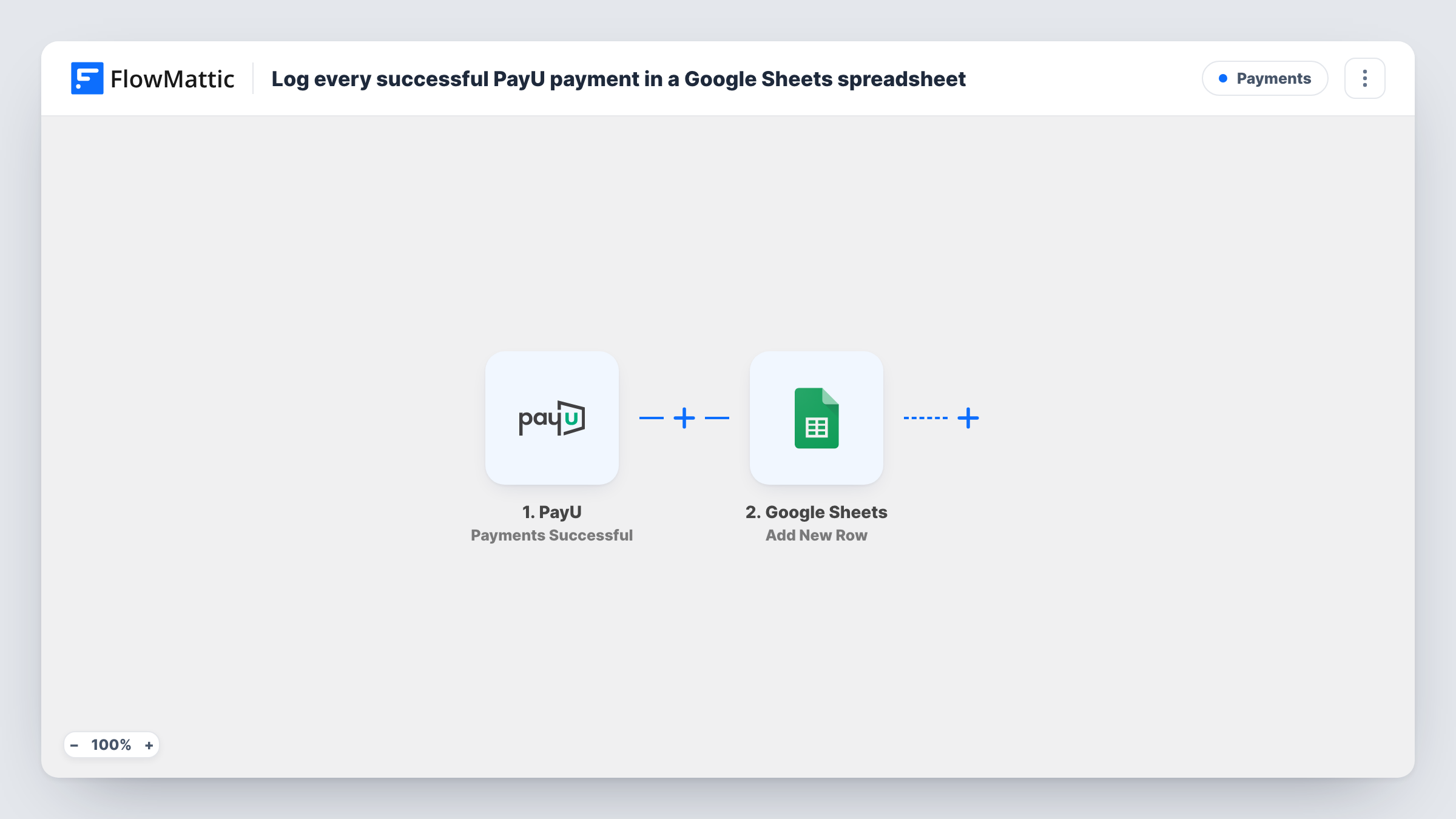
The PayU trigger fires when a successful payment is made on your connected account. FlowMattic passes the payment data PayU sends to Google Sheets, and the Add New Row action writes it into the columns you map.
Only successful payments start a run. Failed payments, refunds and disputes have their own PayU triggers in FlowMattic and are not logged by this template, so a refunded payment keeps its original row.
Daily reconciliation for a small shop
The owner compares the sheet with bank deposits each morning, with every successful PayU payment already listed.
Payment record for an accountant
Share the spreadsheet with your accountant so they see PayU income as it arrives instead of waiting for a monthly export.
Course or event sales tracking
A training provider takes fees through PayU and uses the sheet to count paid places for each course.
How this workflow runs
What happens at each step once the workflow is on, and what you need before you import it.
 PayU Payments Successful
Runs when a successful payment is made through your connected PayU account. The payment data PayU sends is available to map in the next step.
- Google Sheets Add New Row
Writes each successful PayU payment to the Google Sheets spreadsheet you pick as a new row. Map the payment fields into your columns and connect your Google account.
What you need
- FlowMatticCore
- PayU AccountAccount
- Google Sheets AccountAccount
After importing, map your own data. To keep the template universal, not every step is pre-filled. Open each step in the builder and connect your accounts and fields (channels, lists, sheets, recipients) before you switch the workflow on.
Make it yours
Changes worth making after you import it.
- Make a second workflow with PayU's Payments Refund trigger that adds rows to a separate refunds tab, so you can net refunds against this log.
- Make a test payment after import so FlowMattic captures PayU's payment fields, then map them to your columns before you turn the workflow on.
- Add a Filter after the trigger if one PayU account takes payments for several products or sites and this spreadsheet should hold only one of them.
Questions about this workflow
Are failed or refunded PayU payments logged?
No. The trigger fires only on successful payments. PayU's Payments Failed and Payments Refund triggers in FlowMattic can feed separate workflows if you want them recorded.
Will past PayU payments appear in the sheet?
No. Only payments made after you turn the workflow on are added. Bring in older payments yourself if you want a full history.
Does the workflow change anything in PayU?
No. It only reads each successful payment and writes a row to your spreadsheet.
More Payments workflows
Other ready-to-import templates from the same category.






Import this workflow into your WordPress site
Download the JSON, import it from the Workflows screen and connect your accounts. Every run stays on your server, with no per-task fees.
30-day money-back guarantee Unlimited workflows and runs Self-hosted