

Log every Whereby session that starts to a Google Sheets spreadsheet
Each time a Whereby room session starts, which Whereby counts as two or more people in the room, this workflow adds a row to Google Sheets, giving you a running log of meetings held in your rooms.
 Whereby
 Google Sheets
2 steps Setup ~5 min Used on 2.8k sites Free to import
What this workflow does
Whereby rooms are easy to open and leave open, which makes it hard to say later how often they were really used. A spreadsheet with one line per meeting answers that, and it can be shared with people who don't manage the Whereby account. This workflow writes that line for you.
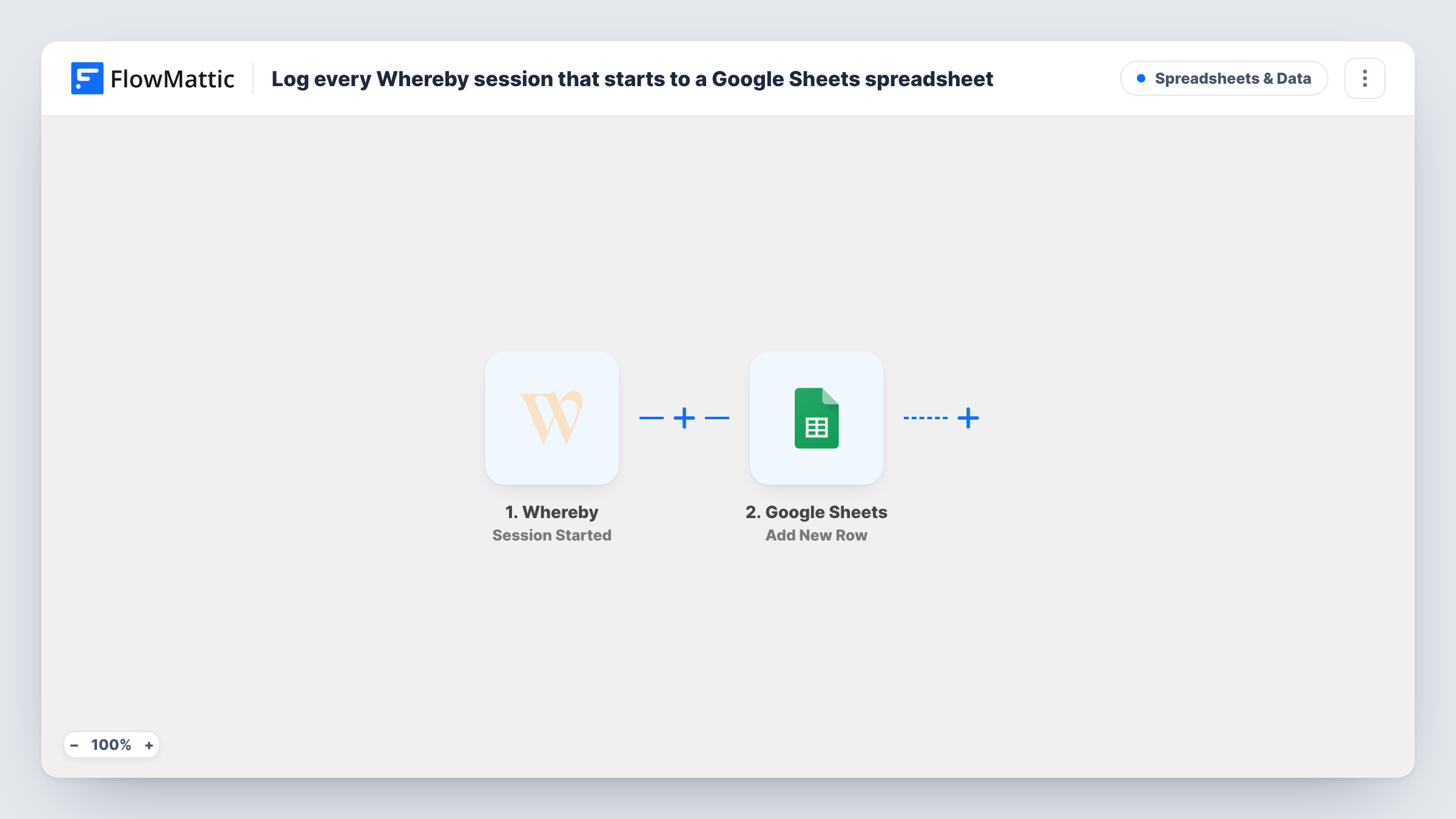
The Whereby trigger fires when a room session starts. FlowMattic describes that moment as when there are at least two users in a room, so someone waiting alone in a room doesn't count. FlowMattic then runs Add New Row in Google Sheets, and you map the room and session details Whereby sends into your columns.
The row marks the start only. The end of a session is a separate Whereby trigger, so this sheet won't show how long a meeting lasted unless you add that event too. Each run appears in Task History with the values written.
Counting client calls per room
A consultancy gives each consultant a Whereby room. The sheet shows how many sessions each room hosted this month, read straight from the room column.
Telehealth appointment log
A small clinic holds video consultations in Whereby and keeps a sheet of when each session started, next to its own booking records.
Tutoring attendance
A tutor checks the sheet at month end to confirm which weekly lessons actually took place, because a row only appears once a student has joined.
How this workflow runs
What happens at each step once the workflow is on, and what you need before you import it.
 Whereby Session Started
Fires when a Whereby room session starts, meaning at least two people are in the room. The room and session details are passed on for the sheet.
- Google Sheets Add New Row
Adds a row to the Google Sheets worksheet you pick, with the Whereby values you map in each column. Set up headers first and connect your Google account during import.
What you need
- FlowMatticCore
- Whereby AccountAccount
- Google Sheets AccountAccount
After importing, map your own data. To keep the template universal, not every step is pre-filled. Open each step in the builder and connect your accounts and fields (channels, lists, sheets, recipients) before you switch the workflow on.
Make it yours
Changes worth making after you import it.
- Start a short test session with a second device after import, then use Task History to see which fields Whereby sends before you map the sheet.
- To record when meetings finish, build a second workflow on Whereby's Session Ended trigger that adds rows to another worksheet, then compare the two in the sheet.
- Add a Filter before the sheet step if you only want sessions from certain rooms logged, matching the room name or URL that Whereby sends.
Questions about this workflow
Does a row appear when only one person opens the Whereby room?
No. A session counts as started only once at least two users are in the room, so a host waiting alone doesn't add a row.
Can the sheet show how long each Whereby meeting lasted?
Not with this template alone, which logs starts. Use Whereby's Session Ended trigger in a second workflow to record the end, and work out the length in the sheet.
Are participant names added to the Google Sheet?
Only if the Session Started trigger includes them, which a test session will show. Whereby also has a separate User Joined Meeting trigger for logging each person.
Will past Whereby sessions be added to the spreadsheet?
No. Only sessions that start after you turn the workflow on create rows.
More Spreadsheets & Data workflows
Other ready-to-import templates from the same category.




Import this workflow into your WordPress site
Download the JSON, import it from the Workflows screen and connect your accounts. Every run stays on your server, with no per-task fees.
30-day money-back guarantee Unlimited workflows and runs Self-hosted