

Log Halo Security events in a Google Sheets spreadsheet for auditing
Every event Halo Security sends to this workflow’s webhook is added as a new row in Google Sheets, giving you a running audit log of security activity you can filter and share.
 Halo Security
 Google Sheets
2 steps Setup ~5 min Used on 3.1k sites Free to import
What this workflow does
Audits and incident reviews go faster when you can show what your security tooling reported and when. Halo Security's own dashboard is the place to act on findings, but a spreadsheet is easier to hand to an auditor, sort by date or join with other records. This workflow appends each Halo Security event to a sheet as it arrives.
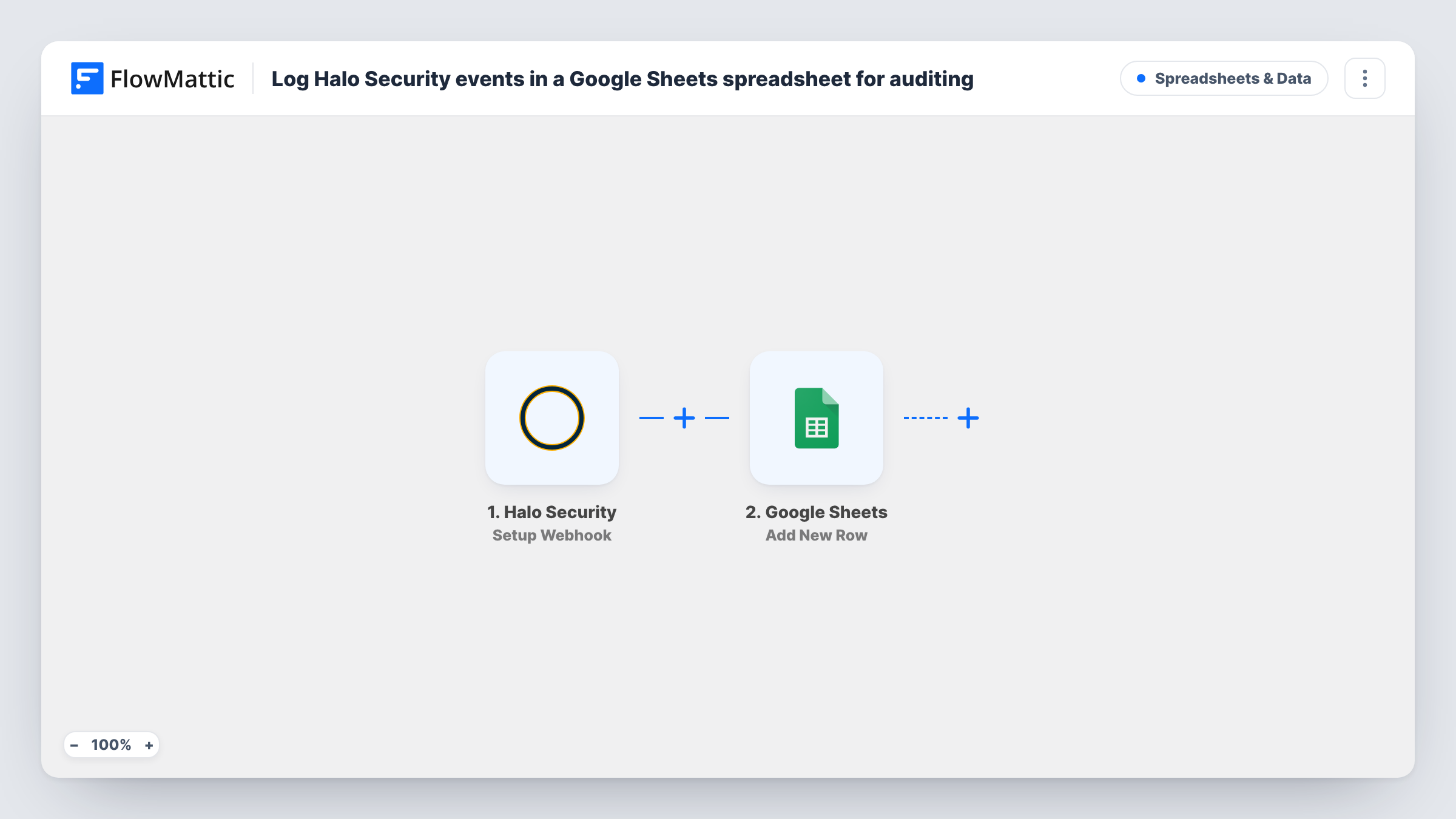
The Halo Security trigger gives you a webhook URL to add in your Halo Security account. FlowMattic describes it as a trigger for all the events, so whatever Halo Security sends to that URL starts a run. Nothing in the template narrows it to one kind of event.
The Google Sheets step adds one row per event. No column is mapped yet. After import you choose the spreadsheet and sheet, then map the event details you want to keep, choosing from the field names a test event shows.
Rows are only ever added, so the sheet keeps the full history. When the first event comes in, check the new row and the run in Task History.
Evidence for a compliance audit
A SaaS company keeps a dated sheet of every Halo Security event to show auditors which security alerts it received and when.
Monthly security report
An IT manager builds a pivot table from the log at the end of each month to report the number of events by type to leadership.
Shared record for an outside consultant
A small business shares the sheet, view-only, with its security consultant, who reviews new rows without needing a Halo Security login.
How this workflow runs
What happens at each step once the workflow is on, and what you need before you import it.
 Halo Security Setup Webhook
Provides a webhook URL to register in Halo Security and starts a run for every event Halo Security posts there. The event data it carries becomes available to map into the sheet.
- Google Sheets Add New Row
Appends one row per Halo Security event to the spreadsheet you select. The template maps no columns, so after import choose the sheet and map the event fields to your column headers.
What you need
- FlowMatticCore
- Halo Security AccountAccount
- Google Sheets AccountAccount
After importing, map your own data. To keep the template universal, not every step is pre-filled. Open each step in the builder and connect your accounts and fields (channels, lists, sheets, recipients) before you switch the workflow on.
Make it yours
Changes worth making after you import it.
- To alert people as well as log, add a Discord Send Channel Message step after the Google Sheets step, so each Halo Security event is recorded first and then posted to your security channel.
- To log only some event types, put a Filter between the Halo Security trigger and the Google Sheets step that checks an event field you find in a test run. The value to match is yours to choose.
- Protect the sheet's existing rows in Google Sheets so team members can read and comment but not edit the audit history by accident.
Questions about this workflow
Which Halo Security events are logged?
Every event Halo Security sends to the webhook URL. The trigger isn't limited to one event type, so if you only want some, add a Filter between the trigger and the Google Sheets step.
How do I connect Halo Security to the workflow?
Copy the webhook URL from the trigger step after import and add it in your Halo Security account's webhook settings, then watch Task History for the first event.
Which columns does each Halo Security event fill?
Only those you match to headers in Add New Row. The first event that arrives shows the fields Halo Security sends, and you match them to your column headers.
More Spreadsheets & Data workflows
Other ready-to-import templates from the same category.



Import this workflow into your WordPress site
Download the JSON, import it from the Workflows screen and connect your accounts. Every run stays on your server, with no per-task fees.
30-day money-back guarantee Unlimited workflows and runs Self-hosted