

Log new JetFormBuilder submissions in Smartsheet rows
Every JetFormBuilder form submission on your WordPress site is added as a new row in a Smartsheet sheet, giving your team a shared tracker of entries they can work from outside WordPress.
 JetFormBuilder
 Smartsheet
2 steps Setup ~5 min Used on 1.2k sites Free to import
What this workflow does
JetFormBuilder keeps form entries inside WordPress, but the people who act on them often plan their work in Smartsheet. Copying each entry across by hand is slow and easy to forget. This workflow adds the entry to your sheet when the form is sent.
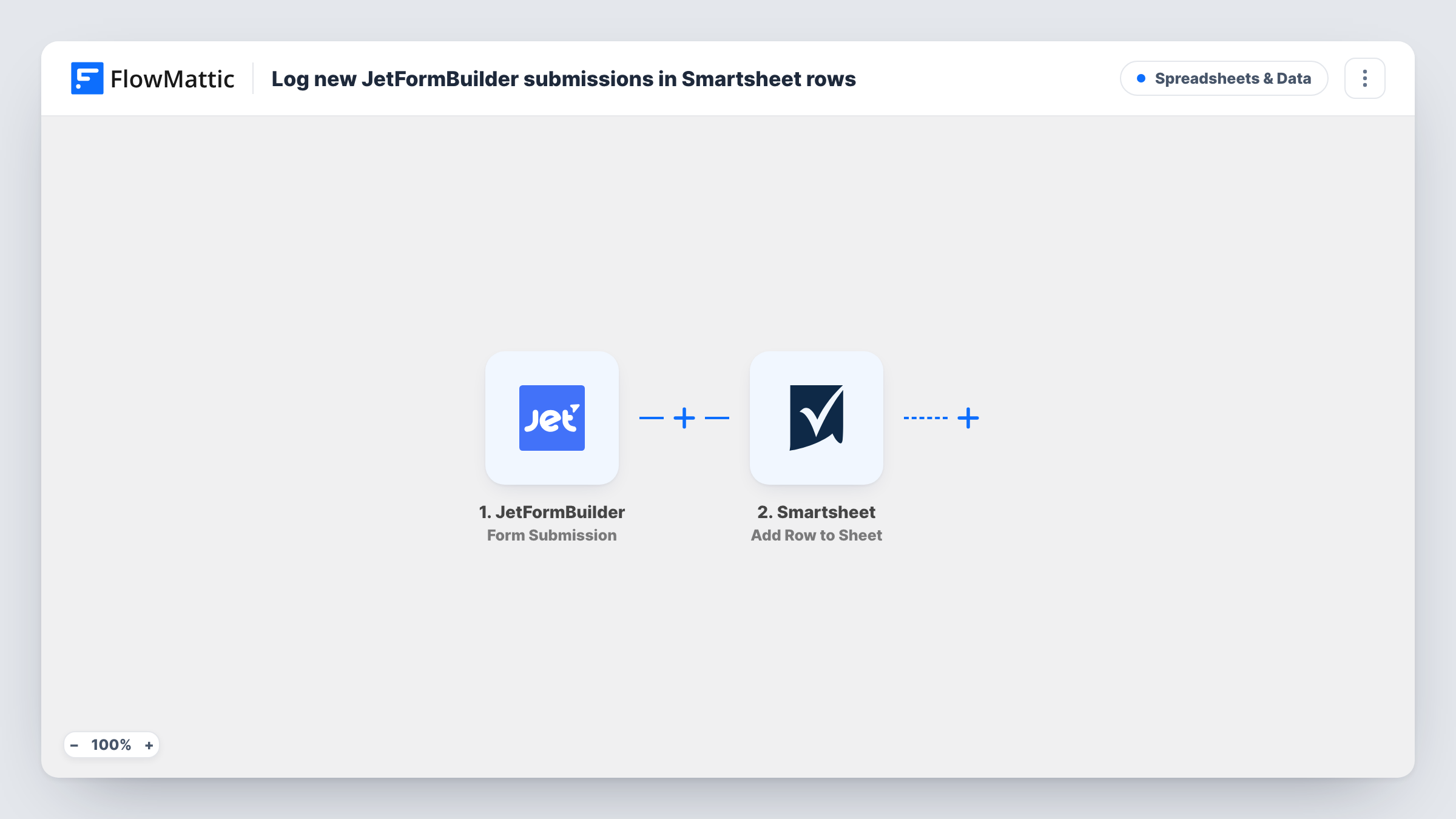
The JetFormBuilder trigger runs whenever one of your forms is submitted. FlowMattic receives the submitted fields and hands them to Smartsheet, where the Add Row to Sheet action writes them into the sheet you connect. You decide which form field fills which Smartsheet column.
Each submission becomes one row, with nothing filtered out between the two steps. Once the data is in Smartsheet, your team can assign owners, set status columns and build reports there as usual. Task History records each run, so you can see what went to Smartsheet for any entry.
Service requests for an operations team
Customers request a site visit through a JetFormBuilder form. Each request becomes a Smartsheet row that the operations team assigns and tracks to completion.
Content submissions for an editorial calendar
Contributors pitch articles through a form, and every pitch lands in the editorial Smartsheet where editors set a status and a publish date.
Volunteer sign-ups for an event
Volunteers register their availability on your site. The coordinator sees each sign-up as a Smartsheet row and plans shifts from the sheet.
How this workflow runs
What happens at each step once the workflow is on, and what you need before you import it.
 JetFormBuilder Form Submission
Runs when a visitor submits a JetFormBuilder form on your site. All submitted field values are passed on for mapping into Smartsheet.
- Smartsheet Add Row to Sheet
Adds a row to the Smartsheet sheet you choose. Connect your Smartsheet account and map each form field to a column in your sheet, then send a test entry to see the row arrive.
What you need
- FlowMatticCore
- JetFormBuilder AccountAccount
- Smartsheet AccountAccount
After importing, map your own data. To keep the template universal, not every step is pre-filled. Open each step in the builder and connect your accounts and fields (channels, lists, sheets, recipients) before you switch the workflow on.
Make it yours
Changes worth making after you import it.
- If more than one JetFormBuilder form exists on the site, add a Filter on the form ID or name so only the intended form writes to this Smartsheet sheet.
- Set up all your Smartsheet columns before mapping, so you can match each JetFormBuilder field to a column in one pass.
- Add a hidden field to the JetFormBuilder form with the page URL or a source label, and map it to its own Smartsheet column to see where each entry came from.
Questions about this workflow
Does JetFormBuilder still save the entry in WordPress?
Yes. The workflow reads the submission after it is sent and does not change the form's own actions, so anything JetFormBuilder does with the entry still happens.
Can JetFormBuilder entries go to more than one Smartsheet sheet?
Not as imported. Add a second Add Row to Sheet step for another sheet, or use a Router with exact conditions to send different entries to different sheets.
Will this update a Smartsheet row if the same person submits again?
No. Every submission adds a new row. Use Smartsheet's own tools to spot repeat names or emails.
Do I need a Smartsheet account for this?
Yes. FlowMattic adds rows through the Smartsheet account you connect, which needs access to the target sheet.
More Spreadsheets & Data workflows
Other ready-to-import templates from the same category.






Import this workflow into your WordPress site
Download the JSON, import it from the Workflows screen and connect your accounts. Every run stays on your server, with no per-task fees.
30-day money-back guarantee Unlimited workflows and runs Self-hosted