

Log Ziflow review completions in a Google Sheets spreadsheet
Each time a review is completed in Ziflow, this workflow writes a new row to a Google Sheets spreadsheet, building a running log of finished proof reviews you can sort, share and report from.
 Ziflow
 Google Sheets
2 steps Setup ~5 min Used on 2.2k sites Free to import
What this workflow does
Creative teams often need a plain record of which proofs finished review and when: for client reporting, for billing by round, or to see how long approvals take. Ziflow holds that history, but pulling it into a spreadsheet by hand gets tedious. This workflow adds a line to your sheet every time a review wraps up.
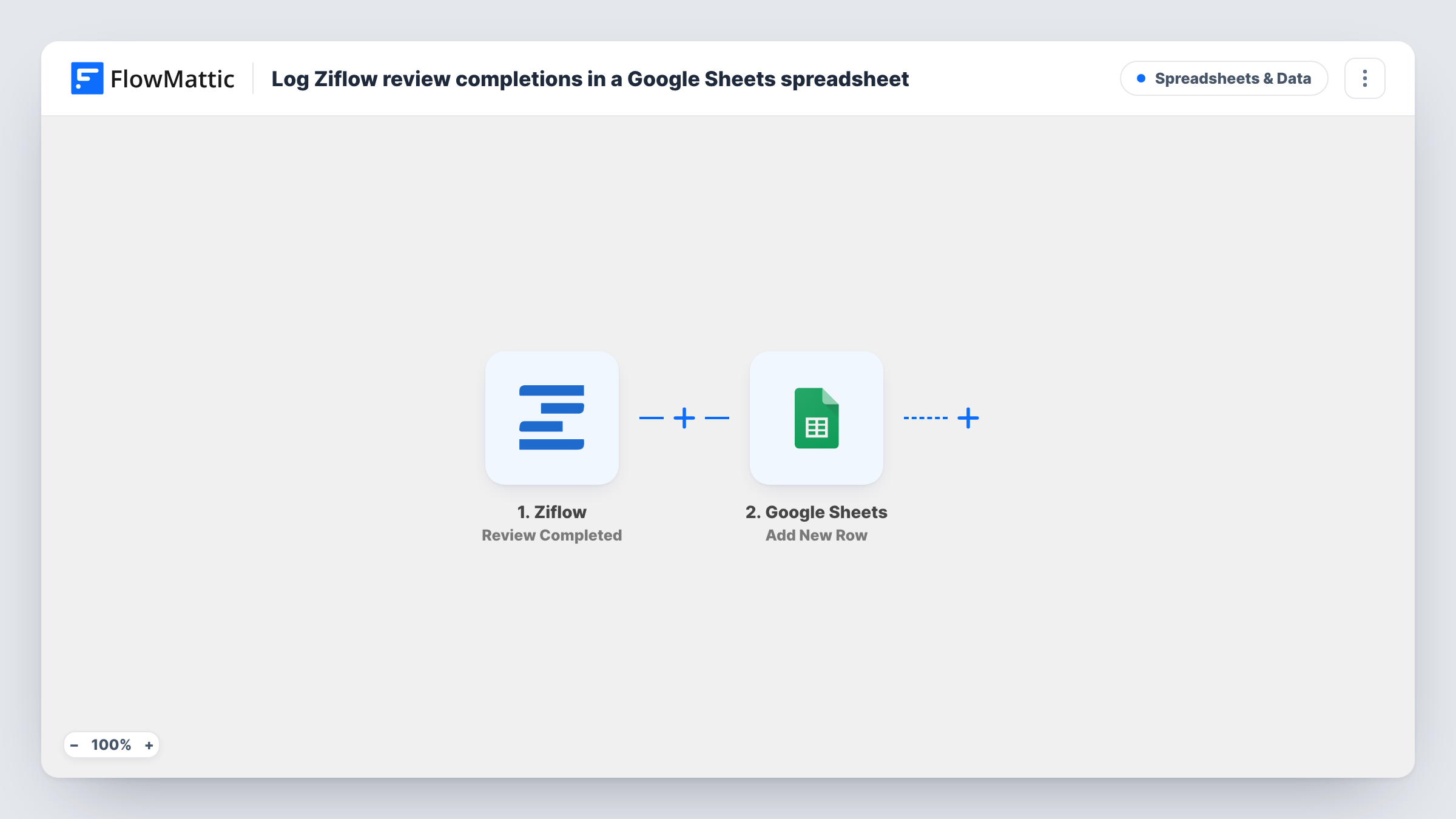
The Ziflow Review Completed trigger fires when a review is completed. FlowMattic passes the data Ziflow sends about it to Google Sheets, where the Add New Row action appends a row to the spreadsheet and worksheet you pick. You decide which Ziflow details land in which column.
Rows are only added, never edited, so the sheet grows into a full log over time. Ziflow itself isn't changed by the workflow. Task History records each run and the values written, which helps when you first match columns to the Ziflow data.
Monthly client report for an agency
At month end, filter the sheet by client to show how many proofs completed review, without exporting anything from Ziflow.
Billing creative work by review
A studio that charges per review round uses the sheet as the source for invoices.
Turnaround tracking for marketing ops
Add a formula column next to the logged data to compare completion dates across campaigns.
How this workflow runs
What happens at each step once the workflow is on, and what you need before you import it.
 Ziflow Review Completed
Fires when a review is completed in your Ziflow account. The information Ziflow sends about that review is handed to the spreadsheet step.
- Google Sheets Add New Row
Appends a row to the Google Sheets spreadsheet and worksheet you select. Connect Google, then map Ziflow review details, such as the proof name, to the sheet's columns.
What you need
- FlowMatticCore
- Ziflow AccountAccount
- Google Sheets AccountAccount
After importing, map your own data. To keep the template universal, not every step is pre-filled. Open each step in the builder and connect your accounts and fields (channels, lists, sheets, recipients) before you switch the workflow on.
Make it yours
Changes worth making after you import it.
- Set up your column headers in the sheet before mapping, then complete a test review in Ziflow so its fields are ready to map.
- Add a Slack or Discord step after the sheet if the team should also hear when a review finishes.
- Add a Filter after the trigger to log only reviews that match a value you care about, such as one project. Check a test run for the field name first.
Questions about this workflow
Which Ziflow event adds a row to the sheet?
Ziflow's Review Completed event. Other Ziflow events, such as decisions on a proof or comments, have their own triggers in FlowMattic and don't start this workflow.
Will past Ziflow reviews be copied into Google Sheets?
No. The sheet only gets rows for reviews completed while the workflow is switched on.
Does the workflow edit existing rows in the log?
No. Add New Row only appends, so every completed review becomes its own line.
More Spreadsheets & Data workflows
Other ready-to-import templates from the same category.



Import this workflow into your WordPress site
Download the JSON, import it from the Workflows screen and connect your accounts. Every run stays on your server, with no per-task fees.
30-day money-back guarantee Unlimited workflows and runs Self-hosted