

Notify the team via Discord when an Act-On automated program starts
When an automated program starts in Act-On, FlowMattic posts a notice to your Discord channel, so the marketing team knows that program is now running and sending.
 Act-On
 Discord
2 steps Setup ~5 min Used on 417 sites Free to import
What this workflow does
Act-On automated programs send emails on a schedule once they start. If a program goes live and the rest of the team doesn't know, sales may contact the same people, or support may be surprised by replies. This workflow puts each program start in a Discord channel.
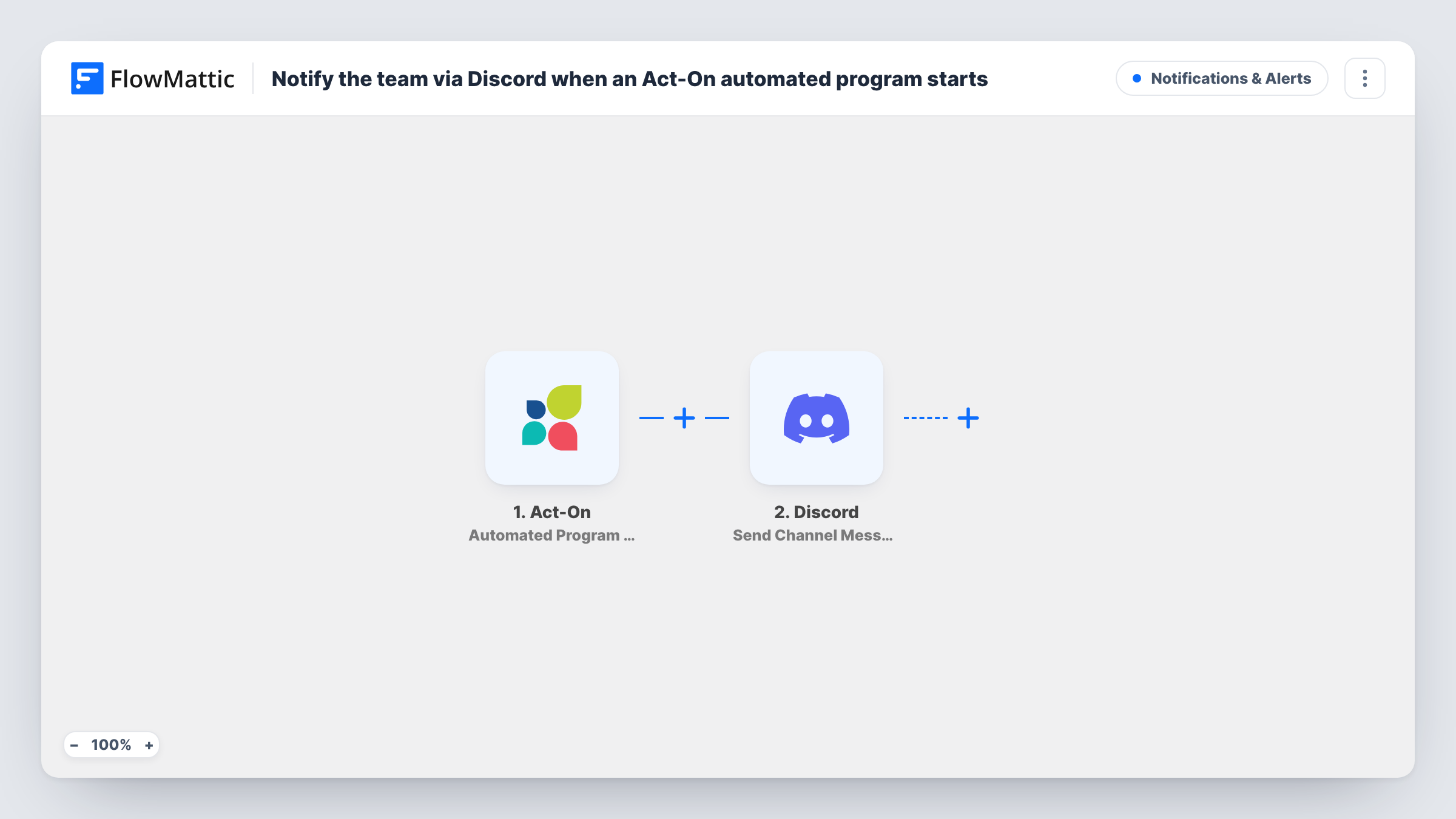
The Act-On trigger, Automated Program Started, fires when an automated program is started. FlowMattic then posts to the channel you choose with Discord's Send Channel Message action. Map in the program details Act-On sends, such as the program name, so people know which one began.
Every program started in the connected Act-On account produces one post. Act-On also has an Automated Program Stopped trigger, so a second workflow can report when programs end.
Heads-up for the sales team
Reps see in Discord that a nurture program has started, and hold off on their own outreach to the same segment.
Launch-day coordination
On a product launch, the team channel shows the moment the announcement program begins sending.
Agency client channels
An agency posts program starts to a channel shared with the client, so they know when their campaign is under way.
How this workflow runs
What happens at each step once the workflow is on, and what you need before you import it.
 Act-On Automated Program Started
Fires when an automated program is started in your Act-On account. The program data from the event is passed on for the Discord post.
- Discord Send Channel Message
Sends a message to the Discord channel you choose. Write the text and map in the Act-On program details, then connect your Discord server.
What you need
- FlowMatticCore
- Act-On AccountAccount
- Discord AccountAccount
After importing, map your own data. To keep the template universal, not every step is pre-filled. Open each step in the builder and connect your accounts and fields (channels, lists, sheets, recipients) before you switch the workflow on.
Make it yours
Changes worth making after you import it.
- Import the workflow a second time and switch the trigger to Act-On's Automated Program Stopped, so the channel also hears when a program ends.
- Start a test program after import so FlowMattic captures the real Act-On fields, then put the program name at the start of the Discord message.
- Mention a Discord role in the message, such as Sales, so the people who need to change their plans are notified.
Questions about this workflow
Does the Discord post fire when an Act-On program is stopped?
No. This template uses Automated Program Started. Act-On's Automated Program Stopped is a separate trigger you can use in another workflow.
Does every Act-On program start create a Discord post?
Yes, as imported, for each program started in the connected account. Add a Filter on the program name to limit it.
Can the workflow stop or change an Act-On program?
No. It only reads the start event and posts a message to Discord.
More Notifications & Alerts workflows
Other ready-to-import templates from the same category.





Import this workflow into your WordPress site
Download the JSON, import it from the Workflows screen and connect your accounts. Every run stays on your server, with no per-task fees.
30-day money-back guarantee Unlimited workflows and runs Self-hosted