

Post a Discord message when a new Instabug bug is submitted
Each report that reaches Instabug’s New Bug trigger is posted as a message in a Discord channel, so your developers see what testers and users reported from inside the app.
 Instabug
 Discord
2 steps Setup ~5 min Used on 3.4k sites Free to import
What this workflow does
Instabug collects reports from inside your mobile app, but someone has to open the dashboard to notice them. If your team already talks in Discord, a message there puts each report in front of the people who fix it. This workflow sends one message per report.
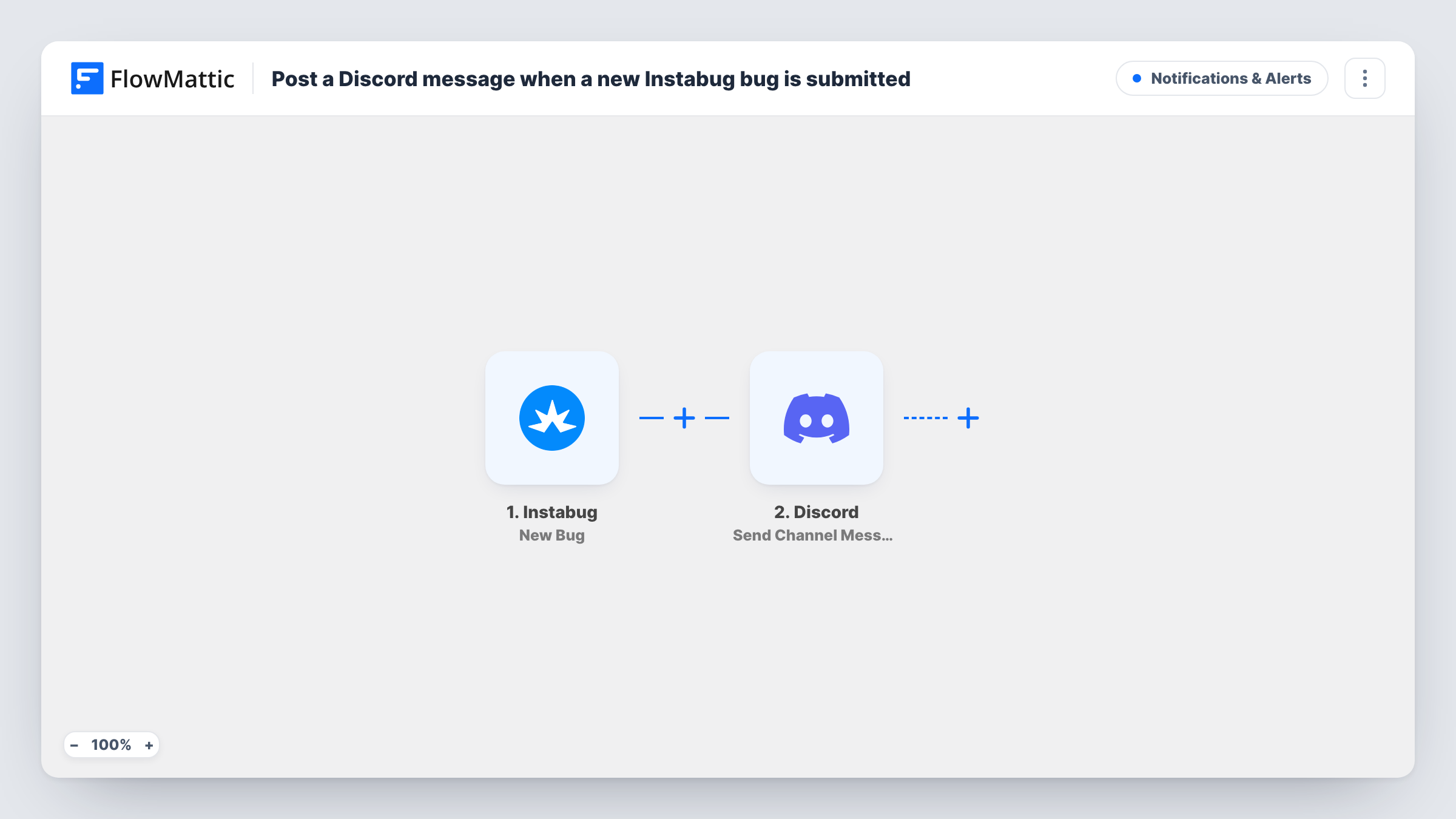
The Instabug New Bug trigger fires when a report comes in. FlowMattic's description of the trigger says it covers bugs, improvement requests and questions, so all three report types start a run unless you narrow it. The report's data, such as its title and details, is passed to Discord. The Send Channel Message action posts a message you write to the channel you choose, filled with the Instabug values you map.
As shipped, every report becomes a message, which can get busy after a release. A Filter on the report type keeps the channel to bugs only, and the tips explain how. Each run's message text is listed in Task History for checking.
Beta testing in a Discord community
Beta testers send reports through Instabug in your app. Each one shows up in a #beta-reports channel where developers pick it up and reply in a thread.
Indie game studio triage
A small studio runs everything from Discord. New Instabug reports land in a #bugs channel, so whoever is online can confirm and assign them.
Release-day watch
After shipping an update, the team watches one channel for incoming reports instead of refreshing the Instabug dashboard.
How this workflow runs
What happens at each step once the workflow is on, and what you need before you import it.
 Instabug New Bug
Fires when a new report is submitted to Instabug: a bug, an improvement suggestion or a question, per the trigger's description. The report's details are passed on for the Discord message.
- Discord Send Channel Message
Sends the report summary into the Discord channel picked in this step. Connect Discord, then write the message and drop in Instabug values such as the report title and details so the team can read it at a glance.
What you need
- FlowMatticCore
- Instabug AccountAccount
- Discord AccountAccount
After importing, map your own data. To keep the template universal, not every step is pre-filled. Open each step in the builder and connect your accounts and fields (channels, lists, sheets, recipients) before you switch the workflow on.
Make it yours
Changes worth making after you import it.
- Run a test report, then add a Filter after the trigger on the report type value it shows, so only bugs reach the channel and other report types end at the Filter.
- Use a Router to post bugs to #bugs and improvement requests to #feedback, giving each route its own Discord step and a condition on the report type.
- Include a link to the report in the message if the Instabug data carries one, so a developer can jump straight to it from Discord.
Questions about this workflow
Does this post Instabug improvement requests and questions to Discord too?
Yes, as imported. All three report types reach this trigger, not only bugs. Add a Filter on the report type if you want bugs only.
Can the Discord message mention a role or person?
Discord turns role and user mentions written in its own mention format into pings. Add that text to the message body, then test to confirm it pings the right people.
Are crashes from Instabug included?
This template uses the New Bug trigger only. Crashes come through FlowMattic's separate Instabug New Crash trigger, so build a second workflow on it if you want crash alerts in Discord as well.
Will Instabug reports from before import be posted?
No. The trigger only picks up reports submitted after the workflow is on. Older reports stay in your Instabug dashboard.
More Notifications & Alerts workflows
Other ready-to-import templates from the same category.




Import this workflow into your WordPress site
Download the JSON, import it from the Workflows screen and connect your accounts. Every run stays on your server, with no per-task fees.
30-day money-back guarantee Unlimited workflows and runs Self-hosted