

Post a Discord message when a Zoho Billing subscription is cancelled
When a subscription is cancelled in Zoho Billing, FlowMattic posts a message to a Discord channel, so your team hears about the cancellation where they already chat.
 Zoho Billing (Trigger)
 Discord
2 steps Setup ~5 min Used on 654 sites Free to import
What this workflow does
Cancellations are easy to miss when they only show up inside your billing tool. If your team works in Discord, a message there means someone sees each one the day it happens and can decide whether to reach out.
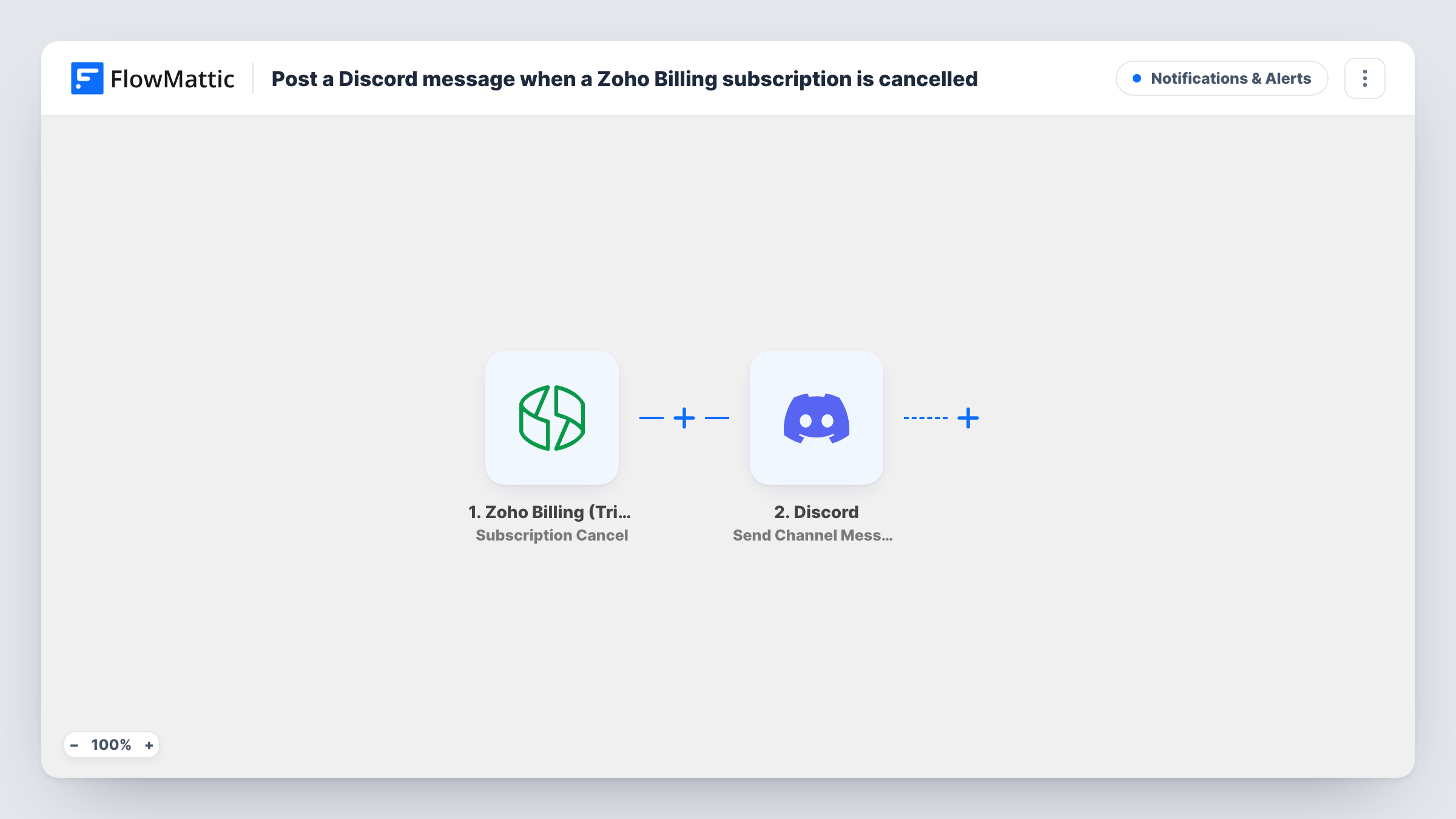
The Zoho Billing (Trigger) app starts a run when a subscription is cancelled in your Zoho Billing account. FlowMattic receives the subscription and customer details, then uses the Send Channel Message action in Discord to post to a channel.
The message isn't written in the template. After import, connect Discord, pick where the message goes, and write the text, mapping in details from the cancellation such as the customer's name or the plan. A test cancellation, for example on a test customer, lets FlowMattic show you which details Zoho Billing sends.
Every post is recorded in Task History, with Discord's error if one comes back.
Founders watching churn
A two-person SaaS team runs its company chat in Discord. Each cancellation posts there, so both founders know who left and can follow up personally.
Community-led products
A product with a Discord community keeps a private staff channel. Cancellations land there for the support lead to review that week.
Spotting a pattern
Map the plan name into the message. When several cancellations in a row name the same plan, the channel makes the pattern visible.
How this workflow runs
What happens at each step once the workflow is on, and what you need before you import it.
 Zoho Billing (Trigger) Subscription Cancel
Starts a run when a subscription is cancelled in Zoho Billing. After you link the Zoho Billing account, the cancellation's details can be used in the message.
- Discord Send Channel Message
Posts a message to a Discord channel. Connect Discord, choose the destination, and write the text with the Zoho Billing details you want your team to see.
What you need
- FlowMatticCore
- Zoho Billing (Trigger) AccountAccount
- Discord AccountAccount
After importing, map your own data. To keep the template universal, not every step is pre-filled. Open each step in the builder and connect your accounts and fields (channels, lists, sheets, recipients) before you switch the workflow on.
Make it yours
Changes worth making after you import it.
- Put the customer's email in the Discord message so whoever follows up can contact them without opening Zoho Billing.
- Post to a private staff channel rather than a public community channel, since the message contains customer details.
- Add a second step after Discord, such as a Google Sheets row, to keep a running list of cancellations you can count later.
Questions about this workflow
What does the Discord message say about the Zoho Billing cancellation?
Whatever you write. The template leaves the message empty, so you add the text and map in details such as the customer name or plan after a test run.
Does this tell the customer anything?
No. The only action posts to your Discord channel. The customer sees nothing from this workflow.
Will past Zoho Billing cancellations be posted?
No. Only cancellations that happen after the workflow is turned on start a run.
More Notifications & Alerts workflows
Other ready-to-import templates from the same category.





Import this workflow into your WordPress site
Download the JSON, import it from the Workflows screen and connect your accounts. Every run stays on your server, with no per-task fees.
30-day money-back guarantee Unlimited workflows and runs Self-hosted