

Post a Discord notification when a new ActiveCollab comment is created
Each comment created in ActiveCollab is posted to a Discord channel you choose, so a team that talks in Discord sees project discussion without opening ActiveCollab.
 ActiveCollab
 Discord
2 steps Setup ~5 min Used on 3.1k sites Free to import
What this workflow does
Comments in ActiveCollab hold decisions, questions and client feedback, but only people who open the right task see them. If your team lives in Discord, those comments sit unread. This workflow copies each new comment into a Discord channel.
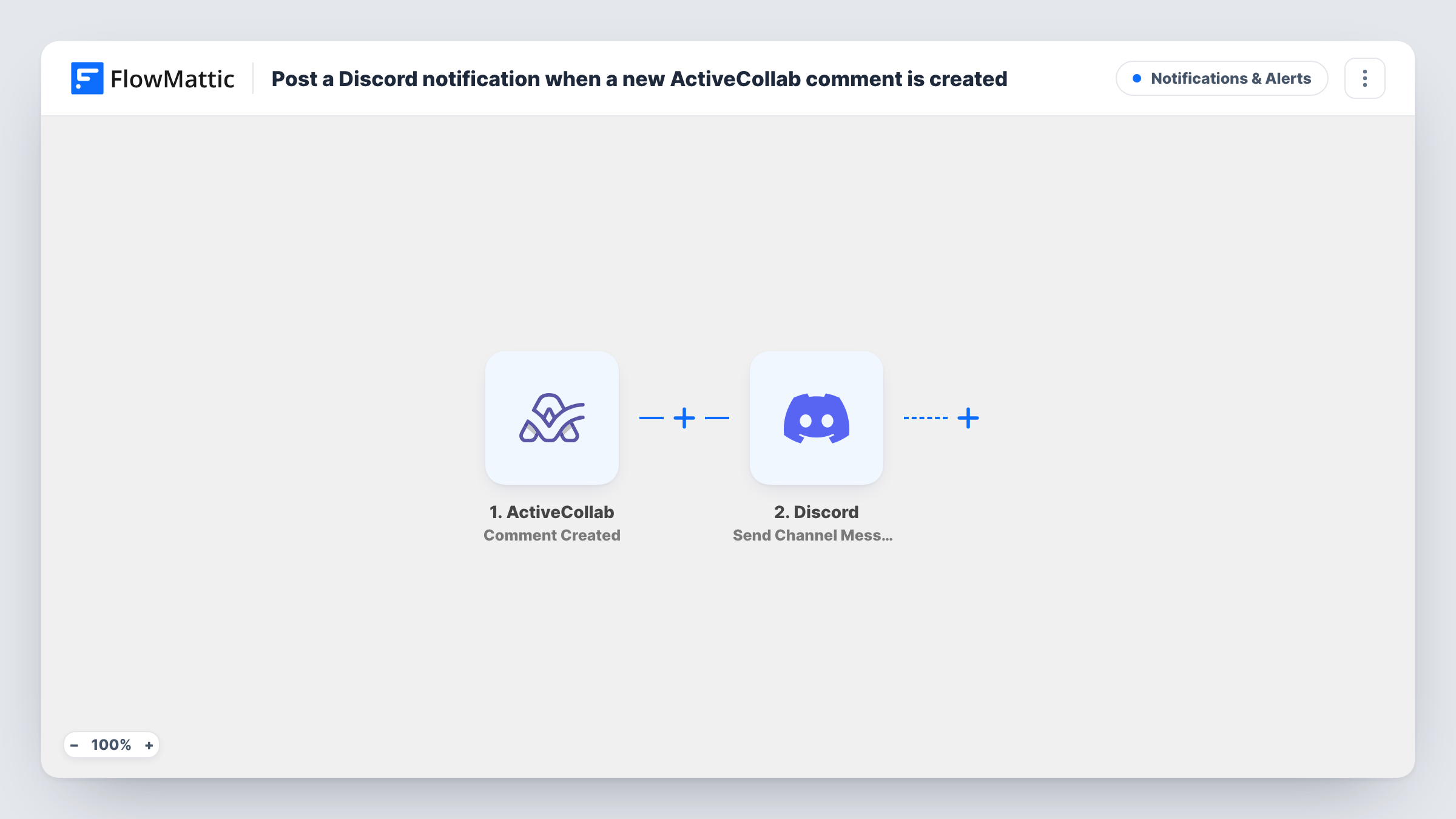
The ActiveCollab trigger, Comment Created, fires when a comment is created. FlowMattic receives the comment data and passes it to Discord. The Send Channel Message step posts to the channel you select, using a message you build from the comment's values, such as its text and where it was posted.
There is no Filter in the template, so every comment that ActiveCollab reports reaches the channel. On busy projects that can be a lot of messages. A Filter after the trigger, explained in the tips, keeps the channel to the comments that matter.
Remote dev team in one Discord server
Developers chat in Discord, while the project manager works in ActiveCollab. New task comments show up in a #project-updates channel, so nobody misses a question.
Client feedback alerts for an agency
When a client leaves a comment on a task in ActiveCollab, the studio's Discord channel shows it, and the right designer can reply quickly.
Community or open-source project updates
Maintainers plan in ActiveCollab and keep contributors informed by mirroring comments into a Discord channel.
How this workflow runs
What happens at each step once the workflow is on, and what you need before you import it.
 ActiveCollab Comment Created
Fires when a comment is created in your ActiveCollab account. The comment's data is passed on so the Discord step can include it.
- Discord Send Channel Message
Sends the comment into the Discord channel your project team follows. Write the message and insert values from the ActiveCollab comment, then connect your Discord account on import.
What you need
- FlowMatticCore
- ActiveCollab AccountAccount
- Discord AccountAccount
After importing, map your own data. To keep the template universal, not every step is pre-filled. Open each step in the builder and connect your accounts and fields (channels, lists, sheets, recipients) before you switch the workflow on.
Make it yours
Changes worth making after you import it.
- Add a Filter after the trigger if only one project's comments belong in this channel. Check a test run to find the project value ActiveCollab sends, then continue only when it matches.
- Long comments can make the channel hard to read. Add a Text Formatter Truncate step before Discord and map its result into the message.
- Write a comment on a test task after import so FlowMattic captures real ActiveCollab data before you build the Discord message.
Questions about this workflow
Does every ActiveCollab comment go to Discord?
Yes, as imported. The Comment Created trigger runs for each new comment and nothing filters them. Add a Filter to limit it to a project or a person.
Will edits to an ActiveCollab comment post again?
The trigger is Comment Created, which fires when a comment is created. Edits are a different event and aren't what this trigger listens for.
Can people reply in Discord and have it appear in ActiveCollab?
No. The workflow only sends comments one way, from ActiveCollab to Discord.
More Notifications & Alerts workflows
Other ready-to-import templates from the same category.




Import this workflow into your WordPress site
Download the JSON, import it from the Workflows screen and connect your accounts. Every run stays on your server, with no per-task fees.
30-day money-back guarantee Unlimited workflows and runs Self-hosted