

Post a Discord notification for every new Konstantly account
Each time a new user account is created in Konstantly, FlowMattic posts a message to the Discord channel you choose, so trainers and admins see new learners without opening the Konstantly dashboard.
 Konstantly
 Discord
2 steps Setup ~5 min Used on 3.4k sites Free to import
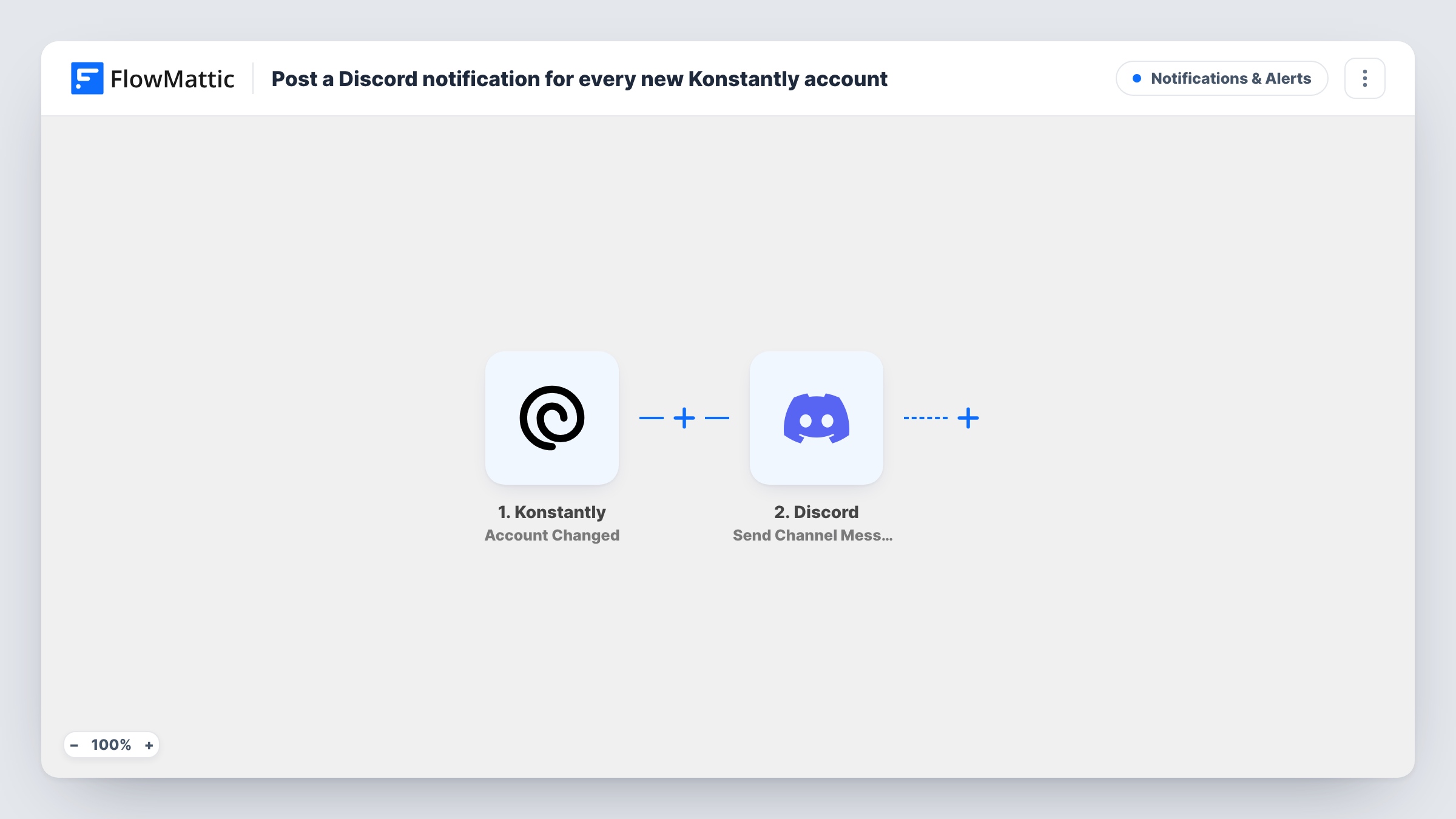
What this workflow does
When people join your Konstantly training platform, someone usually has to welcome them, assign a course or check that the right team invited them. That's easier when the news shows up where your staff already talk. This workflow posts a note in Discord for every new Konstantly account.
The Konstantly trigger fires when a new user account is created. The user's details are passed to the next step; run a test to see which ones Konstantly sends, such as the name and email.
The Discord step posts a new message to the channel you pick. It ships unmapped, so after import you connect your Discord server, choose the channel and write the message, mapping in the new user's details from Konstantly.
Every new account produces one message, including test accounts and admins you add yourself. If your Discord channel is visible to many people, think about which user details you include. Task History shows each run and what Discord returned.
Onboarding team sees each new learner
An HR team that runs compliance training in Konstantly gets a Discord message for each new account, so someone assigns the starter course the same day.
Community course signups
A creator who sells courses through Konstantly and runs a Discord community posts each new learner's first name in a staff channel to plan welcome messages.
Checking who gets access
An admin watches a private staff channel to confirm that every new Konstantly account belongs to someone the company expects.
How this workflow runs
What happens at each step once the workflow is on, and what you need before you import it.
 Konstantly User Created
Fires when a new user account is created in Konstantly. The new user's details become available to map into the Discord message; check a test run to see the exact fields.
- Discord Send Channel Message
Sends a note to one channel on your Discord server. Nothing is preset: connect your server, pick the channel and write the text, mapping in the new user's name or email from Konstantly.
What you need
- FlowMatticCore
- Konstantly AccountAccount
- Discord AccountAccount
After importing, map your own data. To keep the template universal, not every step is pre-filled. Open each step in the builder and connect your accounts and fields (channels, lists, sheets, recipients) before you switch the workflow on.
Make it yours
Changes worth making after you import it.
- Post to a staff-only Discord channel if the message includes email addresses, so learners in your community can't see each other's details.
- Start a second workflow on Konstantly's Course Finished trigger to post completions in the same staff channel, so the team sees both joins and finishes.
Questions about this workflow
Which Konstantly details can the Discord message show?
Any user field the User Created trigger sends, such as the name and email. A test account created after import shows every field Konstantly passes along.
Will accounts I create myself in Konstantly post to Discord too?
Yes. The trigger fires for each new user account, however it was created, so admin-created and invited accounts each post a message.
Can new Konstantly accounts be announced in two Discord channels?
Yes. Add another Send Channel Message step after the first one and choose a second channel, with its own wording if you like.
More Notifications & Alerts workflows
Other ready-to-import templates from the same category.




Import this workflow into your WordPress site
Download the JSON, import it from the Workflows screen and connect your accounts. Every run stays on your server, with no per-task fees.
30-day money-back guarantee Unlimited workflows and runs Self-hosted