

Post a Discord notification when a comment is added to a Sentry.io issue
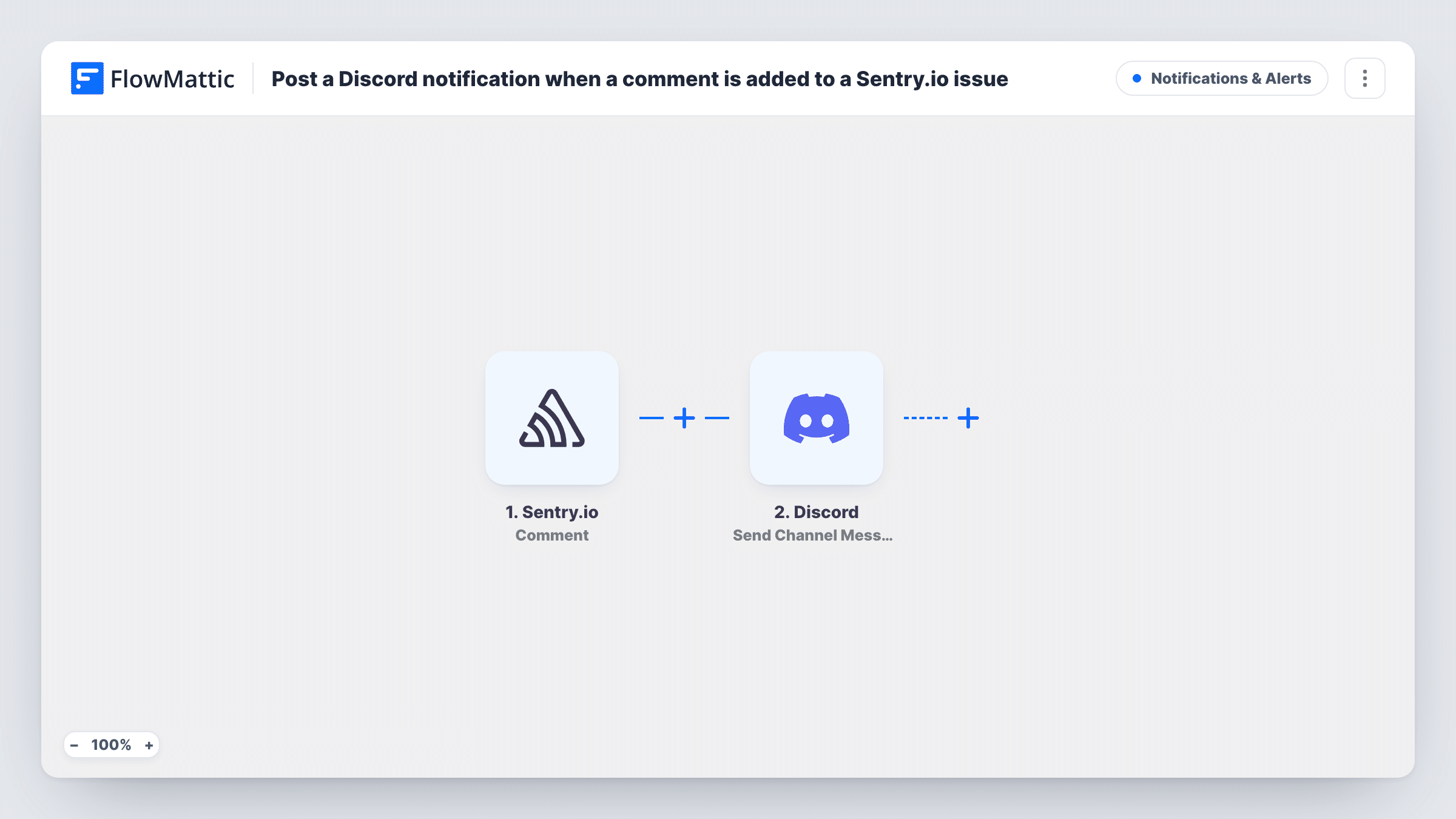
When someone adds a comment to a Sentry.io issue, FlowMattic checks that it’s a new comment and posts a message about it to the Discord channel you pick.
 Sentry.io
 Filter
 Discord
3 steps Setup ~5 min Used on 2.4k sites Free to import
What this workflow does
Developers discuss errors inside Sentry.io, but the rest of the team often lives in Discord. This workflow brings each new Sentry comment into a channel, so people following a bug can see the discussion without opening Sentry.
The Sentry.io Comment trigger fires when a comment is created, edited or deleted. A Filter then reads the event's action value and continues only when it exactly matches "created", ignoring case. Edits and deletions stop at the Filter, so each comment is announced once, when it's first written.
The Discord Send Channel Message step posts the notification. It ships unmapped: after import you connect your Discord server, pick the channel and write the message, mapping in the comment text, who wrote it and which issue it belongs to. A test comment in Sentry shows you which fields arrive.
The Filter is already set, so you can turn the workflow on once Discord is configured. Task History shows every comment event, including the edited and deleted ones the Filter stopped.
Bug discussion where the team chats
A product team posts each new Sentry comment to its #bugs channel in Discord, so designers and support staff can follow the conversation.
Open-source maintainers on Discord
A project whose contributors meet on a Discord server shares maintainers' notes on Sentry issues there, without giving everyone Sentry access.
Hand-off notes between shifts
An on-call engineer leaves a comment on an issue before signing off, and the next person sees it in the Discord channel at the start of their shift.
How this workflow runs
What happens at each step once the workflow is on, and what you need before you import it.
 Sentry.io Comment
Fires when a comment on a Sentry.io issue is created, edited or deleted. The event includes an action value that says which of the three happened, plus the comment and issue details.
- Filter Continue If Condition Meet
Continues only when the Sentry action value exactly matches "created", with case ignored. Comment edits and deletions stop here and post nothing.
- Discord Send Channel Message
Sends the notification to a Discord channel. Nothing is mapped yet: after import, pick the server and channel, then write the message with the comment text, author and issue details from Sentry.
What you need
- FlowMatticCore
- Sentry.io AccountAccount
- Discord AccountAccount
After importing, map your own data. To keep the template universal, not every step is pre-filled. Open each step in the builder and connect your accounts and fields (channels, lists, sheets, recipients) before you switch the workflow on.
Make it yours
Changes worth making after you import it.
- Map the issue title and a link to the issue into the Discord message, if your test comment includes them, so people can jump from Discord straight to Sentry.
- To announce edits as well, add a second condition to the Filter between the Sentry trigger and the Discord step, set to "edited", in an OR group with the existing one.
- To send comments from one Sentry project only, add a condition to that same Filter between the trigger and Discord on the project field your test event shows. The field is an example to set from your own data.
- Send the notification to one person instead of a channel by swapping in Discord's Send Direct Message action.
Questions about this workflow
Will edited Sentry comments post to Discord again?
No. The Filter only lets the "created" action through, so edited and deleted comments stop before the Discord step.
What does the Discord message say as imported?
Nothing yet. The Send Channel Message step has no channel or text set, so you write the message and map the Sentry comment fields you want to show.
Do I need a Discord bot on my server for this workflow?
You connect your Discord account and server in the Send Channel Message step after import. Follow the connection steps FlowMattic shows there, then pick the channel.
Does the Sentry action check care about capital letters?
No. FlowMattic's Filter ignores upper and lower case in text checks, so "created" and "Created" both pass.
More Notifications & Alerts workflows
Other ready-to-import templates from the same category.




Import this workflow into your WordPress site
Download the JSON, import it from the Workflows screen and connect your accounts. Every run stays on your server, with no per-task fees.
30-day money-back guarantee Unlimited workflows and runs Self-hosted