

Post a Discord notification when a SupportCandy ticket changes status
Whenever the status of a SupportCandy ticket changes, a message goes to the Discord channel you choose, so your team can follow tickets moving through your helpdesk from Discord.
 SupportCandy
 Discord
2 steps Setup ~5 min Used on 1.2k sites Free to import
What this workflow does
Support teams that coordinate in Discord often have to switch to the helpdesk to see what changed. When tickets move from open to awaiting reply or closed, nobody hears about it unless they look. This workflow posts each status change in a Discord channel.
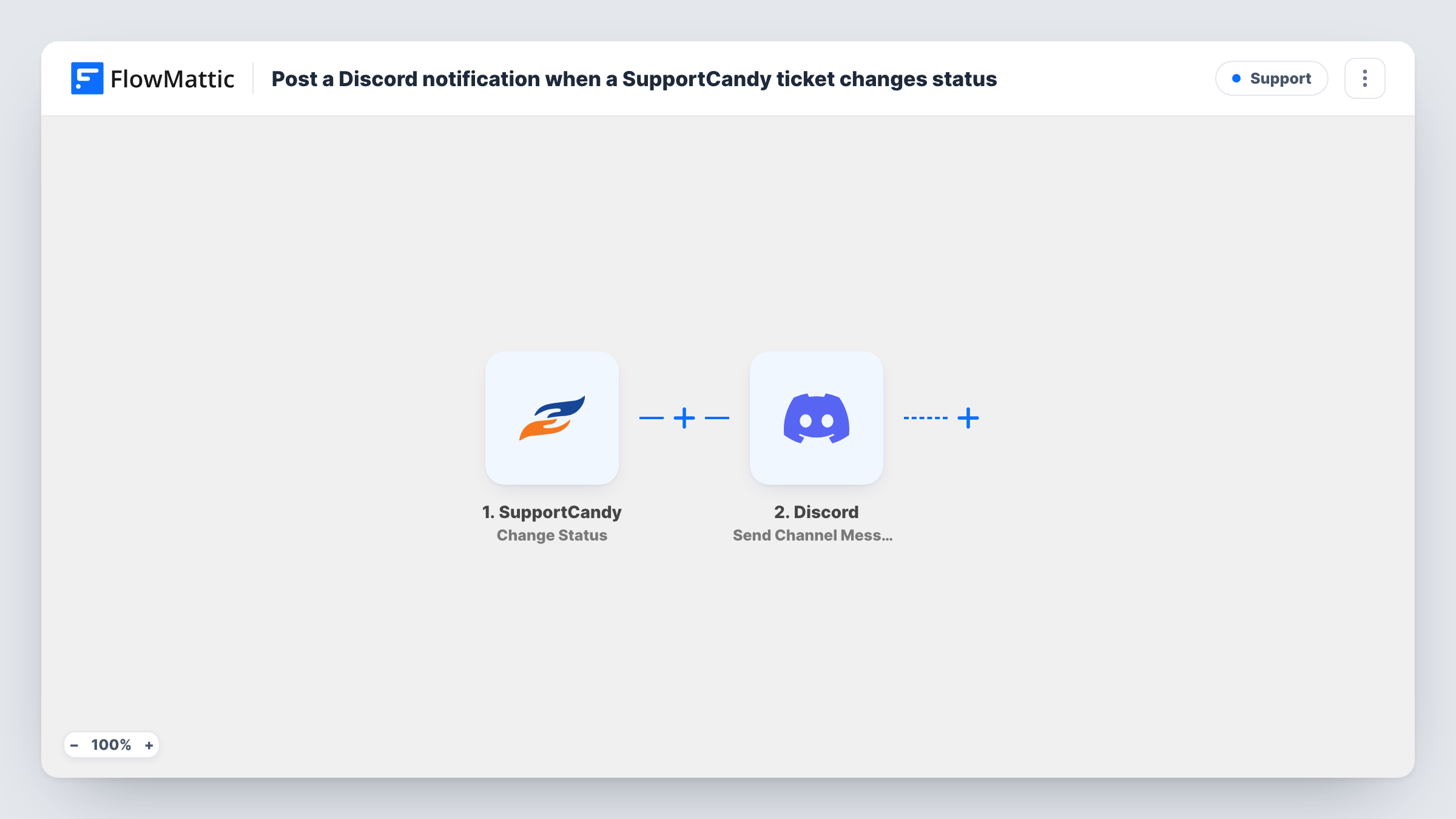
The SupportCandy trigger runs on Change Status, which fires when the status of a support ticket is changed on your WordPress site. FlowMattic receives the ticket details and passes them to the Send Channel Message action in Discord. You pick the channel and write the message, mapping in values such as the ticket number, subject and its new status.
Every status change posts, whichever status the ticket moves to. If your team only cares about some of them, add a Filter that checks the new status before Discord. Task History lists each run, so you can match a Discord message to the ticket change that caused it.
Gaming or software community support
Your moderators already live in Discord. Each SupportCandy ticket change posts in a staff channel, so they see when a player's ticket is answered or closed.
Small agency helpdesk
Client tickets are handled in SupportCandy, and the team's Discord server gets a running feed of status changes for the day's stand-up.
Hand-off between shifts
Agents starting a shift scroll the Discord channel to see which tickets changed status while they were away.
How this workflow runs
What happens at each step once the workflow is on, and what you need before you import it.
 SupportCandy Change Status
Fires whenever someone changes the status of a SupportCandy ticket on your site. The ticket's details are passed on so the Discord message can include them.
- Discord Send Channel Message
Sends the status update to a Discord channel of your choosing. Write the text and map in ticket details such as the subject and new status, then change a test ticket to check the message.
What you need
- FlowMatticCore
- SupportCandy AccountAccount
- Discord AccountAccount
After importing, map your own data. To keep the template universal, not every step is pre-filled. Open each step in the builder and connect your accounts and fields (channels, lists, sheets, recipients) before you switch the workflow on.
Make it yours
Changes worth making after you import it.
- Add a Filter between the steps that continues only when the new status is Closed, if you just want a message when tickets are resolved.
- Use a Router with one route per status, each posting to its own Discord channel. Statuses are distinct values, so each change follows one route.
- Include the ticket number in the Discord message so an agent can open the right ticket in SupportCandy straight away.
Questions about this workflow
Does every SupportCandy status change post to Discord?
Yes, as imported. The workflow has no Filter, so each change to any status runs the Discord step.
Can the Discord message mention the customer's name?
If the SupportCandy trigger includes it, yes. Change a test ticket's status after import to see which details are available to map.
Will customers see the Discord messages?
Only if they can read the channel you choose. Post to a staff-only channel if the messages include ticket details.
More Support workflows
Other ready-to-import templates from the same category.






Import this workflow into your WordPress site
Download the JSON, import it from the Workflows screen and connect your accounts. Every run stays on your server, with no per-task fees.
30-day money-back guarantee Unlimited workflows and runs Self-hosted