

When a booking is cancelled in SimplyBook.me, create a support ticket in Fluent Support
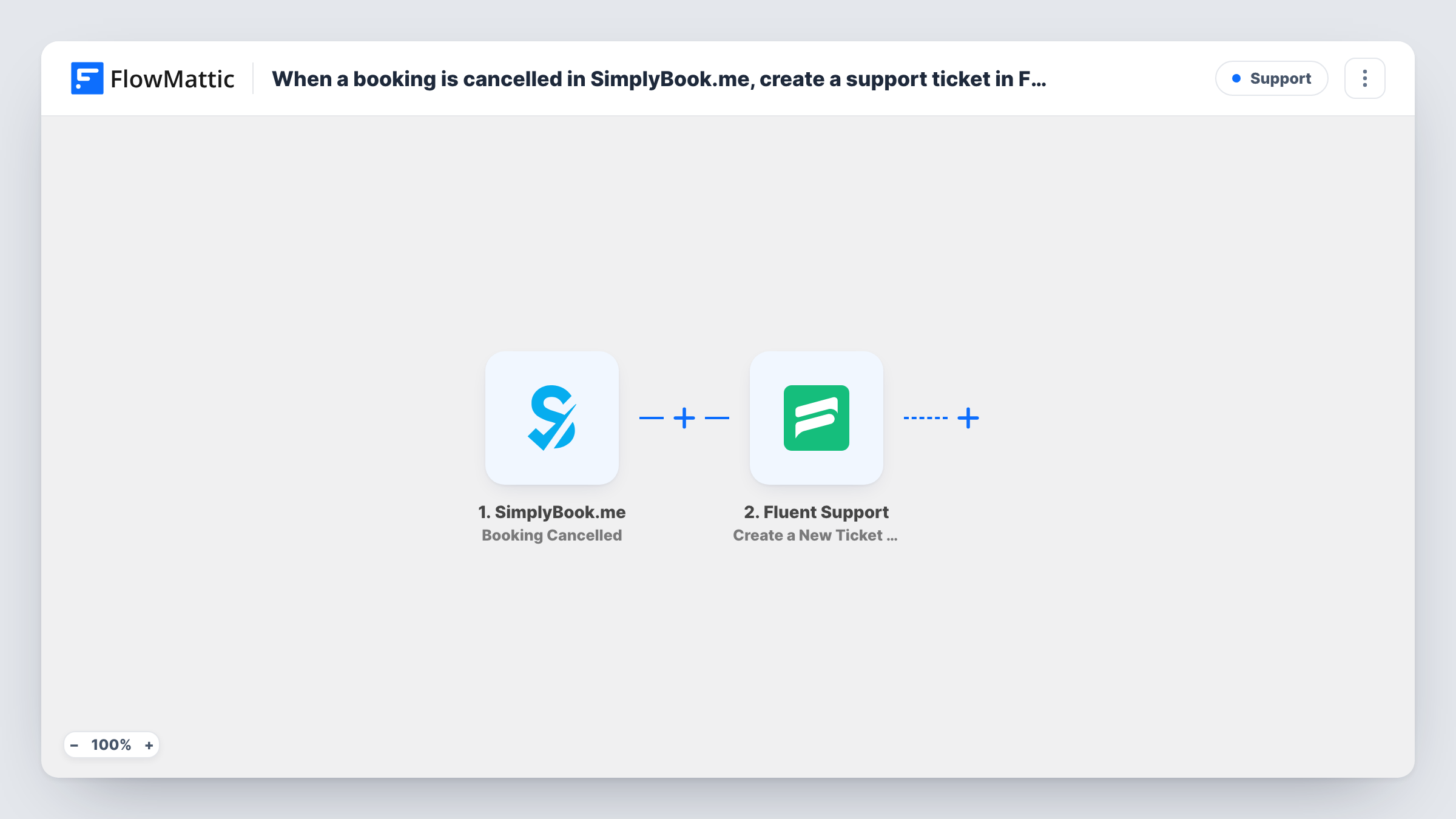
When a client cancels a booking in SimplyBook.me, this workflow opens a ticket in Fluent Support on your WordPress site, so each cancellation lands in your helpdesk queue for someone to follow up.
 SimplyBook.me
 Fluent Support
2 steps Setup ~5 min Used on 2.0k sites Free to import
What this workflow does
A cancelled appointment is a moment to reach out: to offer a new time, refund a deposit or ask what went wrong. If cancellations only show up in the SimplyBook.me calendar, nobody owns that follow-up. This workflow turns each one into a support ticket that your team can assign, answer and close.
The SimplyBook.me Booking Cancelled trigger fires when a booking is cancelled. FlowMattic passes the booking's details to Fluent Support, where Create a New Ticket Using Customer opens a ticket. You map the client's details and write a subject and message that include the booking information your agents need, such as the service and the original time.
Fluent Support is a WordPress plugin, so the ticket is created on the same site where FlowMattic runs. Ticket notifications follow your Fluent Support settings. Each run appears in Task History, where you can see the booking data and the ticket step's response.
Salon offering to rebook
Each cancelled SimplyBook.me appointment becomes a ticket, and the front desk replies from Fluent Support with a few open slots for the client.
Clinic handling deposits after cancellations
Cancellations reach the helpdesk as tickets, so the admin team can check the deposit policy and reply about any refund in one tracked thread.
Coaching business asking for feedback
When a client cancels a session, a ticket lets you follow up, ask whether the time or the service was the problem, and keep the answer on record.
How this workflow runs
What happens at each step once the workflow is on, and what you need before you import it.
 SimplyBook.me Booking Cancelled
Runs when a booking is cancelled in your SimplyBook.me account. The booking and client details are passed to the Fluent Support step.
- Fluent Support Create a New Ticket Using Customer
Opens a Fluent Support ticket for the cancellation. Map the client's details from the booking, and write a subject and message with the service and time. Run a test cancellation to confirm the ticket appears.
What you need
- FlowMatticCore
- SimplyBook.me AccountAccount
- Fluent Support PluginPlugin
After importing, map your own data. To keep the template universal, not every step is pre-filled. Open each step in the builder and connect your accounts and fields (channels, lists, sheets, recipients) before you switch the workflow on.
Make it yours
Changes worth making after you import it.
- Cancel a test booking made with your own details after import and check Task History. If the ticket isn't created for a client new to Fluent Support, add Create OR Get Customer Info before the ticket step.
- Put the service name and original booking time in the ticket subject, so agents can see what was cancelled from the ticket list.
- Add a Filter after the trigger if only some services need follow-up, using a booking field you see in the test run.
Questions about this workflow
Where does Fluent Support need to be installed for SimplyBook.me cancellation tickets?
Fluent Support has to sit on the same WordPress install as FlowMattic. It is a helpdesk plugin, and this step creates the ticket in that local copy.
Does every SimplyBook.me cancellation create a ticket?
Yes, as imported. The trigger fires for each cancelled booking and there is no Filter, so every one opens a ticket.
Is the client emailed when the ticket opens?
That depends on your Fluent Support email settings. The workflow only creates the ticket, so check how your helpdesk notifies customers about new tickets.
Does this workflow rebook the client in SimplyBook.me?
No. It only opens the ticket. Your agent rebooks the client or replies through Fluent Support.
More Support workflows
Other ready-to-import templates from the same category.





Import this workflow into your WordPress site
Download the JSON, import it from the Workflows screen and connect your accounts. Every run stays on your server, with no per-task fees.
30-day money-back guarantee Unlimited workflows and runs Self-hosted