

When new form data is received in MachForm, create a ticket in Fluent Support
Each time MachForm sends new form data to FlowMattic, a ticket is created in Fluent Support on your WordPress site, so requests from your MachForm forms reach your helpdesk queue.
 MachForm
 Fluent Support
2 steps Setup ~5 min Used on 1.5k sites Free to import
What this workflow does
A support or contact form is only useful if someone answers it. When MachForm entries arrive by email, they compete with everything else in the inbox and nobody can see who is handling which. This workflow turns each entry into a Fluent Support ticket, where your agents already work.
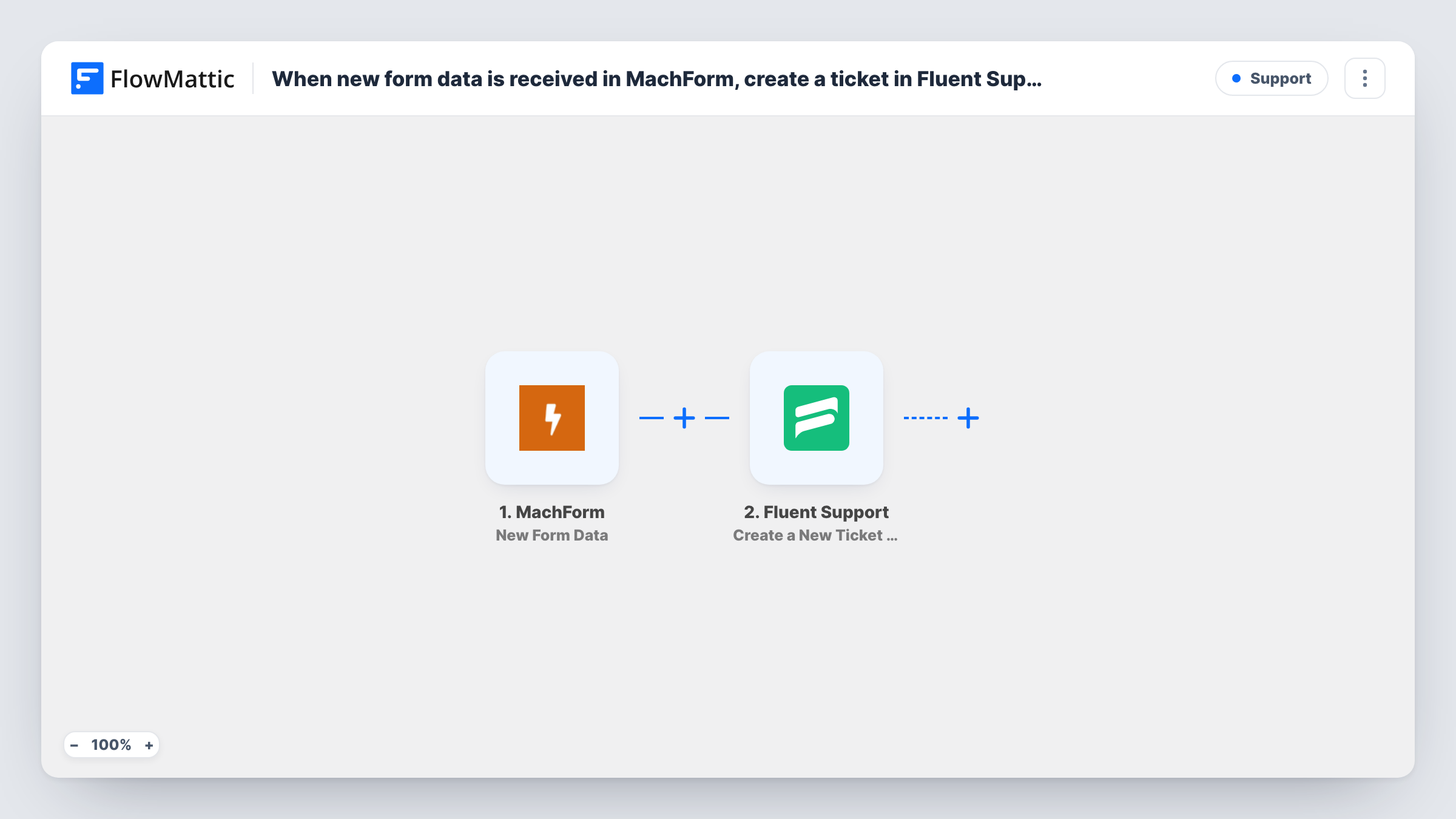
The MachForm trigger fires when new form data is sent to FlowMattic. FlowMattic then passes the answers to Fluent Support, whose Create a New Ticket Using Customer action creates a ticket. After import, map the form's answers into the ticket, such as the subject and the message, and the details that identify the customer.
Check with a test entry how the step identifies the customer. If it needs a customer who already exists in Fluent Support, add Fluent Support's Create OR Get Customer Info step before it, which creates the customer when they aren't there yet. Task History shows each run and the response from Fluent Support.
Website support form
A software company's MachForm help form opens a Fluent Support ticket for each request, and agents reply from the helpdesk.
Warranty claims
A product warranty form built in MachForm creates a ticket with the order number and fault description for the service team.
Booking change requests
Guests asking to change a reservation through a MachForm form get a ticket in Fluent Support, so staff track each request to a reply.
How this workflow runs
What happens at each step once the workflow is on, and what you need before you import it.
 MachForm New Form Data
Runs when MachForm sends a new form entry to FlowMattic. Each answer in the entry is passed on to fill the Fluent Support ticket.
- Fluent Support Create a New Ticket Using Customer
Creates a new Fluent Support ticket from the MachForm entry. Map the subject, message and customer details from the form, then send a test entry to confirm the ticket is created as you expect.
What you need
- FlowMatticCore
- MachForm AccountAccount
- Fluent Support PluginPlugin
After importing, map your own data. To keep the template universal, not every step is pre-filled. Open each step in the builder and connect your accounts and fields (channels, lists, sheets, recipients) before you switch the workflow on.
Make it yours
Changes worth making after you import it.
- Make the email question required in your MachForm form, so every ticket has an address your agents can reply to.
- Add Fluent Support Create OR Get Customer Info before the ticket step if the test run shows the ticket needs an existing customer.
- Add a Filter after the trigger if the form also takes non-support messages, for example continuing only when a topic answer equals Support.
Questions about this workflow
Where must Fluent Support be installed for MachForm tickets?
On the same WordPress site as FlowMattic. Fluent Support is a WordPress plugin, and the ticket step works with the copy installed alongside FlowMattic.
What if the MachForm submitter isn't a Fluent Support customer yet?
Run a test entry with a new address and check Task History. If the ticket isn't created, add Create OR Get Customer Info before the ticket step so the customer exists first.
Can a MachForm file upload be attached to the Fluent Support ticket?
The ticket action supports file attachments. Whether a MachForm upload can be mapped depends on what the entry data contains, so check with a test entry.
Does MachForm still send its own notification emails?
Yes. The workflow only receives the entry data. Your MachForm email settings are not changed.
More Support workflows
Other ready-to-import templates from the same category.





Import this workflow into your WordPress site
Download the JSON, import it from the Workflows screen and connect your accounts. Every run stays on your server, with no per-task fees.
30-day money-back guarantee Unlimited workflows and runs Self-hosted