

When form submission is received in Groove Pages, create a new ticket in Desku.io
Every submission on a Groove Pages form opens a new ticket in Desku.io, so questions and requests from your landing pages reach your support queue instead of waiting in a form inbox.
 Groove Pages
 Desku
2 steps Setup ~5 min Used on 1.9k sites Free to import
What this workflow does
Groove Pages forms often double as contact or help forms on sales pages and funnels. When those messages land in an email inbox, they are easy to miss and hard to hand between team members. This workflow sends each one to Desku as a ticket, where your support team already assigns and answers requests.
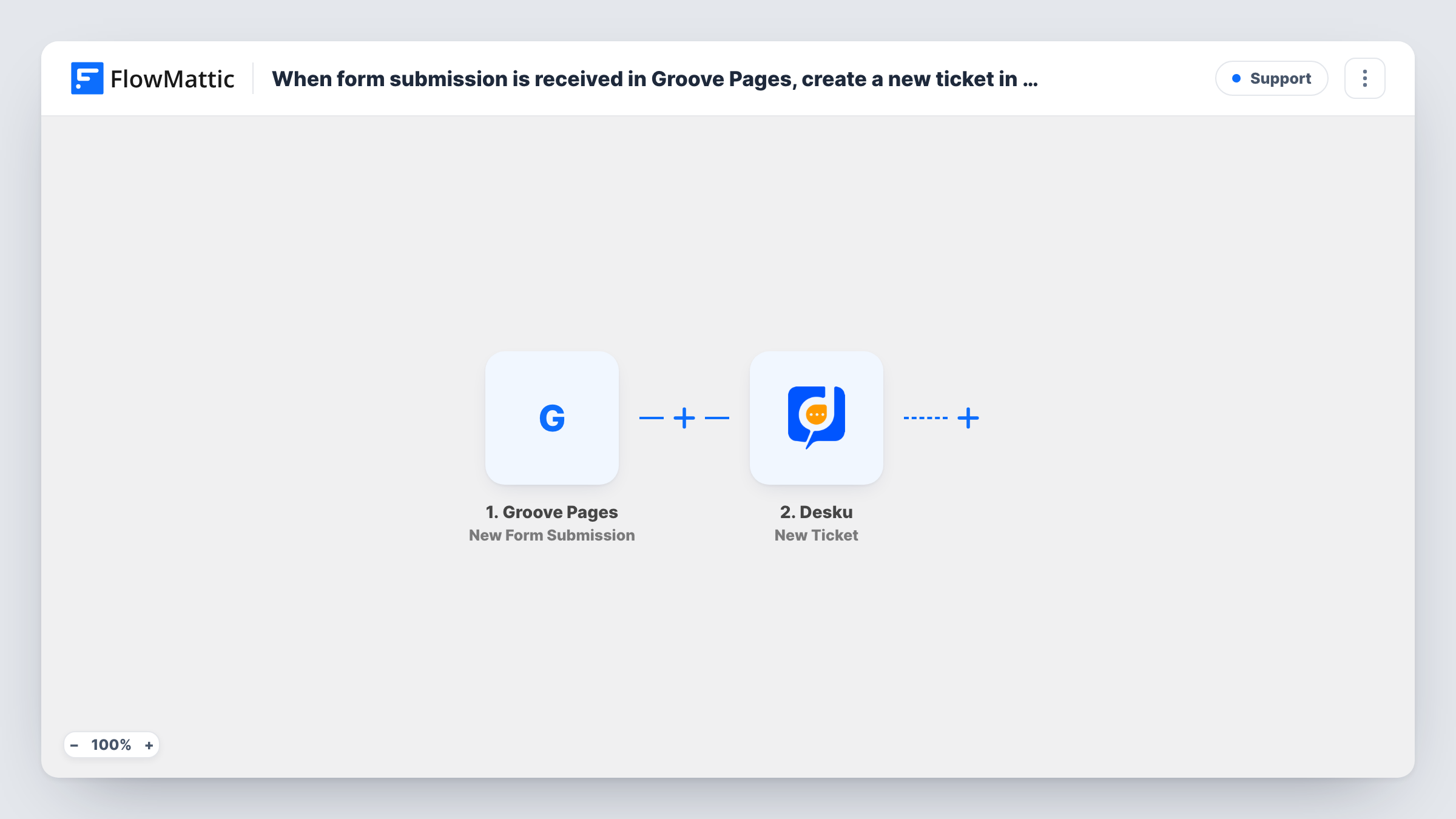
The Groove Pages trigger fires when a form is submitted and passes the entered values to FlowMattic. The Desku Create Ticket step then opens a new ticket. It ships unmapped: after import you connect Desku and map the form fields into the ticket, such as the sender's email and name, a subject and the message.
Each submission makes its own ticket, including forms on pages that only collect sign-ups. If you use the same Groove Pages account for opt-in forms and support forms, narrow the flow so only support messages become tickets.
Submit the form yourself after import and open Task History to see the fields Groove Pages sent and Desku's reply.
Pre-sale questions from a sales page
A course creator adds a question form to a Groove Pages sales page, and every question becomes a Desku ticket an agent answers before the launch ends.
Support form for a digital product
A software seller hosts its help form on Groove Pages, and requests go straight into Desku with the customer's email for the reply.
Refund or change requests
A coaching business collects booking change requests through a funnel page form and tracks each one as a ticket.
How this workflow runs
What happens at each step once the workflow is on, and what you need before you import it.
 Groove Pages New Form Submission
Fires when someone submits a form on your Groove Pages site. The values they entered are available to map into the Desku ticket.
- Desku Create Ticket
Opens a Desku.io ticket for the Groove Pages submission. Connect Desku after import and map the sender's email, name and message from the form into the ticket.
What you need
- FlowMatticCore
- Groove Pages AccountAccount
- Desku.io AccountAccount
After importing, map your own data. To keep the template universal, not every step is pre-filled. Open each step in the builder and connect your accounts and fields (channels, lists, sheets, recipients) before you switch the workflow on.
Make it yours
Changes worth making after you import it.
- If you also run opt-in forms, put a Filter between the Groove Pages trigger and the Desku step on a field only your support form has, such as a message box. Pick the field from your own form.
- Include the page or funnel name in the ticket subject, if Groove Pages sends it, so agents know where the request came from.
- Add Desku's Create Customer action between the trigger and the ticket step if you want each sender stored as a Desku customer as well.
Questions about this workflow
Does every Groove Pages form create a Desku ticket?
Yes, as imported, whichever Groove Pages form the entry came from. Use a Filter between the Groove Pages trigger and the Desku step to limit it to your support forms.
Which Groove Pages fields go into the ticket?
The ones you map in the Create Ticket step. Submit a test entry to see what Groove Pages sends, then map at least the email and the message.
Can the person reply to the Desku ticket by email?
That depends on how your Desku account handles ticket replies. Map the sender's email into the ticket so agents have it, and test with your own address.
Are older Groove Pages submissions turned into tickets?
No. Only forms submitted while the workflow is active start a run.
More Support workflows
Other ready-to-import templates from the same category.






Import this workflow into your WordPress site
Download the JSON, import it from the Workflows screen and connect your accounts. Every run stays on your server, with no per-task fees.
30-day money-back guarantee Unlimited workflows and runs Self-hosted