

When customer closes a ticket in Fluent Support, remove a tag from contact in Autonami
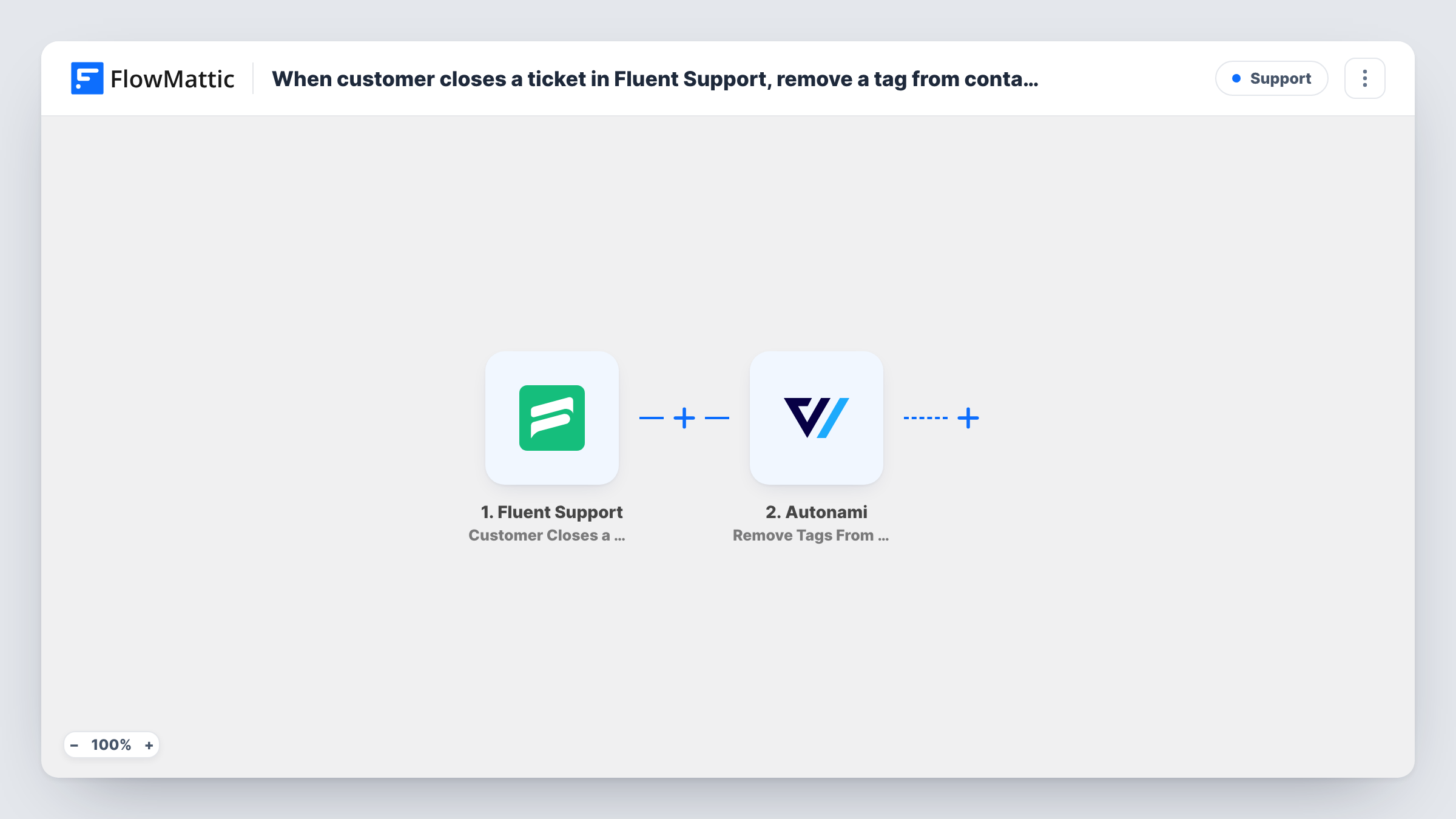
When a customer closes their own Fluent Support ticket, this workflow removes a tag you choose from that person’s FunnelKit Automations (Autonami) contact, such as a tag that marks them as having an open issue.
 Fluent Support
 Autonami
2 steps Setup ~5 min Used on 2.1k sites Free to import
What this workflow does
Tags like open ticket or support in progress are useful while a problem is live. They often hold back marketing emails or flag someone for extra care. Once the customer closes the ticket, the tag should come off, and doing that by hand is easy to forget.
The Fluent Support trigger fires when a customer closes a ticket themselves. Tickets closed by an agent use a different trigger and don't start this workflow. FlowMattic passes the ticket and customer details to Autonami, whose Remove Tags From Contact action takes the tag you set off the matching contact.
Both plugins run on your WordPress site, so the data doesn't leave it. The action works on a contact that already exists in Autonami. If the customer isn't a contact there, there is nothing to change, and Task History shows what the step returned for that run.
Resume paused marketing emails
Your Autonami automations skip anyone tagged open-ticket. When the customer closes the ticket, the tag comes off and they receive your regular emails again.
Clear a priority-support flag
Customers with a live issue carry a needs-attention tag so your team treats them carefully. Closing the ticket clears it without anyone editing the contact.
Keep segment counts honest
A segment built on a support tag shows how many customers have an unresolved problem. Removing the tag on closure stops the count from growing forever.
How this workflow runs
What happens at each step once the workflow is on, and what you need before you import it.
 Fluent Support Customer Closes a Ticket
Fires when a customer closes their own ticket in Fluent Support. The ticket and the customer's details, such as their email, become available to map.
- Autonami Remove Tags From Contact
Removes the tag or tags you set from the customer's Autonami contact. Map the customer from the ticket so the step finds the right contact, and confirm with a test run how it identifies them.
What you need
- FlowMatticCore
- Fluent Support PluginPlugin
- FunnelKit Automations ( Autonami ) PluginPlugin
After importing, map your own data. To keep the template universal, not every step is pre-filled. Open each step in the builder and connect your accounts and fields (channels, lists, sheets, recipients) before you switch the workflow on.
Make it yours
Changes worth making after you import it.
- Fluent Support's Agent Closes a Ticket trigger covers tickets your team closes. Build a copy of this workflow on that trigger so the tag also comes off then.
- If the tag is added by another automation when a ticket opens, use the same tag name in both places, so the one you remove is the one that was added.
- Test with a customer who has an Autonami contact and the tag already applied, then check the contact to confirm the tag is gone.
Questions about this workflow
Does it run when an agent closes the Fluent Support ticket?
No. This trigger fires only when the customer closes it. Fluent Support's Agent Closes a Ticket trigger handles the other case in a separate workflow.
What if the customer isn't a contact in Autonami?
The step has no contact to remove the tag from, so nothing changes in Autonami. You can read the step's response in Task History.
Can it remove more than one Autonami tag?
The action is Remove Tags From Contact, so it is built for tags in the plural. Set the tags you want removed in the step and check the result with a test run.
Is FunnelKit Automations the same as Autonami?
Yes. Autonami is the earlier name of FunnelKit Automations, and FlowMattic lists the app as Autonami.
More Support workflows
Other ready-to-import templates from the same category.








Import this workflow into your WordPress site
Download the JSON, import it from the Workflows screen and connect your accounts. Every run stays on your server, with no per-task fees.
30-day money-back guarantee Unlimited workflows and runs Self-hosted