

When a ticket is created in NeetoChat, send a WhatsApp notification via WhatsApp Cloud API
Each time a new ticket is created in NeetoChat, this workflow sends a WhatsApp template message through the WhatsApp Cloud API, so a new support request reaches a phone instead of waiting in a browser tab.
 NeetoChat
 WhatsApp Cloud API
2 steps Setup ~5 min Used on 2.7k sites Free to import
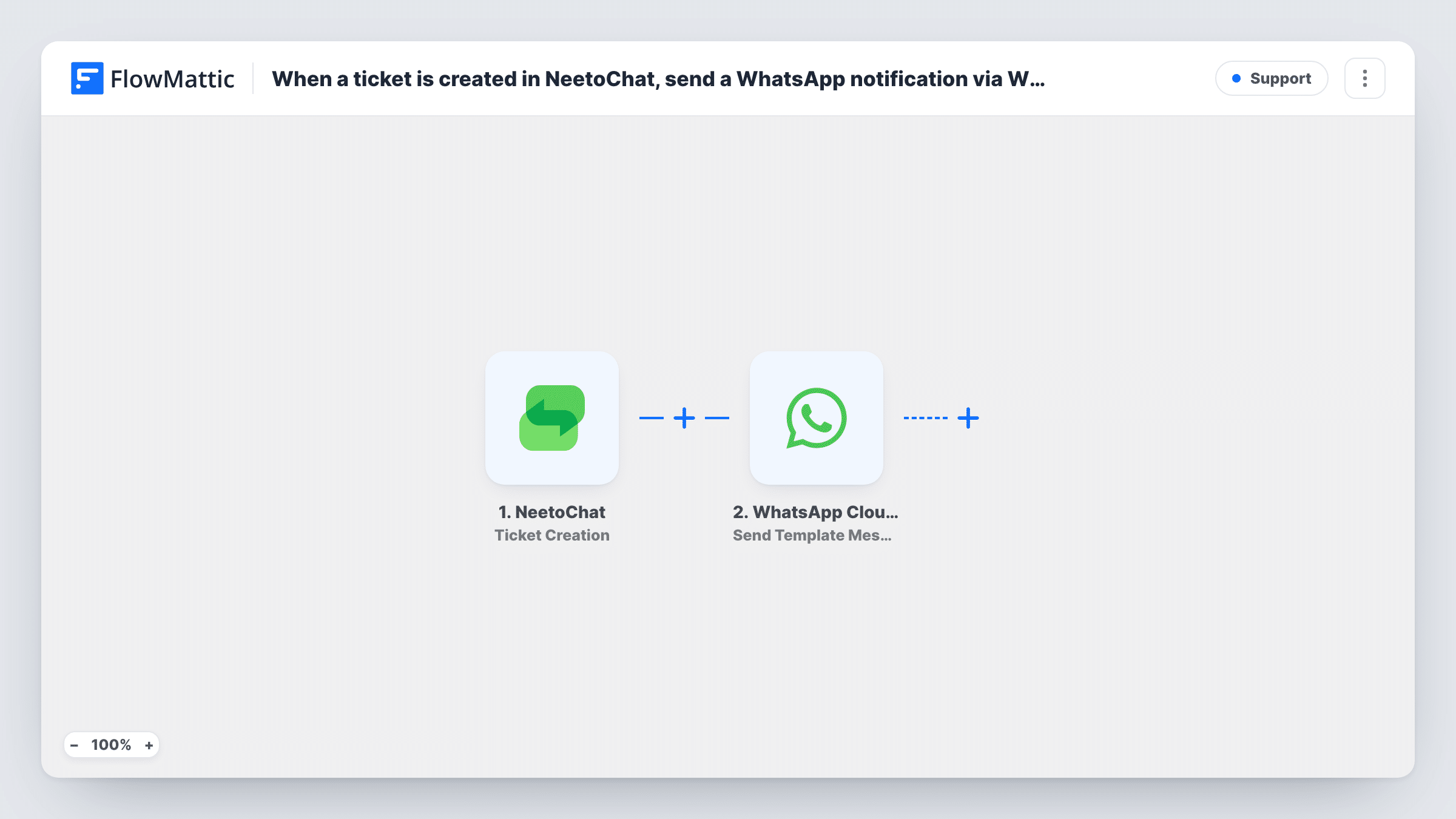
What this workflow does
Support tickets are easy to miss when the only alert sits inside a help desk tab nobody has open. If the person on duty is away from the desk, a new request can wait for hours. This workflow puts each new NeetoChat ticket on WhatsApp, on the phone of whoever you choose.
The NeetoChat trigger fires whenever a ticket is created. FlowMattic receives the ticket data and hands it to the WhatsApp Cloud API step, which sends a template message from your WhatsApp business number. You decide who receives it and which ticket details appear in it.
Template messages are the right fit here. Outside the 24-hour window after someone writes to your business number, WhatsApp delivers only templates that Meta has approved, and a teammate getting alerts rarely writes to that number first. Create and get the template approved in your Meta account before you turn the workflow on. Each run then shows up in Task History with the data sent and the response from WhatsApp.
On-call alerts for a small support team
The teammate covering support this week gets a WhatsApp message for every NeetoChat ticket, even when they are away from the computer.
Owner oversight for a solo shop
A store owner who answers chats personally gets each new NeetoChat ticket on their phone and can reply from the NeetoChat app when it suits them.
Weekend coverage without a dashboard
Outside office hours, tickets raised in NeetoChat still reach a phone, so urgent requests are seen before Monday.
How this workflow runs
What happens at each step once the workflow is on, and what you need before you import it.
 NeetoChat Ticket Creation
Fires when a new ticket is created in NeetoChat. The ticket's data is passed to FlowMattic so you can place it in the WhatsApp message.
- WhatsApp Cloud API Send Template Message
Sends a WhatsApp template message through the WhatsApp Cloud API. You choose which approved template goes out and to whom, and map ticket details into it. Run a test ticket to see exactly what arrives.
What you need
- FlowMatticCore
- NeetoChat AccountAccount
- WhatsApp Cloud API AccountAccount
After importing, map your own data. To keep the template universal, not every step is pre-filled. Open each step in the builder and connect your accounts and fields (channels, lists, sheets, recipients) before you switch the workflow on.
Make it yours
Changes worth making after you import it.
- Write the template around what you need to act on, such as the visitor's name and the ticket subject, and keep it short so it reads well in a phone notification.
- Want alerts on more than new tickets? Copy the workflow and switch its trigger to NeetoChat's Visitor Reply event, so replies on open tickets reach WhatsApp too.
- Add a Filter after the trigger if only some tickets should reach WhatsApp, for example ones whose message contains a word such as refund or urgent.
Questions about this workflow
Why does this use a WhatsApp template message instead of plain text?
WhatsApp only delivers free-form text within 24 hours of the recipient messaging your business number. An approved template can be sent outside that window, which suits an alert to someone who has not written to you.
Can the NeetoChat alert go to more than one WhatsApp number?
As imported, one WhatsApp Cloud API step sends the message. If two people should be alerted, add a second Send Template Message step aimed at the other person, then test both.
Does the WhatsApp alert reply to the visitor in NeetoChat?
No. The workflow only reads the new ticket and sends a WhatsApp message. Your team still answers the visitor inside NeetoChat.
What do I need on the WhatsApp side before importing?
A WhatsApp Business number set up in the WhatsApp Cloud API, connected to FlowMattic, and at least one message template that Meta has approved.
More Support workflows
Other ready-to-import templates from the same category.





Import this workflow into your WordPress site
Download the JSON, import it from the Workflows screen and connect your accounts. Every run stays on your server, with no per-task fees.
30-day money-back guarantee Unlimited workflows and runs Self-hosted