

Post a draft WordPress entry from a curated Inoreader article
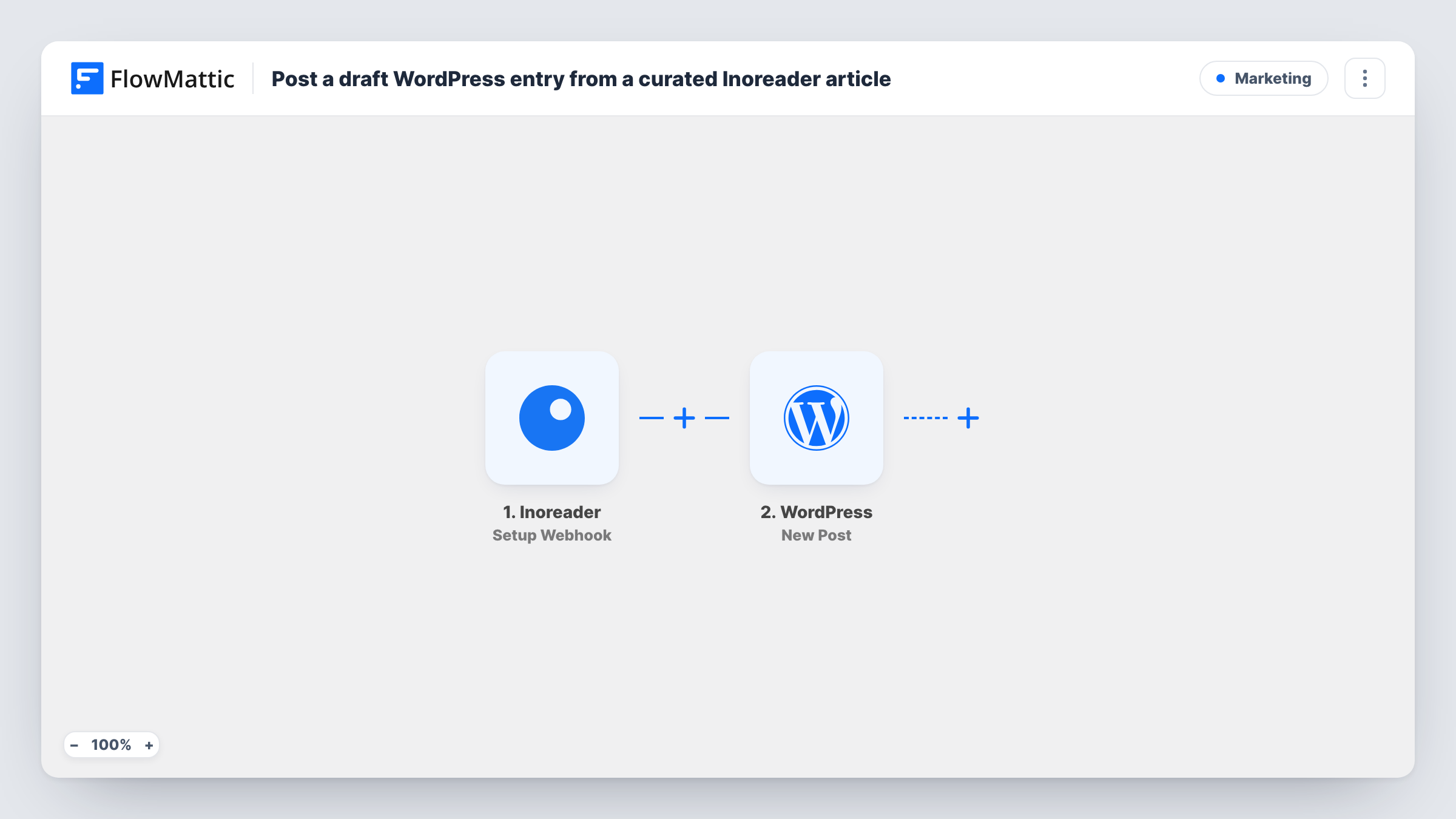
Send an article from Inoreader to this workflow’s webhook and FlowMattic creates a WordPress post from it. Set the post status to Draft and each one waits for you to edit and publish.
 Inoreader
 WordPress
2 steps Setup ~5 min Used on 1.7k sites Free to import
What this workflow does
Link roundups and curated news posts start the same way every time. You find an article worth sharing, then copy its title, link and summary into a new WordPress post. This workflow does that first step for you, so the article is already in your editor when you sit down to write.
The Inoreader trigger is a webhook URL that FlowMattic creates. You set Inoreader to post article data to it, for example through a rule that fires when you tag or star an article. Which articles count as curated is up to that setup, not to FlowMattic.
The WordPress step then creates a post on the site where FlowMattic runs, using the Inoreader values you map into the title and content. The step's Post Status setting offers Publish, Pending Review and Draft. Choose Draft so nothing goes live before you review it. Each article Inoreader sends creates one post, and Task History lists every run.
Weekly industry roundup
Star the articles worth mentioning during the week. By Friday each one is a WordPress draft, and you merge or edit them into the roundup post.
Commentary on news stories
A blogger tags stories they want to respond to. Each one becomes a draft that already holds the source link, so they only add their own take.
Content queue for a small team
An editor curates articles in Inoreader, and writers pick up the resulting drafts in WordPress to rewrite and publish.
How this workflow runs
What happens at each step once the workflow is on, and what you need before you import it.
 Inoreader Setup Webhook
Receives article data that Inoreader posts to the workflow's webhook URL. Set Inoreader to send curated articles there, then send one test so FlowMattic captures values such as the title, link and summary.
- WordPress New Post
Creates a WordPress post from the article values you map, such as the title and a content block holding the summary and source link. Set Post Status to Draft so the post waits for review.
What you need
- FlowMatticCore
- Inoreader AccountAccount
After importing, map your own data. To keep the template universal, not every step is pre-filled. Open each step in the builder and connect your accounts and fields (channels, lists, sheets, recipients) before you switch the workflow on.
Make it yours
Changes worth making after you import it.
- Map the article URL into the post content as a source line, so every draft keeps a link back to the original.
- Assign a category such as Curated in the WordPress step, which makes these drafts easy to find among your other posts.
- Keep your own words in the post. Paste only a short excerpt from the source and write the rest yourself before you publish.
Questions about this workflow
Will these Inoreader posts go live on my site straight away?
Only if Post Status is left on Publish. Choose Draft or Pending Review in the WordPress step and the posts wait for you in the editor.
Which Inoreader articles become WordPress drafts?
Every article Inoreader sends to the webhook URL. The rule or action you set up in Inoreader decides that, so keep it limited to the articles you curate.
Does the draft include the full article?
It includes what Inoreader sends and you map. Send a test article to see whether you get a summary, the full text or only the title and link.
What if I curate the same article twice?
You get two drafts. The workflow doesn't check WordPress for an existing post, so delete the extra one before publishing.
More Marketing workflows
Other ready-to-import templates from the same category.







Import this workflow into your WordPress site
Download the JSON, import it from the Workflows screen and connect your accounts. Every run stays on your server, with no per-task fees.
30-day money-back guarantee Unlimited workflows and runs Self-hosted