

Post a Slack message when a new GrowthBook feature is created
When someone creates a feature in GrowthBook, FlowMattic posts a message in the Slack channel you pick, so engineers, product and QA hear about new feature flags as they are added.
 GrowthBook
 Slack
2 steps Setup ~5 min Used on 351 sites Free to import
What this workflow does
Feature flags get added quietly. A developer creates one in GrowthBook, and the rest of the team only finds out when a toggle behaves differently in testing. This workflow puts a note in Slack each time a feature is created, so the people who care see it in the channel they already read.
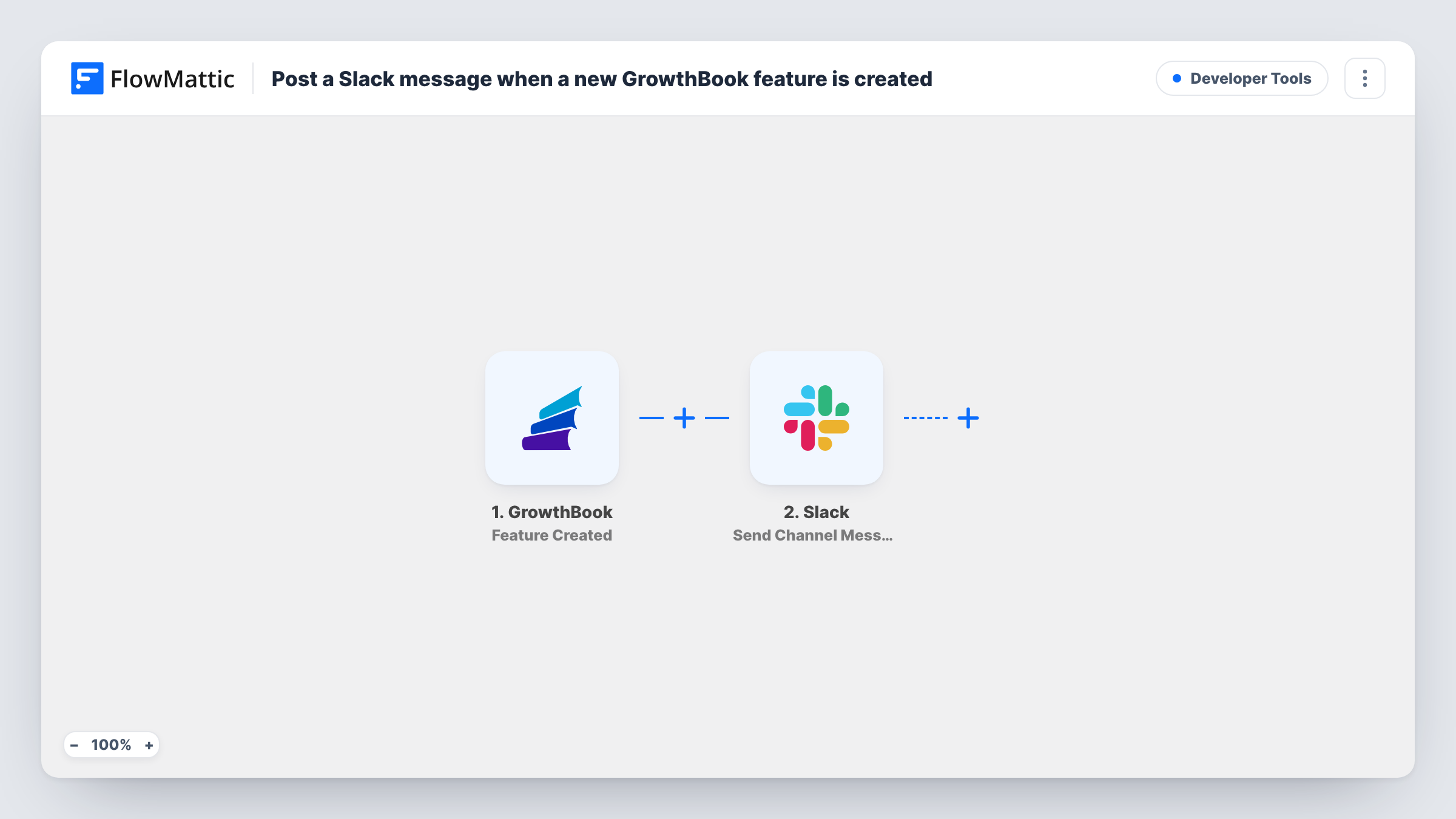
The GrowthBook trigger runs on the Feature Created event. FlowMattic takes the feature data GrowthBook sends and hands it to Slack, where Send Channel Message posts in the channel you choose. You write the message text and drop in values from the GrowthBook data, such as which feature was added.
Only new features start a run. Edits to an existing flag, or experiments, don't post anything with this template. Task History lists each run, so you can match a Slack message to the GrowthBook event that caused it.
A feature-flags channel for engineering
Each new GrowthBook feature appears in a dedicated Slack channel, giving developers a running list of the flags added to the codebase.
Heads-up for QA before testing
Testers see a Slack post when a feature flag is created, so they know a new toggle exists before it shows up in a build they are checking.
Product managers following rollouts
Product staff who never open GrowthBook still learn about each new feature from the Slack channel they watch for release news.
How this workflow runs
What happens at each step once the workflow is on, and what you need before you import it.
 GrowthBook Feature Created
Runs when a new feature is created in your GrowthBook account. The data GrowthBook sends about that feature can then be mapped into the Slack message.
- Slack Send Channel Message
Sends your message into the Slack channel picked in this step. Write the text and insert GrowthBook values so readers can tell which feature was added, then link the Slack workspace that should receive it.
What you need
- FlowMatticCore
- GrowthBook AccountAccount
- Slack AccountAccount
After importing, map your own data. To keep the template universal, not every step is pre-filled. Open each step in the builder and connect your accounts and fields (channels, lists, sheets, recipients) before you switch the workflow on.
Make it yours
Changes worth making after you import it.
- Create one feature in GrowthBook after import so FlowMattic captures real data, then build the Slack message from the values you see.
- Add a Filter after the trigger if only some features should be announced, for example ones whose key starts with a certain team prefix.
- Add a Google Sheets step after the Slack step to keep a lasting list of created features next to the channel post.
Questions about this workflow
Does it post when a GrowthBook feature is edited or turned on?
No. The trigger is Feature Created, so only new features produce a Slack message. Changes to an existing feature would need a workflow with a different GrowthBook trigger.
Which Slack channel does the GrowthBook message go to?
The one you pick in the Send Channel Message step. You can change it at any time, or add a second Slack step to post in another channel too.
Are features created before import announced in Slack?
No. Only features created after the workflow is turned on reach Slack.
More Developer Tools workflows
Other ready-to-import templates from the same category.







Import this workflow into your WordPress site
Download the JSON, import it from the Workflows screen and connect your accounts. Every run stays on your server, with no per-task fees.
30-day money-back guarantee Unlimited workflows and runs Self-hosted