

Post new RSS Feed items to Discord channels
Post each new item from an RSS feed to a Discord channel, so your server sees new blog posts, podcast episodes or news headlines without anyone sharing the links by hand.
 RSS Feed
 Discord
2 steps Setup ~5 min Used on 2.7k sites Free to import
What this workflow does
Many Discord communities gather around a blog, podcast, YouTube channel or news source. Someone usually ends up pasting each new link into the server, and on a busy week it gets missed. This workflow watches the feed and posts new items for you.
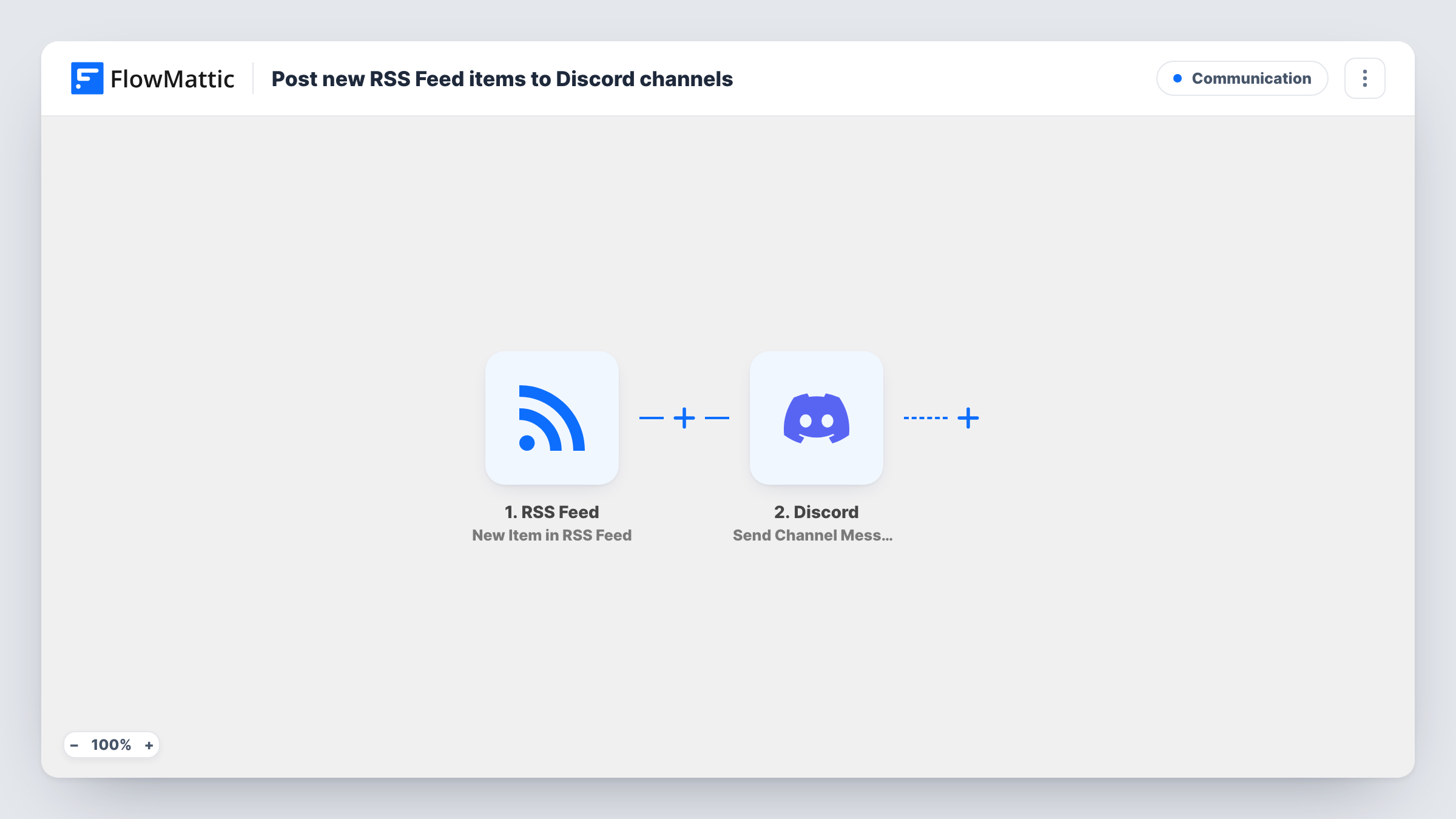
The RSS Feed trigger, New Item in RSS Feed, checks the feed URL you enter and fires for each new item it finds. The item's data, such as its title, link and summary, is passed to the next step.
Then Discord runs Send Channel Message, posting to the channel you pick. You write the message and drop in the item fields, for example the title followed by the link. Each new item becomes one message in that channel. Task History records what went to Discord each time.
Blog announcements for your community
Point the trigger at your WordPress blog's feed. Every new post appears in an #announcements channel with its title and link.
Podcast episode drops
Use your podcast's RSS feed so listeners in your Discord server see each new episode once the trigger picks it up from the feed.
Industry news for a team server
Follow a trade publication's feed and post its headlines to a #news channel your team reads during the day.
How this workflow runs
What happens at each step once the workflow is on, and what you need before you import it.
 RSS Feed New Item in RSS Feed
Watches the RSS feed URL you set and fires for each new item that appears. The item's title, link and other feed fields are passed on for the Discord message.
- Discord Send Channel Message
Sends one message per feed item to the Discord channel you select. Write the text and map in the item's title and link so members can open it.
What you need
- FlowMatticCore
- Discord AccountAccount
After importing, map your own data. To keep the template universal, not every step is pre-filled. Open each step in the builder and connect your accounts and fields (channels, lists, sheets, recipients) before you switch the workflow on.
Make it yours
Changes worth making after you import it.
- Add a Filter after the trigger that continues only when the item title contains a keyword, so a broad news feed posts just the topics your server cares about.
- Following several feeds? Import the workflow once per feed and point each copy at a different channel, such as one for the blog and one for the podcast.
- Mention a role in the message text if you want members who opted in to new posts to get a notification.
Questions about this workflow
How often does the RSS trigger check the feed for Discord?
The trigger checks the feed for items it hasn't seen before rather than receiving a push from the site. After you switch the workflow on, watch Task History for the first runs to see how quickly new items reach your channel.
Can the same feed item go to two Discord channels?
Yes. Put another Discord step after this one, set to a different channel, and each item is posted in both places.
Does this work with any RSS feed?
It works with a public RSS feed URL the trigger can read, such as a WordPress blog, podcast or news site feed. Check the feed loads in a browser before you add it.
What shows up in the Discord message?
Only what you map from the feed item, such as the title, link or summary. Fields vary between feeds, so run the trigger once to see what yours provides.
More Communication workflows
Other ready-to-import templates from the same category.





Import this workflow into your WordPress site
Download the JSON, import it from the Workflows screen and connect your accounts. Every run stays on your server, with no per-task fees.
30-day money-back guarantee Unlimited workflows and runs Self-hosted