

Post new Textline outbound messages to a Discord channel for visibility
Mirror every message sent from your Textline account into a Discord channel, so managers and teammates can see what your team is texting customers without opening the Textline inbox.
 Textline
 Discord
2 steps Setup ~5 min Used on 1.7k sites Free to import
What this workflow does
When several people answer customers by SMS in Textline, it is hard for a lead to see what is going out without logging in and reading threads. A running feed of sent messages in Discord gives quick visibility, and it suits teams that already chat there.
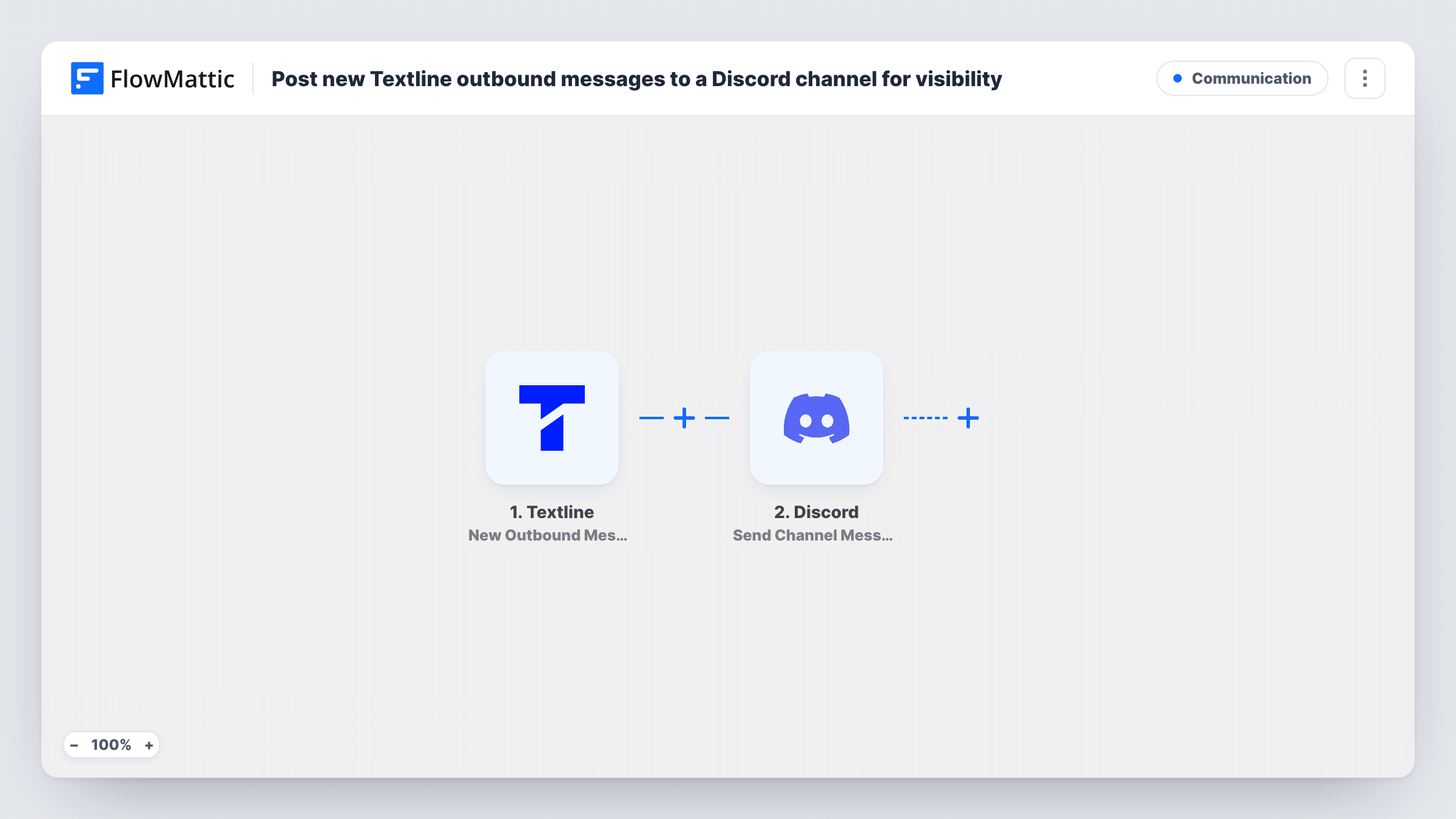
The Textline trigger fires when a message is sent from your Textline account, and the message data comes through with it. FlowMattic then uses Discord to post into the channel you choose. You decide what the post shows, for example the message text and the recipient, depending on the fields Textline sends.
Only outbound messages are posted; texts customers send in are not part of this trigger. Each sent message produces its own Discord post. Customer messages can hold personal details, so use a private channel and include only what your team needs to see. Task History keeps a record of every run.
Quality checks on support replies
A support lead skims the Discord feed of sent Textline messages each day to check tone and accuracy without reading every thread.
Coordinating a dispatch team
Drivers' coordinators see each update texted to customers in a shared Discord channel, so two people don't send the same update.
Training new agents
New hires follow the channel to see how experienced colleagues word replies to customers over SMS.
How this workflow runs
What happens at each step once the workflow is on, and what you need before you import it.
 Textline New Outbound Message
Fires each time a message is sent from your Textline account. The outbound message details are captured so you can show them in Discord.
- Discord Send Channel Message
Posts the outbound text into the Discord channel you pick. Connect your Discord account, choose a private channel, and map the Textline fields you want visible.
What you need
- FlowMatticCore
- Textline AccountAccount
- Discord AccountAccount
After importing, map your own data. To keep the template universal, not every step is pre-filled. Open each step in the builder and connect your accounts and fields (channels, lists, sheets, recipients) before you switch the workflow on.
Make it yours
Changes worth making after you import it.
- Leave customers' phone numbers out of the Discord post if your team doesn't need them; the message text alone often gives enough context.
- Add a Filter after the trigger to post only messages containing certain words, such as refund or delay, if the full feed is too busy.
- Send one text from Textline after import so the trigger captures a real message, then map its fields into the Discord post.
Questions about this workflow
Are incoming customer texts posted to Discord too?
No. The trigger is New Outbound Message, so only messages sent from your Textline account appear. Inbound messages would need Textline's New Contact Message trigger.
Can Discord users reply to the customer from the channel?
No. The Discord post is a copy for visibility. Replies still need to be sent from Textline.
Does a long Textline conversation flood the Discord channel?
Each message your team sends adds one post. Use a channel set aside for this feed, or add a Filter so only the messages you care about are posted.
More Communication workflows
Other ready-to-import templates from the same category.







Import this workflow into your WordPress site
Download the JSON, import it from the Workflows screen and connect your accounts. Every run stays on your server, with no per-task fees.
30-day money-back guarantee Unlimited workflows and runs Self-hosted