

Post new webhook payloads to an RSS feed
Every request that reaches this workflow’s webhook URL becomes a new item in a custom RSS feed powered by FlowMattic, so events from any app or script can be followed in a feed reader.
 Webhook
 RSS Feed
2 steps Setup ~5 min Used on 2.6k sites Free to import
What this workflow does
Plenty of tools can send a webhook but have no feed of their own. If you want a running list of those events that people can follow in a feed reader, or that another service can poll, an RSS feed is a simple format to offer. This workflow builds one from incoming webhook data.
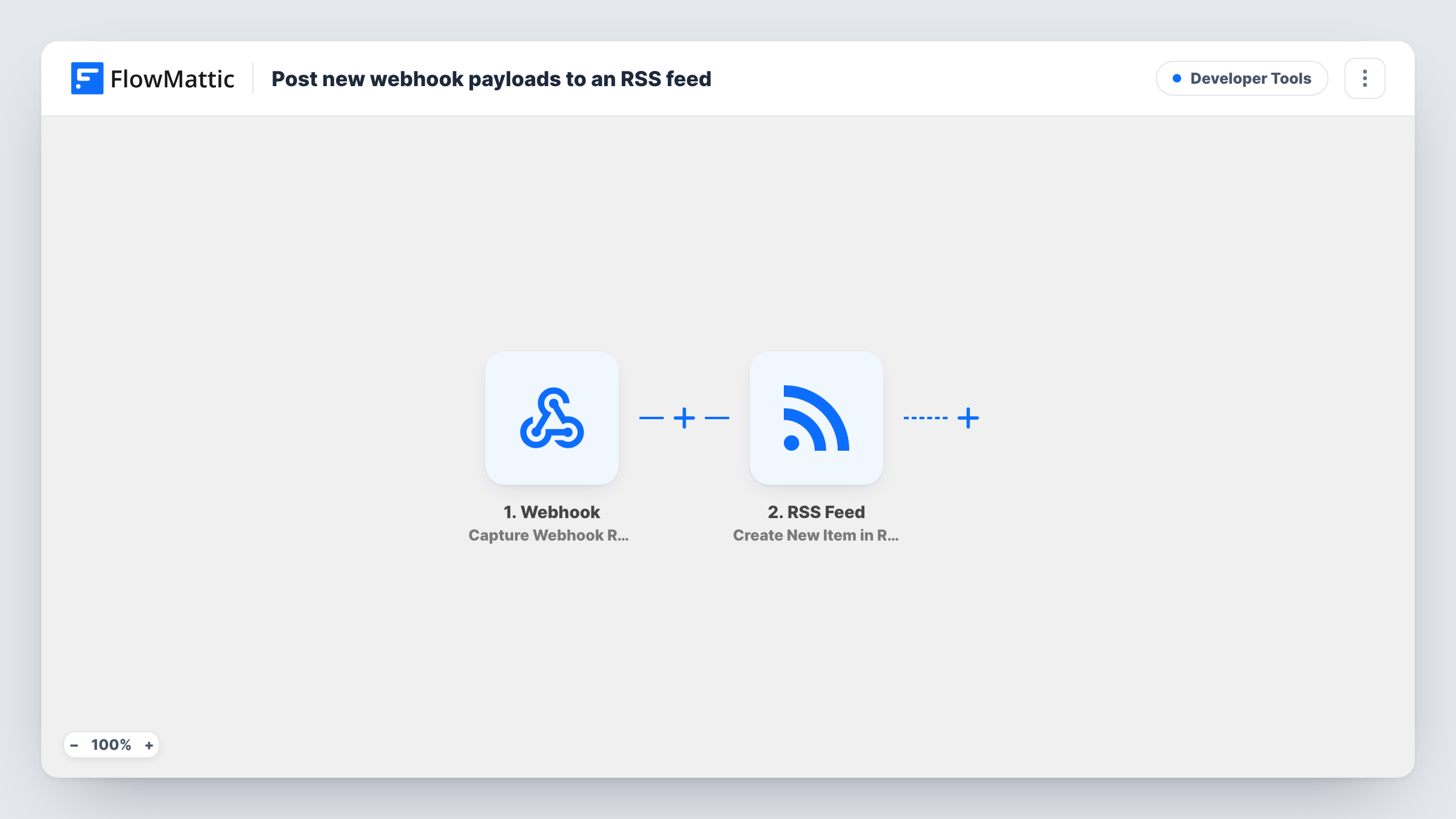
The Webhook trigger creates a unique address for this workflow to listen on. Any app, form or script that posts data to it starts a run, and FlowMattic captures the payload's fields. The RSS Feed step then adds a new item to the custom RSS feed that FlowMattic powers, using the payload data you map into it.
Each request adds one item, and nothing checks the payload first as imported. Whatever posts to the URL decides what the feed shows, so keep the URL private and send it only from sources you trust. Run a test after import to see which settings the RSS Feed step offers and where the feed can be read. Task History lists every payload received and the item it produced.
Deploy log as a feed
Your deploy script posts the version and a short note to the webhook after each release, and the team follows the resulting feed in their reader.
Feed for a tool with no RSS
A SaaS app that only offers outgoing webhooks posts its events here, giving you a feed of them for any service that reads RSS.
Status updates for a small project
You send short updates from a form or automation to the webhook, and people interested in the project subscribe to the feed instead of an email list.
How this workflow runs
What happens at each step once the workflow is on, and what you need before you import it.
 Webhook Capture Webhook Response
Gives you a webhook URL and starts a run for each request posted to it. FlowMattic captures the payload so its fields can be mapped into the feed item.
- RSS Feed Create New Item in RSS Feed
Adds a new item to your custom RSS feed powered by FlowMattic, built from the webhook data you map. Send a test payload after import to see the item's settings and confirm it appears in the feed.
What you need
- FlowMatticCore
After importing, map your own data. To keep the template universal, not every step is pre-filled. Open each step in the builder and connect your accounts and fields (channels, lists, sheets, recipients) before you switch the workflow on.
Make it yours
Changes worth making after you import it.
- Add a Filter after the trigger that continues only when the payload carries a value you expect, such as a secret word or event type, so stray requests don't become feed items.
- Send one sample payload with every field you plan to use before mapping, so FlowMattic captures them all and they show up in the RSS Feed step.
- Point several apps at the same webhook URL if you want one combined feed, and include a source field in each payload so readers can tell the items apart.
Questions about this workflow
Which apps can post to the webhook that fills this RSS feed?
Any app, script or service that can send an HTTP request with data to a URL. FlowMattic captures what it sends and you map those fields into the feed item.
Can anyone add items to my RSS feed through the webhook?
Only while the Webhook trigger accepts requests without authentication, where every request becomes an item. Turn on Require authentication on incoming requests and give your sources the authentication key, or choose signature verification if the sender signs its webhooks.
Does this template need any app accounts?
No. Both the Webhook trigger and the RSS Feed step are built into FlowMattic, so there is nothing to connect beyond the source that sends the data.
More Developer Tools workflows
Other ready-to-import templates from the same category.







Import this workflow into your WordPress site
Download the JSON, import it from the Workflows screen and connect your accounts. Every run stays on your server, with no per-task fees.
30-day money-back guarantee Unlimited workflows and runs Self-hosted