

Predict gender in Genderize for new bookings in Calendly
When someone books a meeting in Calendly, this workflow sends the invitee’s name to Genderize for a gender estimate. The template stops there, so you add the step that stores or uses the result.
 Calendly
 Genderize
2 steps Setup ~5 min Used on 823 sites Free to import
What this workflow does
Booking data tells you who is meeting with you, and some teams want to enrich it before reporting on it. Genderize predicts gender from a first or full name. This workflow runs that prediction for each new Calendly invitee.
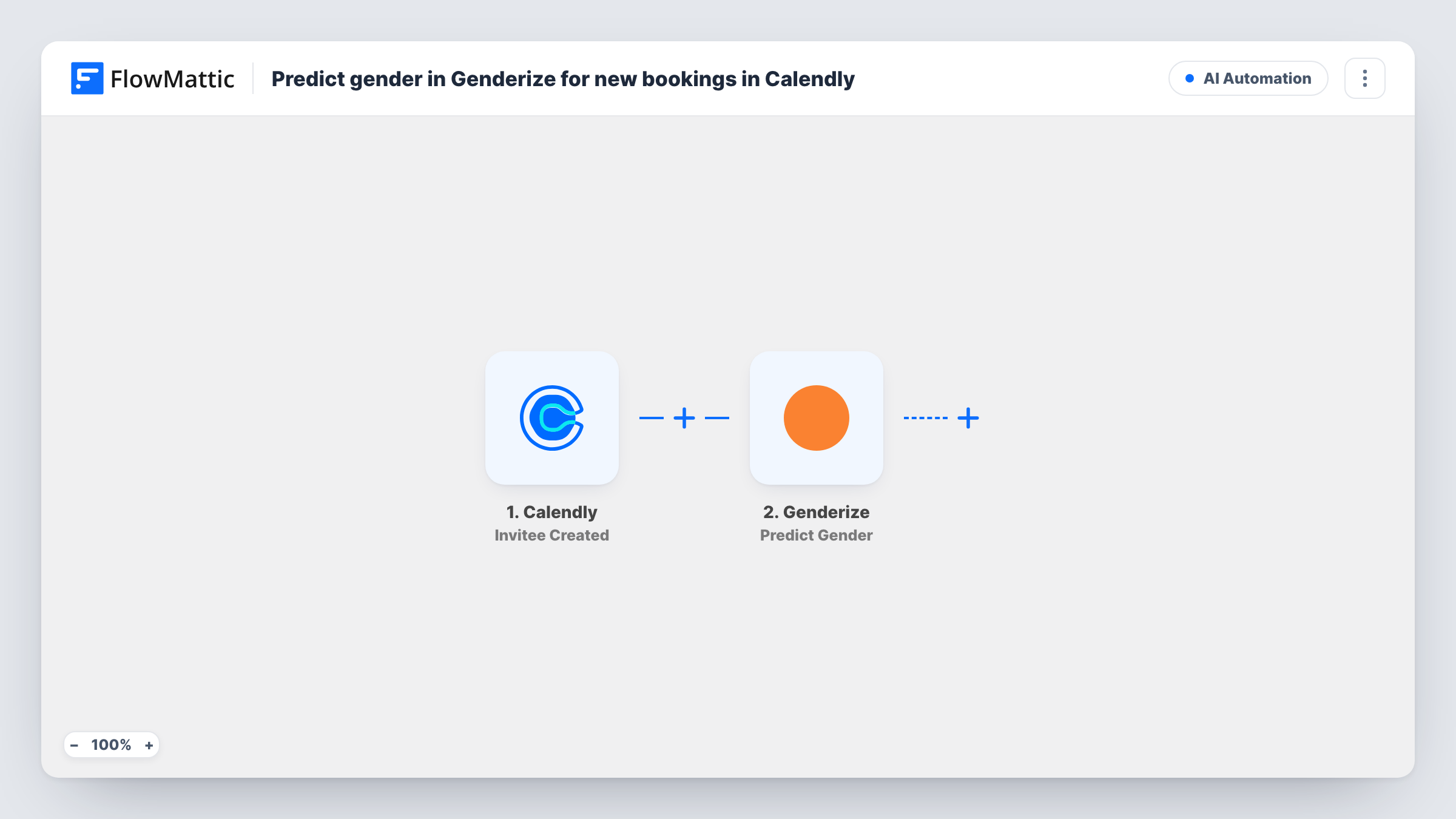
The Calendly Invitee Created trigger fires when someone books a meeting. FlowMattic passes the booking details to Genderize, and the Predict Gender action returns an estimate for the name you map into it, usually the invitee's name from the booking.
Nothing happens with the estimate yet. The template has no step after Genderize, so the result only shows in Task History until you add one, such as a Google Sheets row. Keep in mind that a name-based guess can be wrong, and the invitee doesn't see or confirm it.
Reporting on who books demos
Add a Google Sheets step to log the invitee, the meeting type and the estimate, then review the mix of people booking each type of meeting.
Checking data quality first
Run the template as imported for a week and read the Genderize results in Task History before you decide whether to keep the estimate anywhere.
Research interview panels
A researcher booking interviews through Calendly logs estimates in a sheet as a rough check on panel balance, alongside the answers people give themselves.
How this workflow runs
What happens at each step once the workflow is on, and what you need before you import it.
 Calendly Invitee Created
Starts each time an invitee schedules a Calendly meeting with you. The invitee and event details are passed on. Book a test meeting to see the fields Calendly sends.
- Genderize Predict Gender
Sends a first or full name to Genderize and returns a gender estimate. Map the Calendly invitee's name into the step. As imported, nothing after this step uses the result.
What you need
- FlowMatticCore
- Calendly AccountAccount
- Genderize AccountAccount
After importing, map your own data. To keep the template universal, not every step is pre-filled. Open each step in the builder and connect your accounts and fields (channels, lists, sheets, recipients) before you switch the workflow on.
Make it yours
Changes worth making after you import it.
- Add a Google Sheets Add New Row step after Genderize and map the invitee's name, email and the estimate, so the result is kept.
- Add a Filter after the trigger that continues only for the Calendly event type you want to study, if you run several kinds of meetings.
- Map only the invitee's first name into Genderize when the booking holds a full name with titles or initials that could confuse the estimate.
Questions about this workflow
Does the Calendly invitee see the Genderize result?
No. The prediction happens in FlowMattic after the booking. Nothing is sent to the invitee, and as imported the result is only visible in Task History.
Where should I store the Genderize estimate for Calendly bookings?
Wherever you report from. A Google Sheets row is the simplest addition, placed after the Genderize step.
Do rescheduled Calendly meetings run the workflow again?
Calendly handles a reschedule as a new booking for the invitee, so expect Invitee Created to fire again and a second prediction to run. Check Task History after a test reschedule.
What if the invitee only gives a nickname?
Genderize works from the name it gets. A nickname or a single initial may produce a weak estimate or none.
More AI Automation workflows
Other ready-to-import templates from the same category.








Import this workflow into your WordPress site
Download the JSON, import it from the Workflows screen and connect your accounts. Every run stays on your server, with no per-task fees.
30-day money-back guarantee Unlimited workflows and runs Self-hosted