

Record each BlueSnap refund in an Airtable ledger
Each time BlueSnap successfully processes a refund, FlowMattic adds a record to an Airtable table, so you keep a ledger of refunds that finance can filter, total and review.
 BlueSnap
 Airtable
2 steps Setup ~5 min Used on 3.5k sites Free to import
What this workflow does
Refunds are easy to lose track of. They come back days after the original sale, often handled by someone in support, and finance only sees them later in a statement. An Airtable ledger that fills itself gives everyone one place to check what was refunded and when.
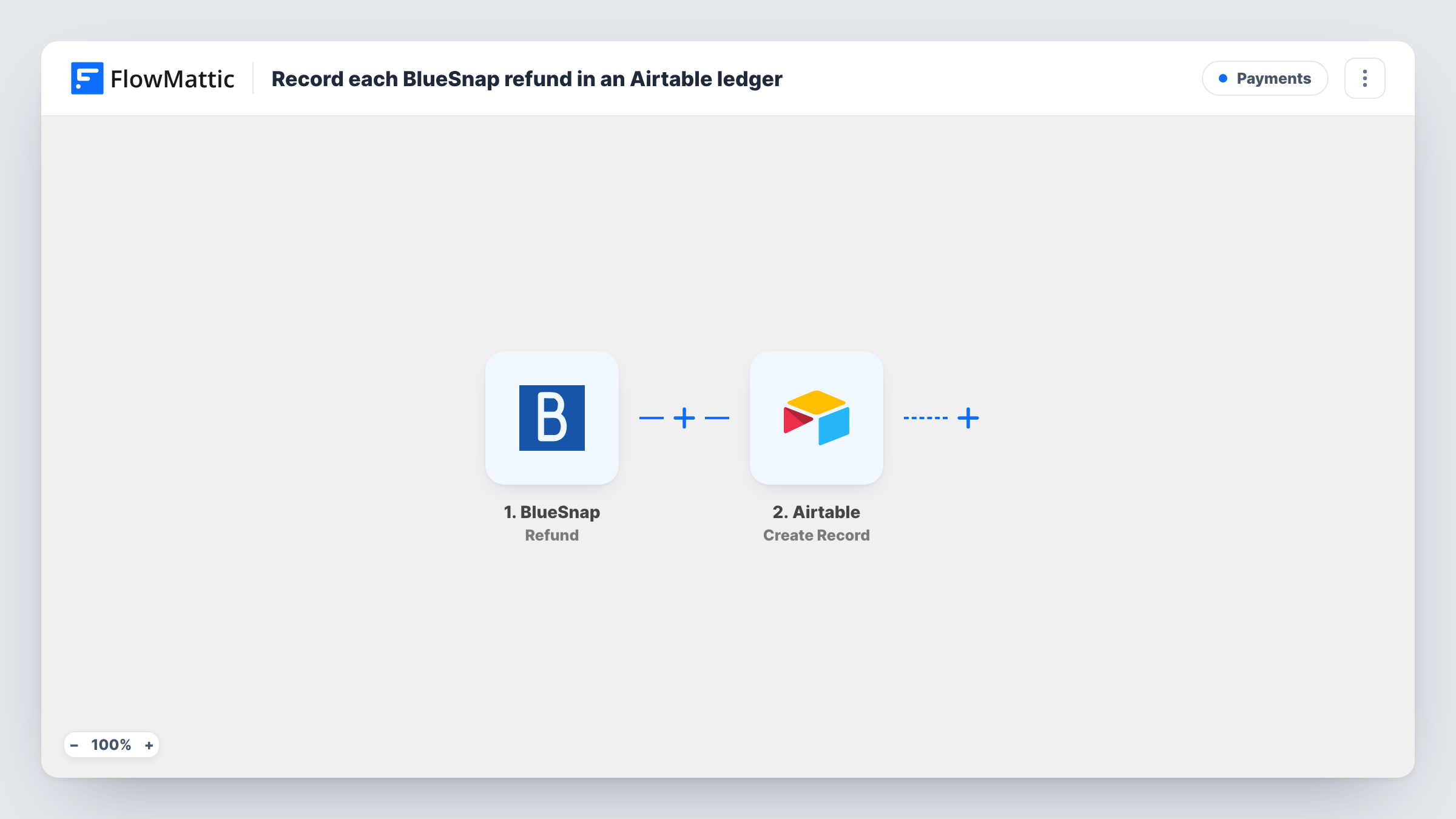
The BlueSnap trigger, Refund, fires when a refund is successfully processed. The refund data BlueSnap sends becomes values you can map. The Airtable step, Create Record, then adds a new record to the base and table you choose, with each value in the field you mapped.
Only processed refunds start a run. BlueSnap reports pending refunds and chargebacks as separate events, so they don't appear in this ledger unless you add workflows for them. Each refund adds a new record, and Task History shows every run.
Month-end refund totals
Finance groups the Airtable ledger by month and sums the amount field to see how much was returned in each period.
Spotting products with many refunds
If the refund event includes product or invoice details, map them into their own fields and group records to see which products come back most.
Support and finance working from one table
Support adds a reason in a spare field after each refund record appears, so finance sees the context next to the amount.
How this workflow runs
What happens at each step once the workflow is on, and what you need before you import it.
 BlueSnap Refund
Runs when BlueSnap successfully processes a refund. The refund details from BlueSnap are passed to the Airtable step for mapping.
- Airtable Create Record
Creates a new record in the Airtable base and table you set as your refund ledger. Connect your Airtable account and map BlueSnap's refund values, such as the amount, into your fields.
What you need
- FlowMatticCore
- BlueSnap AccountAccount
- Airtable AccountAccount
After importing, map your own data. To keep the template universal, not every step is pre-filled. Open each step in the builder and connect your accounts and fields (channels, lists, sheets, recipients) before you switch the workflow on.
Make it yours
Changes worth making after you import it.
- Set up the Airtable table first with fields for the values you want, like amount, currency and date, so mapping is quick after import.
- Keep a spare Reason or Notes field the workflow doesn't fill. Your team can add context without the next refund overwriting it.
- Want chargebacks in the same ledger? Build a second workflow on BlueSnap's Chargeback trigger that writes to the same table with a Type field.
Questions about this workflow
Are pending BlueSnap refunds added to Airtable?
No. The trigger fires only when a refund is successfully processed. BlueSnap's Pending Refund trigger is separate if you want those in another workflow.
Which BlueSnap refund details can I put in the ledger?
The values BlueSnap sends with the Refund event. Process or capture a refund after import and check the trigger step's data to see which ones you can map.
Will earlier BlueSnap refunds appear in the Airtable ledger?
No. Only refunds processed after the workflow is turned on start a run, so you'd add older ones by hand or import them into Airtable separately.
Does a partial BlueSnap refund create a record?
If BlueSnap reports it with the Refund event, yes, as its own record. Check in a test which amount value is the refunded sum, so the ledger shows what was returned rather than the original charge.
More Payments workflows
Other ready-to-import templates from the same category.







Import this workflow into your WordPress site
Download the JSON, import it from the Workflows screen and connect your accounts. Every run stays on your server, with no per-task fees.
30-day money-back guarantee Unlimited workflows and runs Self-hosted