

Record each completed Synap Academy exam in a Google Sheets gradebook
When a learner completes an exam in Synap Academy, this workflow adds the result as a new row in Google Sheets, so your gradebook fills in as exams are finished.
 Synap Academy
 Google Sheets
2 steps Setup ~5 min Used on 3.2k sites Free to import
What this workflow does
Exam results in Synap Academy are easy to read one at a time, but a gradebook you can sort, total and share is a different thing. Copying scores across by hand takes time and invites mistakes. This workflow adds a row for each completed exam.
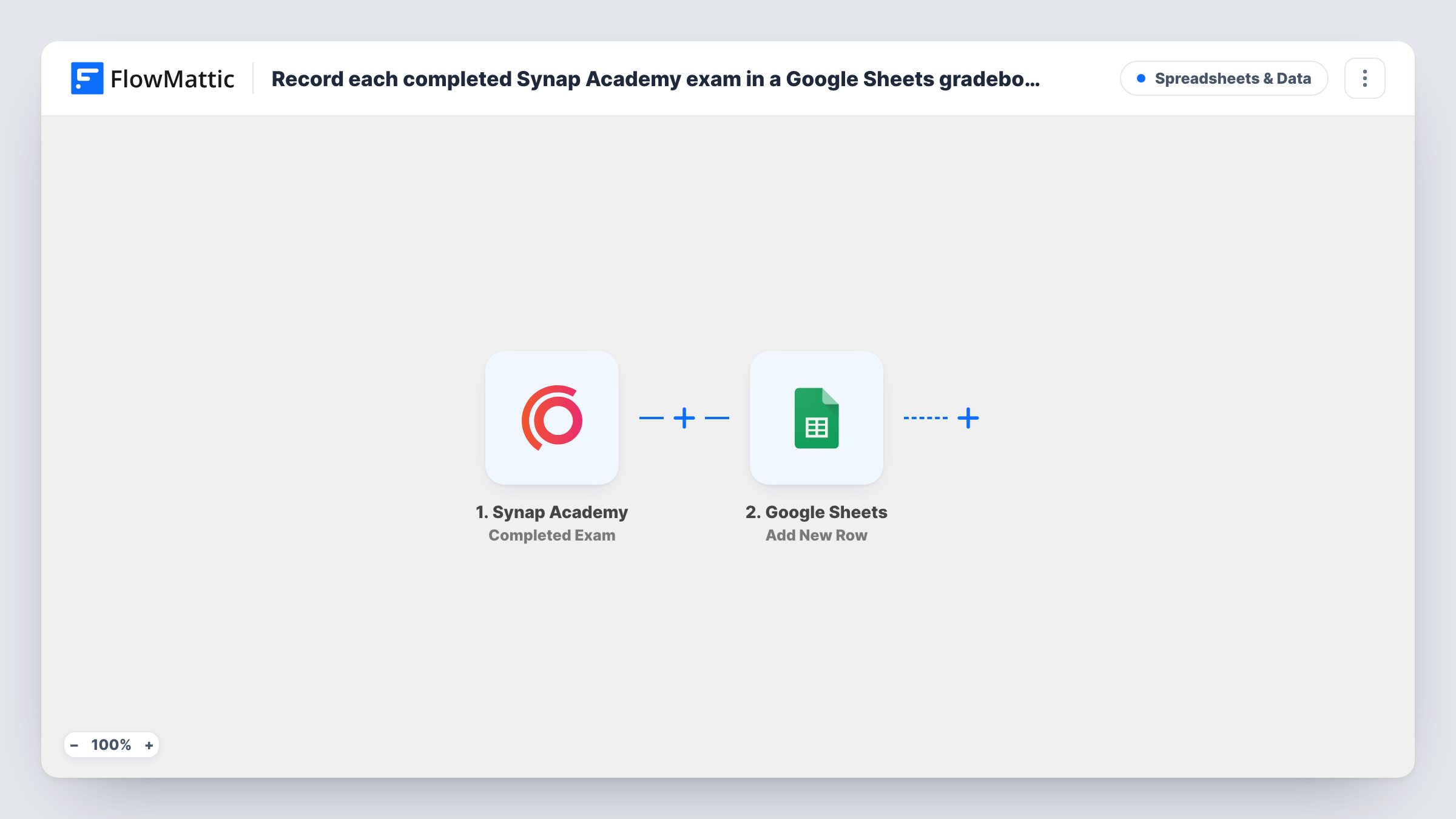
The Synap Academy trigger fires when an exam is completed. The exam and learner data it receives is passed on. The Google Sheets step then adds a new row to the spreadsheet you choose, with each column mapped to a field such as the learner's name, the exam and the score, depending on what Synap Academy sends.
Every completion adds a row, so a learner who retakes an exam appears again. That keeps a full history of attempts in the sheet. Task History logs each run.
Gradebook for a training provider
A training company runs certification exams in Synap Academy and keeps all results in one sheet to share with clients.
Tutor tracking student progress
A tutor watches the sheet fill as students finish practice exams, and sorts by learner to see each one's attempts.
Compliance records at work
An HR team keeps a sheet of completed staff exams as a record of who has taken required training.
How this workflow runs
What happens at each step once the workflow is on, and what you need before you import it.
 Synap Academy Completed Exam
Runs when an exam is completed in Synap Academy. The exam and learner details are passed to the Google Sheets step for mapping. Connect your Synap Academy account on import.
- Google Sheets Add New Row
Adds a row to your gradebook spreadsheet in Google Sheets. Map each column to a field from the completed exam and connect your Google account.
What you need
- FlowMatticCore
- Synap Academy AccountAccount
- Google Sheets AccountAccount
After importing, map your own data. To keep the template universal, not every step is pre-filled. Open each step in the builder and connect your accounts and fields (channels, lists, sheets, recipients) before you switch the workflow on.
Make it yours
Changes worth making after you import it.
- Use separate tabs per course by adding a Router with distinct exam names as conditions and an Add New Row step per tab.
- Complete a test exam after import, so FlowMattic captures the result fields you can map to columns.
- Add a Filter after the trigger if only certain exams belong in this gradebook.
Questions about this workflow
Does a Synap Academy retake add a new row or update the old one?
It adds a new row. The workflow only adds rows, so each attempt is kept.
Which Synap Academy result fields reach the gradebook?
Any field the trigger sends. Complete a test exam and look at the captured data to pick columns.
Are exams completed before I turn this on added?
No. Only exams completed after the workflow is turned on start a run.
Can the gradebook spreadsheet be shared with other teachers?
Yes. It is an ordinary Google Sheets file, so you share it from Google Drive as usual.
More Spreadsheets & Data workflows
Other ready-to-import templates from the same category.



Import this workflow into your WordPress site
Download the JSON, import it from the Workflows screen and connect your accounts. Every run stays on your server, with no per-task fees.
30-day money-back guarantee Unlimited workflows and runs Self-hosted