

Track subscription data in Airtable when user upgrades or downgrades
Log every WooCommerce Subscriptions plan switch in Airtable. When a customer upgrades or downgrades, a new record captures the subscription details you map, building a history of plan changes.
 WooCommerce Subscriptions
 Airtable
2 steps Setup ~5 min Used on 430 sites Free to import
What this workflow does
When customers move between subscription plans, the reasons and patterns matter: which plans people leave, which they move up to, and when. WooCommerce keeps the current state of each subscription, but a separate log of every switch is easier to sort, chart and share. This workflow builds that log in Airtable.
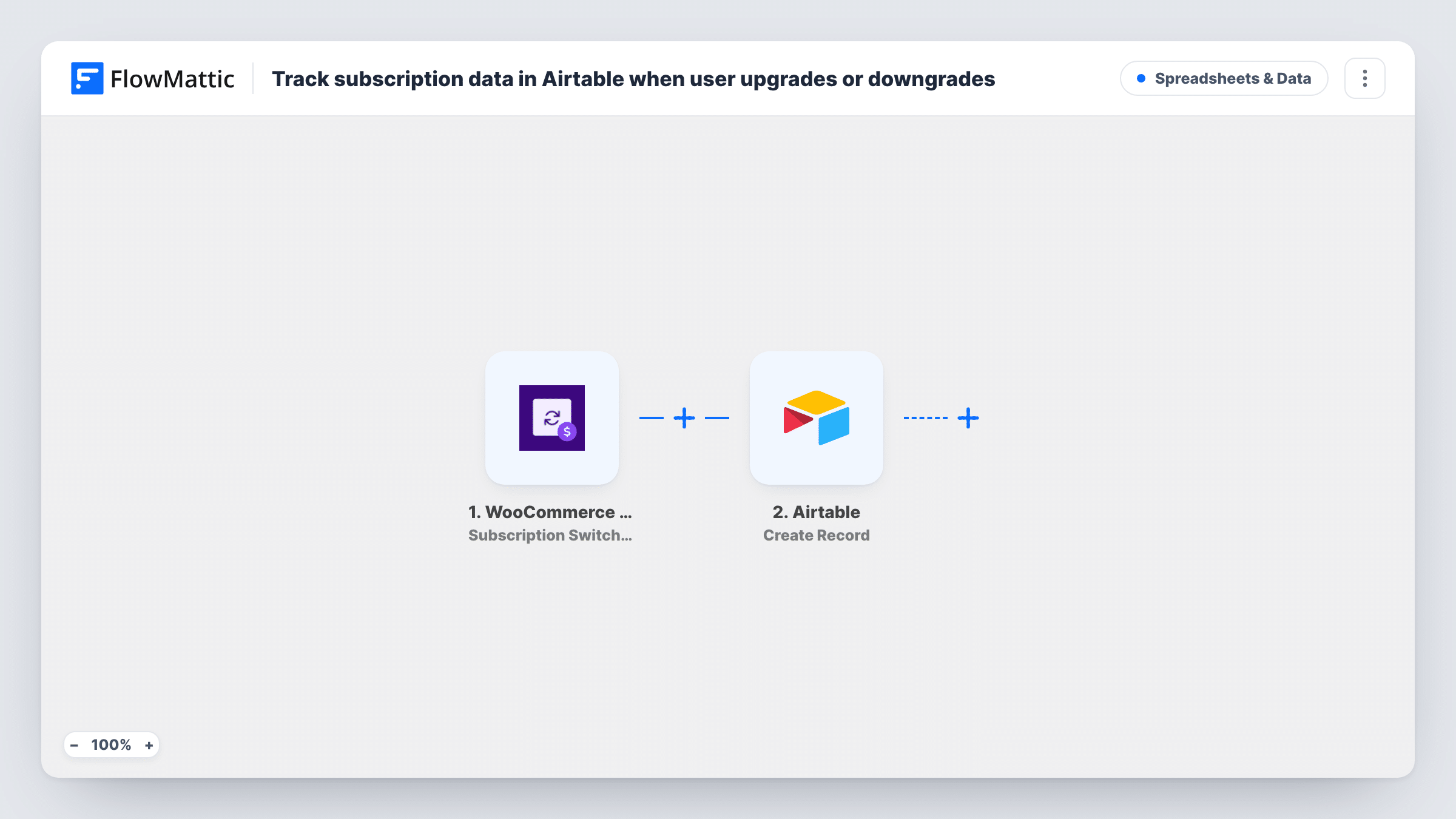
The WooCommerce Subscriptions trigger, Subscription Switched, fires when a customer upgrades or downgrades their subscription. The subscription and customer data from that event is passed on to map.
Each switch is then written to Airtable with the Create Record action. You choose the base and table and match its fields to the subscription data, such as the customer, the products involved and the date. Each switch adds a new record, so one customer who changes plans three times has three records. Nothing is updated or removed later. You can check every logged switch in Task History.
Spotting plan movement for a SaaS or membership
Group the Airtable records by product to see which plans customers switch into most often, and review the list at your monthly planning meeting.
Following up on downgrades
Your account team works through the Airtable table and contacts customers who moved to a smaller plan to ask what changed.
Sharing subscription changes with finance
A finance colleague without WordPress access reads the Airtable view to see plan changes that affect upcoming revenue.
How this workflow runs
What happens at each step once the workflow is on, and what you need before you import it.
 WooCommerce Subscriptions Subscription Switched
Fires when a customer switches their WooCommerce subscription to another plan, whether up or down. The subscription and customer details from the switch become available to map.
- Airtable Create Record
Adds a record to the Airtable table you select for each switch. Connect Airtable, pick the base and table, and map the subscription details into the table's fields.
What you need
- FlowMatticCore
- WooCommerce Subscriptions PluginPlugin
- Airtable AccountAccount
After importing, map your own data. To keep the template universal, not every step is pre-filled. Open each step in the builder and connect your accounts and fields (channels, lists, sheets, recipients) before you switch the workflow on.
Make it yours
Changes worth making after you import it.
- Make a test switch on a test subscription after import so FlowMattic captures the event. You can then see which subscription details are available before mapping the Airtable fields.
- Add a Slack or email step after Airtable so your team hears about each switch as well as having it logged.
- Include a date field in Airtable and map the event time into it, so you can sort and filter switches by month.
Questions about this workflow
Does this tell upgrades and downgrades apart in Airtable?
The trigger fires for both. Whether the event data marks the direction depends on what WooCommerce Subscriptions sends, so map the old and new plan details if they are present and compare them in Airtable.
Will one customer get several Airtable records?
Yes, one per switch. The workflow always creates a new record and never updates an earlier one, which keeps a full history.
Are switches made before importing added to Airtable?
No. Only switches that happen after the workflow is on fire the trigger, so earlier plan changes are not logged.
Do I need WooCommerce Subscriptions on the same site as FlowMattic?
Yes. The trigger listens for subscription switches in the WooCommerce Subscriptions plugin on the WordPress site where FlowMattic is installed.
More Spreadsheets & Data workflows
Other ready-to-import templates from the same category.





Import this workflow into your WordPress site
Download the JSON, import it from the Workflows screen and connect your accounts. Every run stays on your server, with no per-task fees.
30-day money-back guarantee Unlimited workflows and runs Self-hosted