

Save a Notion note for each new Talkspirit circle activity
Each new activity in a selected Talkspirit circle becomes a page in Notion, placed under a parent page you choose, so your team’s circle updates are kept in one searchable workspace.
 Talkspirit
 Notion
2 steps Setup ~5 min Used on 1.7k sites Free to import
What this workflow does
Talkspirit circles fill up with posts and updates that scroll out of view. When a decision or an announcement matters later, finding it again means digging through the feed. This workflow copies each circle activity into Notion, where you can file, search and link to it.
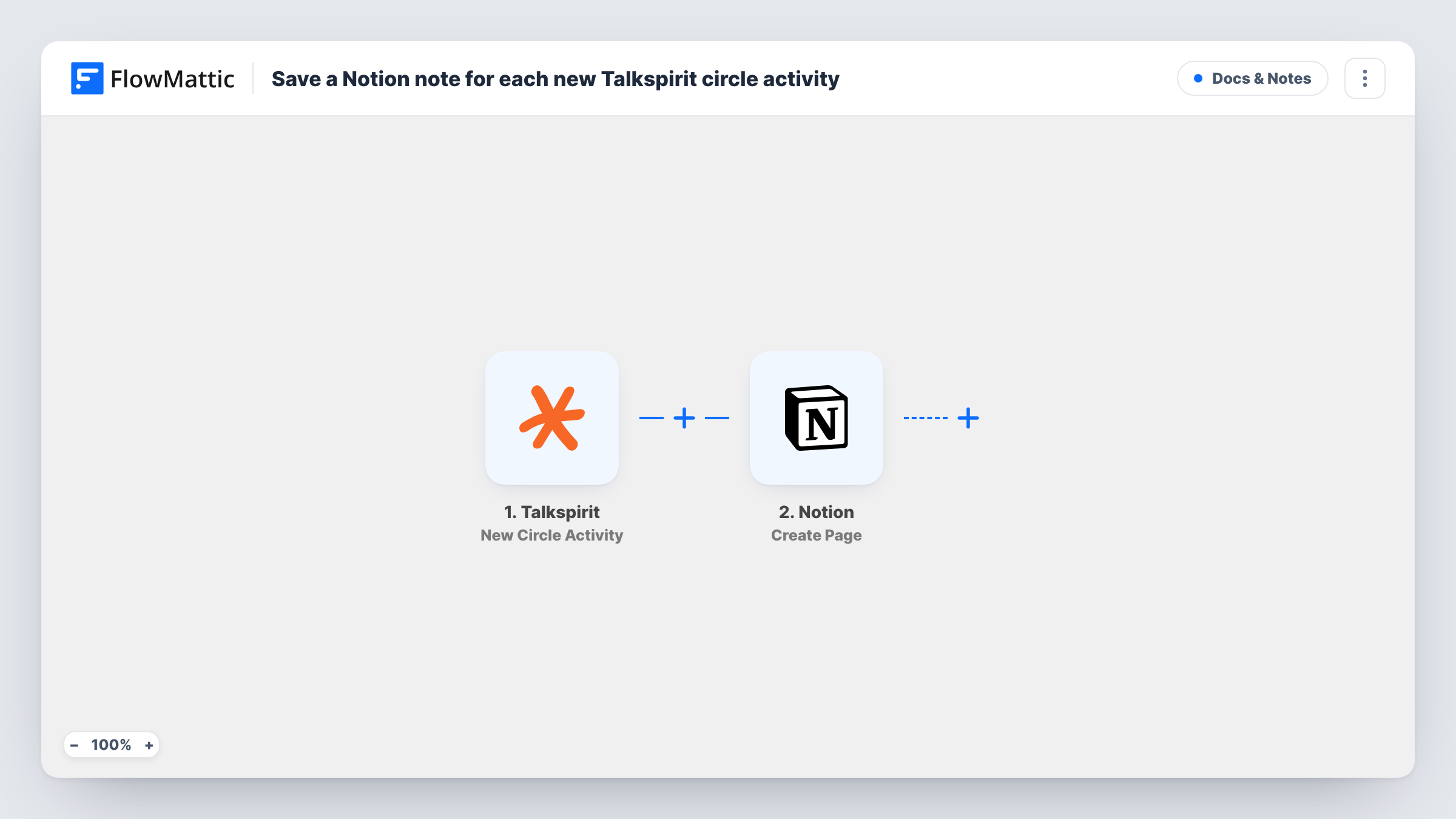
The Talkspirit trigger watches one circle you select and runs whenever a new activity appears there. FlowMattic passes the activity data on to Notion, where the Create Page action adds a page inside a parent page. You map which parts of the activity fill the page.
Every activity in that circle gets its own Notion page, so the parent page grows into a running record of the circle. The workflow only copies; it does not edit or remove anything in Talkspirit. You can check each run, and what reached Notion, in Task History.
Keep a record of team announcements
A Talkspirit circle carries company news. Each post becomes a Notion page under an Announcements parent, so new staff can read the history in one place.
Project circle to project wiki
Updates shared in a project's Talkspirit circle land as pages beneath that project's Notion page, next to the rest of its documentation.
Meeting follow-ups
When someone posts meeting notes or actions in the circle, a Notion page holds a copy you can link from tasks or share with people outside Talkspirit.
How this workflow runs
What happens at each step once the workflow is on, and what you need before you import it.
 Talkspirit New Circle Activity
Runs when a new activity occurs in the Talkspirit circle you select. The activity's data is passed on so you can map it into the Notion page.
- Notion Create Page
Creates a page in Notion inside the parent page you pick. Connect Notion, give the integration access to that parent page, and map the activity data into the new page.
What you need
- FlowMatticCore
- Talkspirit AccountAccount
- Notion AccountAccount
After importing, map your own data. To keep the template universal, not every step is pre-filled. Open each step in the builder and connect your accounts and fields (channels, lists, sheets, recipients) before you switch the workflow on.
Make it yours
Changes worth making after you import it.
- Add a Filter after the trigger that continues only when the activity text contains a word such as decision or minutes, so Notion gets the posts worth keeping.
- Put the activity date or author in the page title when you map it. Pages under the parent are then easy to scan and sort.
- To archive more than one circle, clone the workflow and select a different circle in each copy, each with its own parent page in Notion.
Questions about this workflow
Which Talkspirit activities are copied to Notion?
Every new activity in the circle you select in the trigger. Activities in other circles are ignored, and earlier activity is not copied.
Why can't the workflow see my Notion parent page?
Notion only shows pages that have been shared with the connected integration. Share the parent page with it in Notion, then reload the options in the step.
If a Talkspirit post is edited later, does the Notion page change?
No. The workflow creates a page when the activity is new. Later edits in Talkspirit are not sent to Notion.
Do I need paid plans for Talkspirit or Notion?
You need accounts in both apps that FlowMattic can connect to. Check each app's own plan details for what your workspace allows.
More Docs & Notes workflows
Other ready-to-import templates from the same category.





Import this workflow into your WordPress site
Download the JSON, import it from the Workflows screen and connect your accounts. Every run stays on your server, with no per-task fees.
30-day money-back guarantee Unlimited workflows and runs Self-hosted