

Save each completed Stormboard task to a Notion database
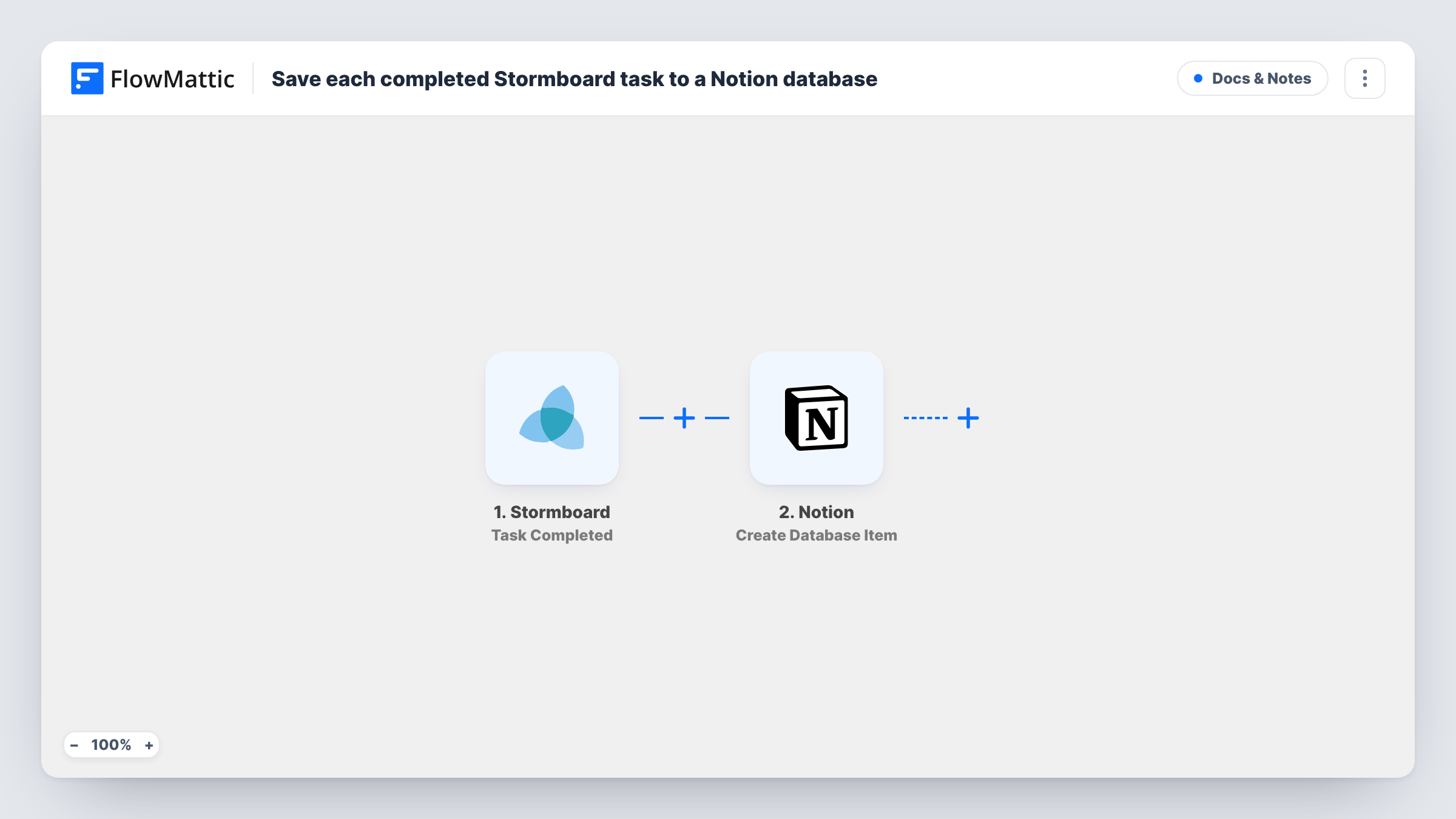
When a task is marked complete in Stormboard, this workflow adds an item for it to a Notion database you choose, so finished work from your boards is kept in one place your team can search and sort.
 Stormboard
 Notion
2 steps Setup ~5 min Used on 3.4k sites Free to import
What this workflow does
Stormboard boards fill up with tasks during planning, and once they are done they tend to stay on an old board nobody opens. If your team keeps its records in Notion, a completed-work database is easier to look back on. This workflow writes each finished Stormboard task into that database.
The Stormboard trigger, Task Completed, fires when a task is completed. FlowMattic receives the task data Stormboard sends for that event. The Notion step, Create Database Item, then creates a new item in the database you select, with the Stormboard values you map into its properties.
Each completion produces one new Notion item; the workflow does not look for an existing item first. Your Notion integration needs access to the target database before FlowMattic can write to it. After import, complete one task on a practice board to see which values arrive, then map them. Task History shows every run and the data each step handled.
A done log for sprint reviews
Your team plans in Stormboard and reviews in Notion. Completed tasks collect in a Notion database you can filter by date before each review meeting.
Client work records for an agency
Tasks agreed with a client on a Stormboard board become Notion items when finished, giving the account lead a list of delivered work to share at the next check-in.
Workshop actions tracked to completion
Actions from a strategy workshop live on a Stormboard board. As each is completed, it appears in a Notion database the leadership team already reads.
How this workflow runs
What happens at each step once the workflow is on, and what you need before you import it.
 Stormboard Task Completed
Fires when a task is completed in Stormboard. Link Stormboard to FlowMattic and fill in whatever the trigger asks for. The completed task's details become available to map into Notion.
- Notion Create Database Item
Adds an item to the Notion database you pick, filled with the Stormboard task values you map into its properties. Share the database with your Notion connection first, then use a test run to see the values.
What you need
- FlowMatticCore
- Stormboard AccountAccount
- Notion AccountAccount
After importing, map your own data. To keep the template universal, not every step is pre-filled. Open each step in the builder and connect your accounts and fields (channels, lists, sheets, recipients) before you switch the workflow on.
Make it yours
Changes worth making after you import it.
- Add a date property to the Notion database and map a date from the Stormboard task into it, if the test run shows one, so you can sort finished tasks by when they closed.
- Add a Filter after the trigger if only tasks from certain boards belong in this database. Completions that fail the condition end the run before Notion.
- Use a Router with one route per board and a Notion step on each, when different teams keep separate completed-work databases.
Questions about this workflow
Does the Notion database need specific properties?
No fixed set is required by the template. You map Stormboard values into whatever properties your database has, so add the columns you want, such as a title and a date, before mapping.
What if a Stormboard task is completed, reopened and completed again?
If Stormboard sends the completion event again, the workflow runs again and a second Notion item is created. The template does not check for an existing item.
Are tasks completed before I import this added to Notion?
No. Only completions that happen after the workflow is on reach Notion. Older finished tasks stay on the board.
Does it change anything on the Stormboard board?
No. The workflow reads the completed task from Stormboard and writes only to Notion.
More Docs & Notes workflows
Other ready-to-import templates from the same category.


Import this workflow into your WordPress site
Download the JSON, import it from the Workflows screen and connect your accounts. Every run stays on your server, with no per-task fees.
30-day money-back guarantee Unlimited workflows and runs Self-hosted