

Save each new Hiver conversation moved to shared inbox to a Notion database
Whenever a conversation is moved into a Hiver shared inbox, this workflow creates an item in your Notion database with its details, giving your team a running log of conversations handed to a shared inbox.
 Hiver
Hiver
 Notion
2 steps Setup ~5 min Used on 1.2k sites Free to import
What this workflow does
Hiver lets teams work email together from Gmail, and moving a conversation into a shared inbox is often how work gets handed from one person or team to another. Those handoffs are easy to lose track of once the email thread moves on. This workflow records each one in Notion.
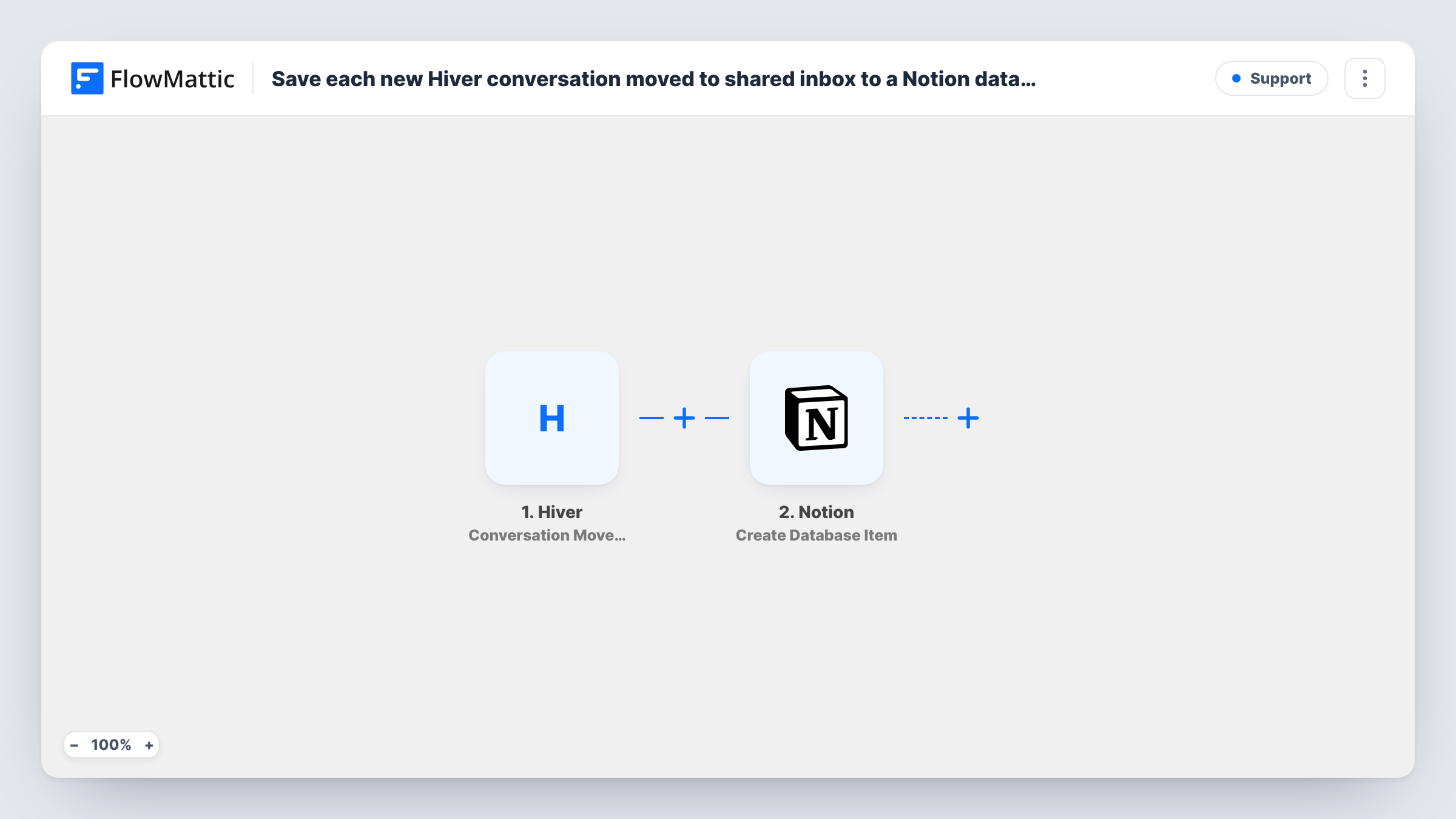
The Hiver trigger fires when a conversation is moved to a shared inbox. FlowMattic receives the conversation data and passes it to Notion, whose Create Database Item action adds an item to the database you choose. You map Hiver values, like the subject or the inbox it moved to, onto that database's properties.
Each move creates one item. If the same conversation is moved again later, that move adds another item, which gives you a history of where it went. The workflow does not copy later replies into Notion. Task History records each run along with the data received from Hiver.
Escalations from support to billing
When an agent moves a refund question into the billing shared inbox, a Notion item records it, so the finance lead can review escalations each week.
Sales leads passed to account managers
Conversations moved into the account management inbox appear in a Notion database where the team tracks who picked up each lead.
Reviewing workload across inboxes
An operations manager groups the Notion items by inbox to see which shared inbox receives the most handoffs.
How this workflow runs
What happens at each step once the workflow is on, and what you need before you import it.
 Hiver Conversation Moved to Shared Inbox
Fires when a Hiver conversation is moved to a shared inbox. The conversation's data is passed on so you can map it into Notion.
- Notion Create Database Item
Adds an item to the Notion database you select for each move. Map the Hiver values you want to keep, such as the subject, to the database's properties.
What you need
- FlowMatticCore
- Hiver AccountAccount
- Notion AccountAccount
After importing, map your own data. To keep the template universal, not every step is pre-filled. Open each step in the builder and connect your accounts and fields (channels, lists, sheets, recipients) before you switch the workflow on.
Make it yours
Changes worth making after you import it.
- Add a Filter after the trigger if you only want to log moves into one particular shared inbox, using the inbox value Hiver sends in its condition.
- Move a test conversation into a shared inbox after import, then check Task History to see which Hiver values arrive before you map Notion properties.
- Add a Date property to the Notion database and map a timestamp into it if your test run shows Hiver sends one, so you can sort the log by date.
Questions about this workflow
Does every Hiver conversation get saved to Notion?
No. Only conversations that are moved to a shared inbox start a run. New conversations that stay where they arrived are not logged.
Are replies in the Hiver conversation added to the Notion item later?
No. The item is created once, at the moment of the move. Later replies stay in Hiver and Gmail.
Can I log other Hiver events in the same Notion database?
Yes, with separate workflows. Hiver has other triggers in FlowMattic, such as Assignee Changed and Status Updated, each of which could feed the same database.
Which Hiver details can I save in Notion?
Whatever the trigger sends, mapped to properties you choose. A test move shows exactly which values are available.
More Support workflows
Other ready-to-import templates from the same category.




Import this workflow into your WordPress site
Download the JSON, import it from the Workflows screen and connect your accounts. Every run stays on your server, with no per-task fees.
30-day money-back guarantee Unlimited workflows and runs Self-hosted