

When booking is created in WP Amelia, Get customer info and Create a new ticket in Fluent Support
When a customer completes an appointment booking in WP Amelia, FlowMattic finds or creates them as a Fluent Support customer and opens a new support ticket for that booking.
 WP Amelia
 Fluent Support
3 steps Setup ~5 min Used on 1.9k sites Free to import
What this workflow does
Some appointments need preparation or a conversation before the day: a consultation that requires documents, a repair visit, an onboarding call. Opening a helpdesk ticket for every booking gives your team one thread per appointment where questions and files can be kept, instead of scattered emails.
The WP Amelia trigger fires when an appointment's booking is completed, and passes on the booking details, such as the service, date and time, and the customer's name and email. Event bookings in Amelia use a separate trigger, so they don't start this workflow.
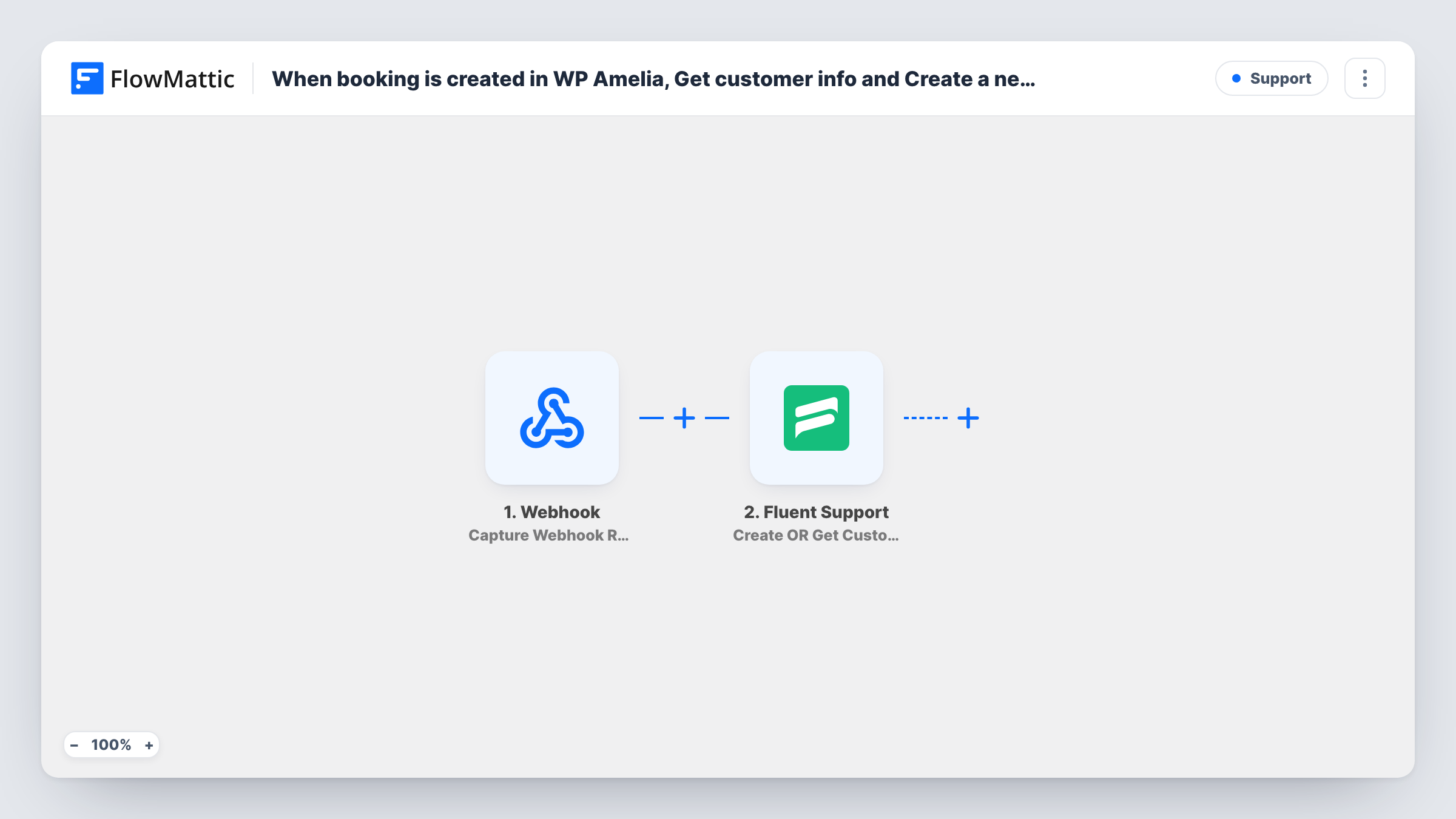
The first Fluent Support step runs Create OR Get Customer Info. FlowMattic describes it as creating the customer if they don't exist, or returning the existing customer's info, so a returning client is matched instead of duplicated. The second step creates a new ticket using that customer, and can carry custom fields and file attachments.
Both Fluent Support steps ship unmapped. After import you map the booking's customer email and name into the first step, then map the customer from step 2 into the ticket step and write the ticket title and content from the booking data. Book a test appointment and check Task History to see what each step returned.
Intake thread for consultations
A law or accounting practice opens a ticket for each consultation booked in Amelia, and staff reply there asking the client to upload the documents they need.
Pre-visit checks for service appointments
A home repair business uses each ticket to confirm the address and the problem with the customer before the technician arrives.
Onboarding calls for new clients
An agency's team sees every booked kickoff call as a Fluent Support ticket and adds notes to it ahead of the meeting.
How this workflow runs
What happens at each step once the workflow is on, and what you need before you import it.
 WP Amelia Appointment Booking Completed
Fires when a customer completes an appointment booking in WP Amelia. The service, appointment time and the customer's contact details are passed to the Fluent Support steps.
- Fluent Support Create OR Get Customer Info
Returns the Fluent Support customer who matches the booking, or creates one if there is none. The step ships unmapped: map the Amelia customer's email and name into it after import.
- Fluent Support Create a New Ticket Using Customer
Creates a new Fluent Support ticket for the customer from the previous step. Nothing is mapped as imported, so set the customer, a ticket title such as the service and date, and the content.
What you need
- FlowMatticCore
- WP Amelia AccountAccount
- Fluent Support PluginPlugin
After importing, map your own data. To keep the template universal, not every step is pre-filled. Open each step in the builder and connect your accounts and fields (channels, lists, sheets, recipients) before you switch the workflow on.
Make it yours
Changes worth making after you import it.
- Write the ticket title from the Amelia service name and appointment date, so agents can tell bookings apart in the Fluent Support ticket list.
- If only some services need a ticket, put a Filter between the Amelia trigger and the Create OR Get Customer Info step that checks the service name.
- To cover Amelia event bookings too, import a copy of this workflow and swap its trigger for the Event Booking Completed trigger.
Questions about this workflow
Will a returning Amelia customer get a duplicate Fluent Support customer?
No. Create OR Get Customer Info returns the existing customer when one matches, and only creates a new one when there is none. The ticket is then opened for that customer.
Does every Amelia booking open a ticket?
Every completed appointment booking does, since there is no Filter in the template. Rescheduled and cancelled appointments use other Amelia triggers and don't start this workflow.
What goes into the Fluent Support ticket?
Whatever you map. The ticket step has no title or content set in the template, so build them from the booking fields, such as the service, date, time and any notes the customer left.
Do I need Fluent Support on the same site as Amelia?
Both are WordPress plugins that FlowMattic works with on the site where it runs. Install and activate Fluent Support there before you test the workflow.
More Support workflows
Other ready-to-import templates from the same category.







Import this workflow into your WordPress site
Download the JSON, import it from the Workflows screen and connect your accounts. Every run stays on your server, with no per-task fees.
30-day money-back guarantee Unlimited workflows and runs Self-hosted