

When a form submission is received in Deftform, create a new ticket in Fluent Support
Every Deftform form submission opens a new ticket in Fluent Support on your WordPress site, created on the customer’s behalf, so requests sent through the form land in your helpdesk queue.
 Deftform
 Fluent Support
2 steps Setup ~5 min Used on 1.5k sites Free to import
What this workflow does
A support or contact form built in Deftform collects the request, but your team answers tickets in Fluent Support. Without a link, someone reads each submission and retypes it as a ticket, which delays replies and leaves room for missed requests. This workflow turns each submission into a ticket for you.
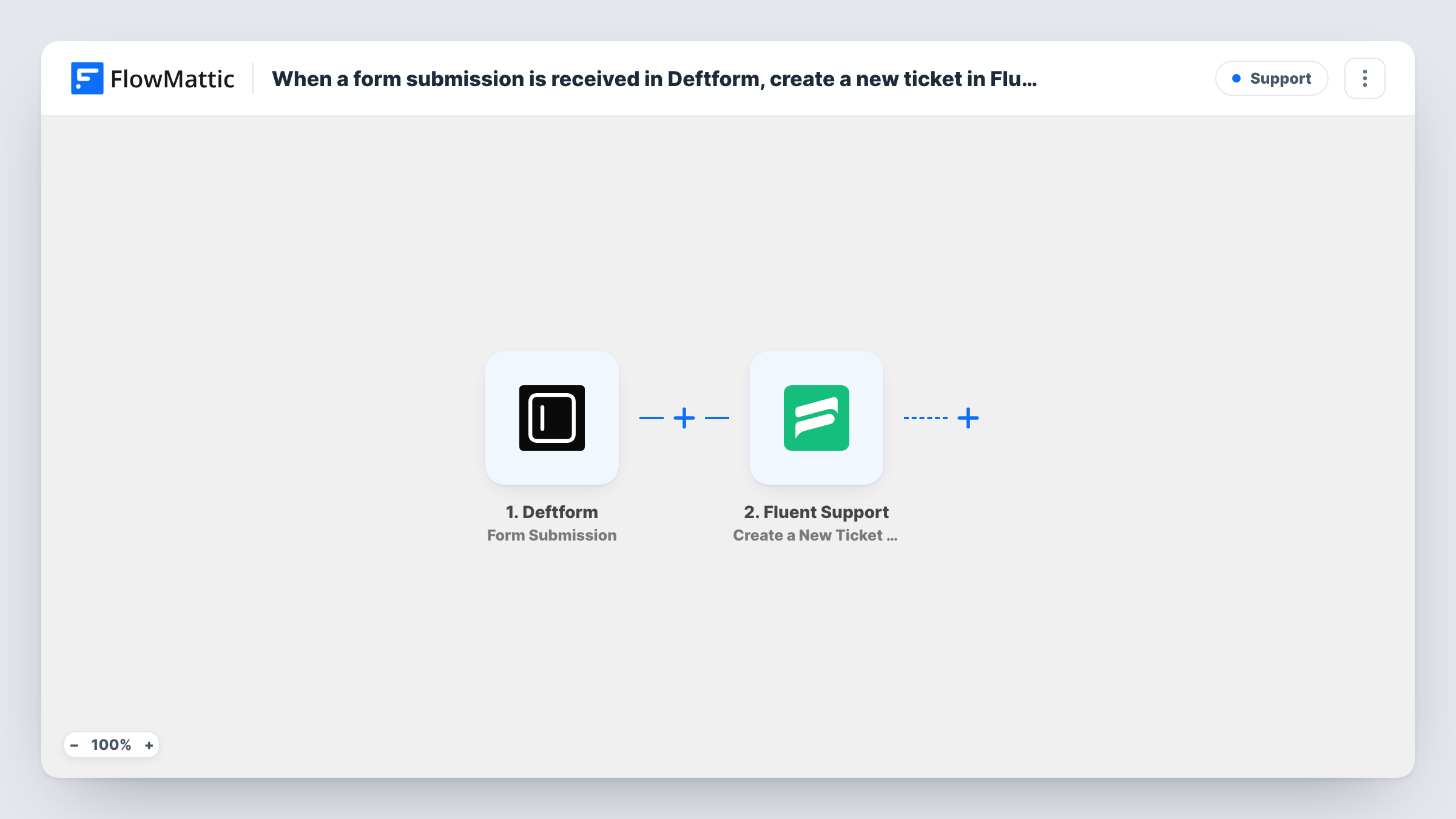
The Deftform trigger starts a run for each response your form collects, and hands every answer to the next step. The Fluent Support step then runs Create a New Ticket Using Customer, which opens a ticket as if the customer had submitted it. You map the person's details and their message from the form into the ticket, for example the email as the customer and the message as the ticket content.
Each submission becomes its own ticket, so a person who fills in the form twice opens two tickets. Fluent Support runs on your WordPress site, so the ticket and the customer's details stay there, and your agents see it in their usual queue.
Help form on a SaaS marketing site
Your marketing site uses a Deftform help form, while support works in Fluent Support. Each request becomes a ticket without anyone copying it over.
Bug reports from beta testers
Beta testers report issues through a Deftform form, and every report opens a Fluent Support ticket your developers can reply to.
Refund and return requests
A shop collects return requests with order details in Deftform, and each one opens a ticket so the team handles it with the rest of support.
How this workflow runs
What happens at each step once the workflow is on, and what you need before you import it.
 Deftform Form Submission
Runs each time a form submission is received in Deftform. All the answers from that submission are passed on so you can map them into the ticket.
- Fluent Support Create a New Ticket Using Customer
Opens a new Fluent Support ticket on behalf of the customer. Map the submitter's email and name and the form's message into the ticket, then send a test submission to see the result in your queue.
What you need
- FlowMatticCore
- Deftform AccountAccount
- Fluent Support PluginPlugin
After importing, map your own data. To keep the template universal, not every step is pre-filled. Open each step in the builder and connect your accounts and fields (channels, lists, sheets, recipients) before you switch the workflow on.
Make it yours
Changes worth making after you import it.
- Make the email field required in your Deftform form, so every ticket has an address your agents can reply to.
- Add a Filter after the Deftform trigger that continues only for one topic answer, such as Support, if the same form also collects sales enquiries.
- Add a Fluent Support Add Tag to Ticket (Pro) step after the ticket is created, so tickets from this form are easy to find in the queue.
Questions about this workflow
Does Fluent Support need to be on my WordPress site for Deftform tickets?
Yes. Fluent Support is a WordPress helpdesk plugin, and the step creates the ticket in the Fluent Support installed with FlowMattic.
What if the Deftform submitter already exists in Fluent Support?
The step creates a ticket using the customer you map. Send one test submission with an address already in Fluent Support and check in Task History and the ticket list how the ticket is linked.
Will the same person filling in the Deftform form twice open two tickets?
Yes. The step only creates tickets and does not look for an open one first, so each submission becomes a separate ticket.
More Support workflows
Other ready-to-import templates from the same category.





Import this workflow into your WordPress site
Download the JSON, import it from the Workflows screen and connect your accounts. Every run stays on your server, with no per-task fees.
30-day money-back guarantee Unlimited workflows and runs Self-hosted