

When a new ticket is created in Fluent Support, add task in My Hours
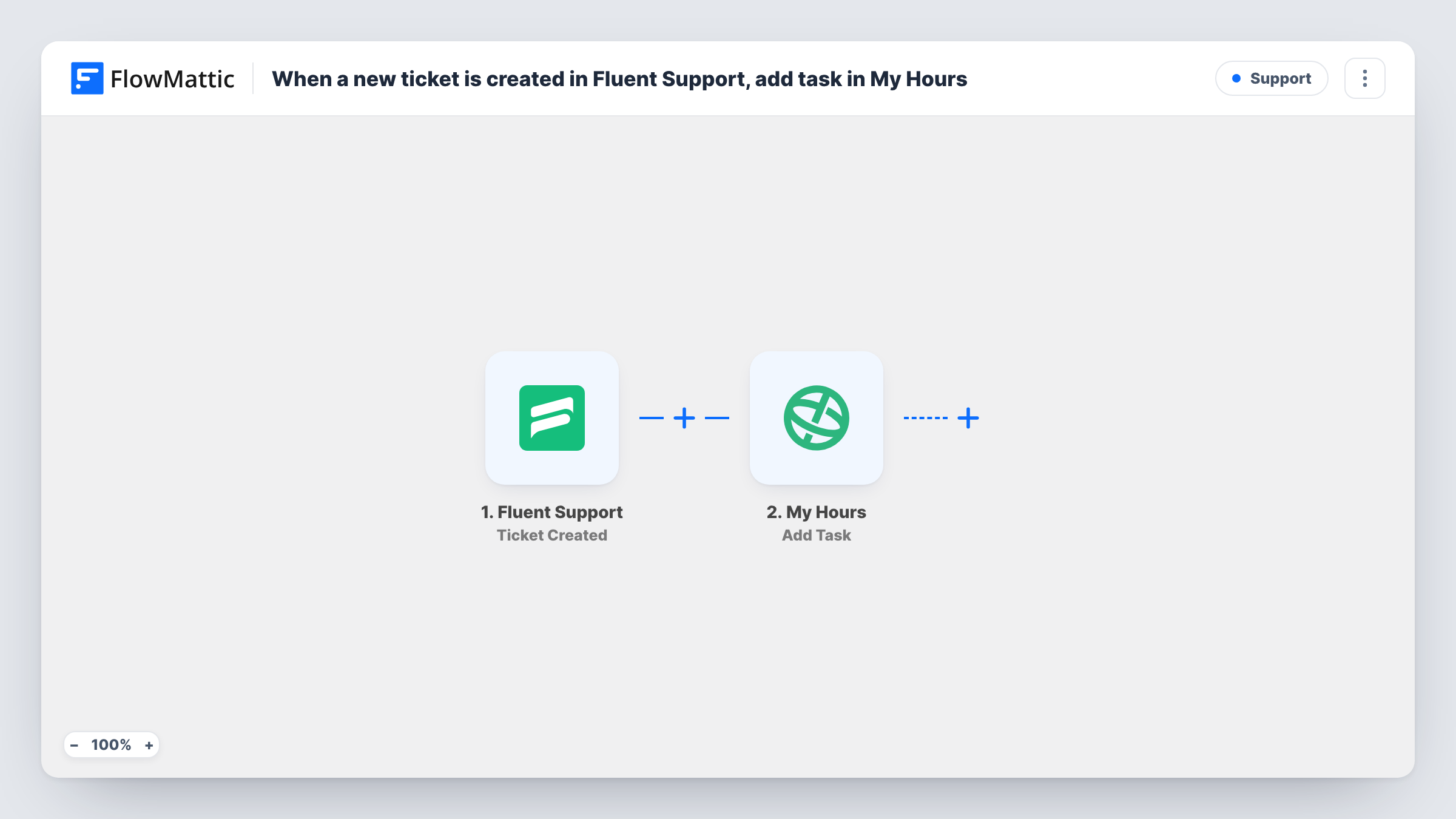
When a ticket is opened in Fluent Support, by a customer or by an agent, FlowMattic adds a matching task to a project in My Hours so the support work has somewhere to log time.
 Fluent Support
 My Hours
2 steps Setup ~5 min Used on 1.0k sites Free to import
What this workflow does
Support time is easy to lose track of. Agents answer tickets in WordPress, while the hours they spend are logged in a separate time tracker, often against a vague catch-all task. Giving each ticket its own task in My Hours makes the time you record line up with the requests that caused it.
The Fluent Support trigger fires when a new ticket is created, whether the customer opened it or an agent created it for them. FlowMattic captures the ticket's details as data you can map. The My Hours step then adds a new task to a project. A task name built from the ticket number and subject, for example, makes it simple to find when someone starts a timer.
The template creates the task and stops there. It does not start a timer, close the task when the ticket is resolved, or change the ticket in Fluent Support. Each run is listed in Task History, so you can check which ticket produced which task.
Billing clients for support hours
An agency runs Fluent Support for client sites. Each ticket appears as a My Hours task, so hours logged against it show up in reports you can bill from.
Seeing which issues take longest
A product team times every ticket in My Hours. Because each ticket has its own task, the tasks with the most hours point to the problems worth fixing.
Agent-created tickets from phone calls
When an agent logs a phone request as a ticket in Fluent Support, the trigger still fires, and the call gets a My Hours task like any other request.
How this workflow runs
What happens at each step once the workflow is on, and what you need before you import it.
 Fluent Support Ticket Created
Starts a run each time a ticket is created in Fluent Support, whether a customer opened it or an agent added it. The ticket's details are passed on for mapping.
- My Hours Add Task
Adds a new task to a project in My Hours from the ticket data. Connect your My Hours account, map the ticket details into the task, and check the result with a test ticket.
What you need
- FlowMatticCore
- Fluent Support PluginPlugin
- My Hours AccountAccount
After importing, map your own data. To keep the template universal, not every step is pre-filled. Open each step in the builder and connect your accounts and fields (channels, lists, sheets, recipients) before you switch the workflow on.
Make it yours
Changes worth making after you import it.
- Include the ticket ID in the My Hours task so anyone timing their work can match the task to the right ticket in Fluent Support.
- Add a Filter after the trigger if only some tickets should be timed, continuing only when a ticket value you pick from the test data matches the one you want.
- Create one test ticket after import and look at its data in Task History before you map fields, so you know which ticket values the trigger provides.
Questions about this workflow
Does a ticket an agent creates in Fluent Support also make a My Hours task?
Yes. The Ticket Created trigger fires for tickets opened by customers and by agents, so both kinds get a task.
Will customer replies on a Fluent Support ticket add more My Hours tasks?
No. The trigger reacts to new tickets only. Replies, status changes and closed tickets do not start the workflow.
Is the My Hours task closed when the Fluent Support ticket is resolved?
No. The template only creates tasks, and FlowMattic's My Hours actions add tasks and time logs rather than closing them. Mark the task done in My Hours yourself.
Do tickets created before import get My Hours tasks?
No. Only tickets created after you turn the workflow on start a run, so add tasks for older tickets by hand if you need them.
More Support workflows
Other ready-to-import templates from the same category.





Import this workflow into your WordPress site
Download the JSON, import it from the Workflows screen and connect your accounts. Every run stays on your server, with no per-task fees.
30-day money-back guarantee Unlimited workflows and runs Self-hosted