

When a new form response is submitted in SuprForms, create a ticket in Fluent Support
Every new SuprForms form response opens a ticket in Fluent Support on your WordPress site, created on behalf of the person who responded, so requests collected through your form land in the helpdesk your team works from.
 SuprForms
 Fluent Support
2 steps Setup ~5 min Used on 560 sites Free to import
What this workflow does
Collecting support requests or service questions through SuprForms keeps them in a list of form responses, away from your helpdesk. Copying each one into Fluent Support by hand takes time and is easy to forget. This workflow turns each response into a ticket as soon as it is submitted.
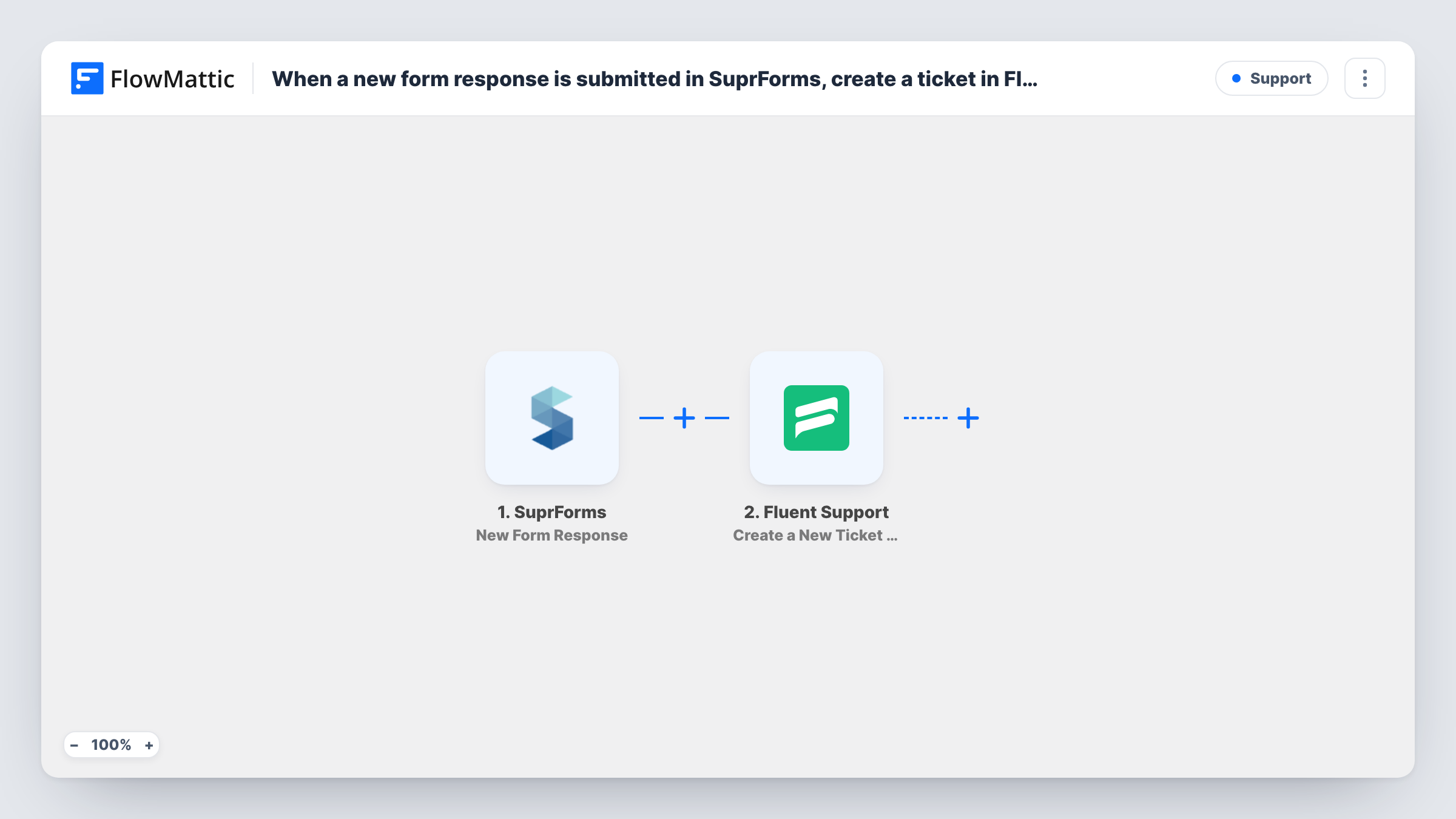
The SuprForms trigger fires when a form response is submitted, and FlowMattic captures the answers. The Fluent Support step runs Create a New Ticket Using Customer, which opens a new ticket for the customer you map. FlowMattic's description of the action says it supports custom fields and file attachments.
Each response becomes its own ticket. The step does not look for an open ticket from the same person first, so two responses from one person mean two tickets. The ticket is created in the Fluent Support helpdesk on your own site, and Task History shows what each run sent.
Service requests from a field team
Staff submit equipment problems through a SuprForms form, and each report becomes a Fluent Support ticket the maintenance team can assign and track.
Customer questions collected by a form
A question form on a campaign page feeds Fluent Support directly, so replies come from your helpdesk with the full thread kept in one place.
Refund or warranty claims
Claims submitted through SuprForms open tickets that your support agents work through in Fluent Support's queue.
How this workflow runs
What happens at each step once the workflow is on, and what you need before you import it.
 SuprForms New Form Response
Fires when someone submits a response to your SuprForms form. The answers are captured so you can map them into the ticket.
- Fluent Support Create a New Ticket Using Customer
Opens a Fluent Support ticket on behalf of the respondent. Map their name and email plus the answers you want as the ticket title and message, then run a test response to check the ticket.
What you need
- FlowMatticCore
- SuprForms AccountAccount
- Fluent Support PluginPlugin
After importing, map your own data. To keep the template universal, not every step is pre-filled. Open each step in the builder and connect your accounts and fields (channels, lists, sheets, recipients) before you switch the workflow on.
Make it yours
Changes worth making after you import it.
- Submit a test response in SuprForms after import, then map the respondent's email, name and question into the Fluent Support step before turning the workflow on.
- If the form also collects non-support answers, add a Filter after the trigger that continues only when a request-type question has the value that should become a ticket.
- Post a short Slack message after the ticket is created so the support team sees new SuprForms tickets without opening the helpdesk.
Questions about this workflow
Does Fluent Support have to be on my WordPress site for SuprForms tickets?
Yes. Fluent Support is a WordPress helpdesk plugin, and the step creates tickets in the copy installed alongside FlowMattic.
What if the SuprForms respondent is already a Fluent Support customer?
The step creates a ticket using the customer details you map. Test with an email address that already exists in Fluent Support and check the ticket list to see how it is linked.
Will two SuprForms responses from one person open two tickets?
Yes. The step only creates tickets, so every response becomes a separate ticket. Merge or close extras in Fluent Support.
Are SuprForms responses from before import turned into tickets?
No. Only responses submitted after you turn the workflow on create tickets.
More Support workflows
Other ready-to-import templates from the same category.






Import this workflow into your WordPress site
Download the JSON, import it from the Workflows screen and connect your accounts. Every run stays on your server, with no per-task fees.
30-day money-back guarantee Unlimited workflows and runs Self-hosted