

When customer replies to a conversation, send the data to Zapier
Whenever a customer replies to a ThriveDesk conversation, this workflow sends the reply data to Zapier, so a Zap you already run can pick it up and act on it.
 ThriveDesk
 Zapier
2 steps Setup ~5 min Used on 988 sites Free to import
What this workflow does
Some teams keep part of their automation in Zapier, with Zaps that reach apps they have not moved elsewhere. If one of those Zaps needs to know when a customer answers in ThriveDesk, FlowMattic can catch the reply and pass it on. This workflow does that handover.
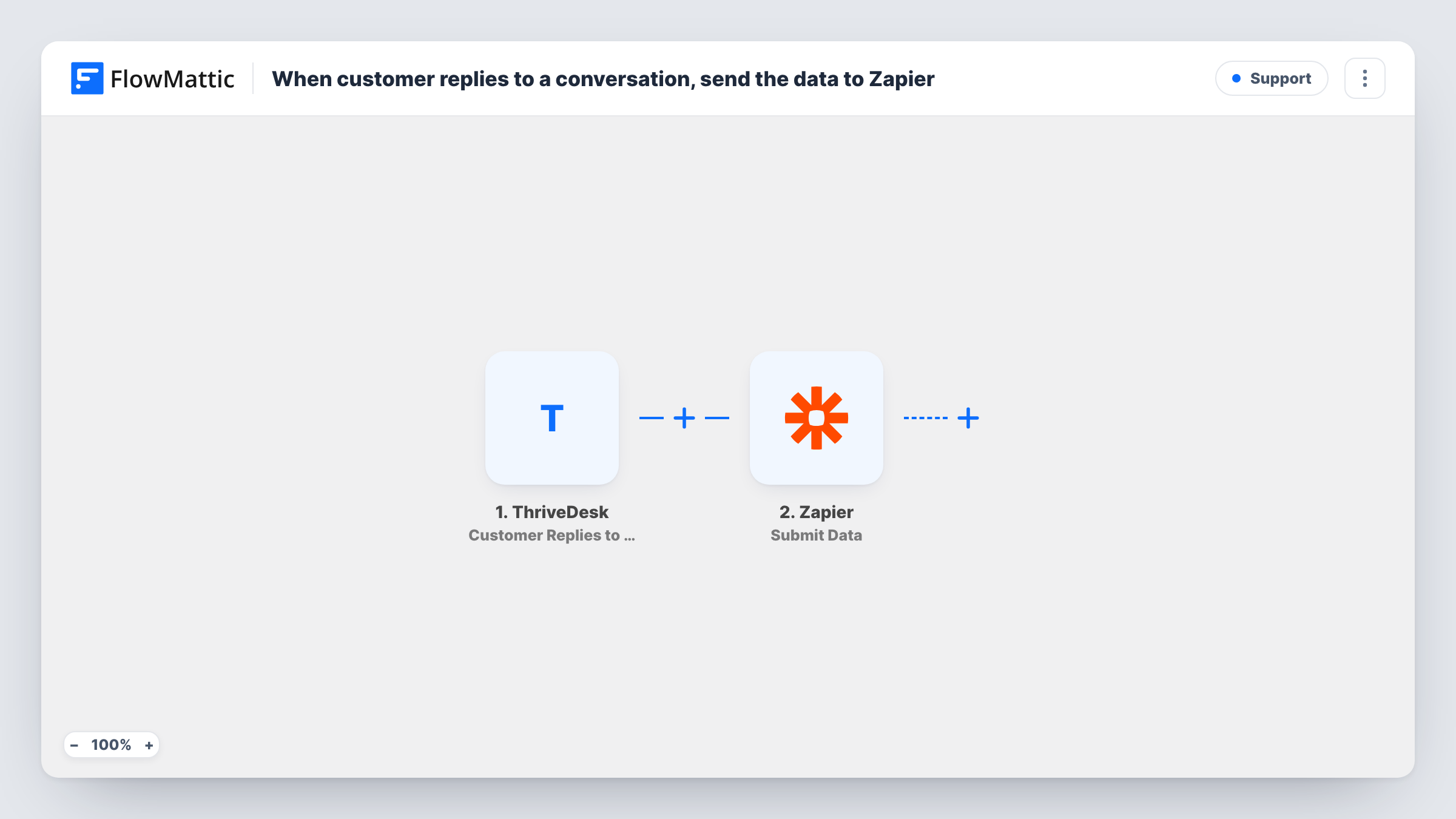
The ThriveDesk trigger fires when a customer replies to a conversation. The details ThriveDesk sends about that reply become data you can map. The second step uses Zapier Submit Data, which posts the values you choose to a Zapier webhook URL that starts your Zap.
The Zap on the Zapier side is yours to build. FlowMattic only delivers the data, and what happens next depends on that Zap. Every customer reply sends one request, including several replies in the same conversation. Task History shows what was sent each time and how Zapier answered.
Feeding an existing Zap
A Zap that already logs support activity into a tool FlowMattic does not cover gets every ThriveDesk customer reply as its starting data.
Moving away from Zapier in stages
You run the ThriveDesk side in FlowMattic now and keep the Zap for the remaining steps until you rebuild them, without breaking the chain.
Alerting an account manager
A Zap receives each customer reply and notifies the account manager through a channel your team set up in Zapier.
How this workflow runs
What happens at each step once the workflow is on, and what you need before you import it.
 ThriveDesk Customer Replies to Conversation
Runs each time a customer replies to a conversation in your ThriveDesk inbox. Details about the reply and the conversation are passed to the Zapier step.
- Zapier Submit Data
Posts the reply data to Zapier. Create a Zap that starts with a webhook, paste its URL into this step, and map the ThriveDesk values you want the Zap to receive.
What you need
- FlowMatticCore
- ThriveDesk AccountAccount
- Zapier AccountAccount
After importing, map your own data. To keep the template universal, not every step is pre-filled. Open each step in the builder and connect your accounts and fields (channels, lists, sheets, recipients) before you switch the workflow on.
Make it yours
Changes worth making after you import it.
- Send a test reply from a customer address you control, then check the Zap's trigger in Zapier to confirm the data arrived the way you mapped it.
- If your Zap only needs replies on some conversations, add a Filter after the trigger so other replies are never sent to Zapier.
- Look at what the Zap does with the data. If FlowMattic has an app for the same destination, you can add that step here and drop the Zap.
Questions about this workflow
Do I need a Zap already set up to receive ThriveDesk replies?
Yes. Submit Data sends the reply to a Zapier webhook URL, so you need a Zap with a webhook trigger to receive it and do something with it.
Does every ThriveDesk customer reply create a Zapier request?
Yes. Each reply runs the workflow once. A conversation with three customer replies sends three requests.
Are replies from my own agents sent to Zapier too?
No. The trigger is Customer Replies to Conversation, so only replies from the customer start the workflow.
More Support workflows
Other ready-to-import templates from the same category.






Import this workflow into your WordPress site
Download the JSON, import it from the Workflows screen and connect your accounts. Every run stays on your server, with no per-task fees.
30-day money-back guarantee Unlimited workflows and runs Self-hosted