

Send a Slack alert for every new Hiver conversation
Each time a conversation is created in a Hiver shared inbox, inbound or outbound, FlowMattic posts a message to a Slack channel so your team sees new email threads where they already chat.
 Hiver
 Slack
2 steps Setup ~5 min Used on 1.3k sites Free to import
What this workflow does
Hiver puts shared inboxes like support@ or sales@ inside Gmail, but not everyone on the team keeps that inbox open. A short Slack post for each new conversation lets people see what has arrived without switching tabs. This workflow sends that post.
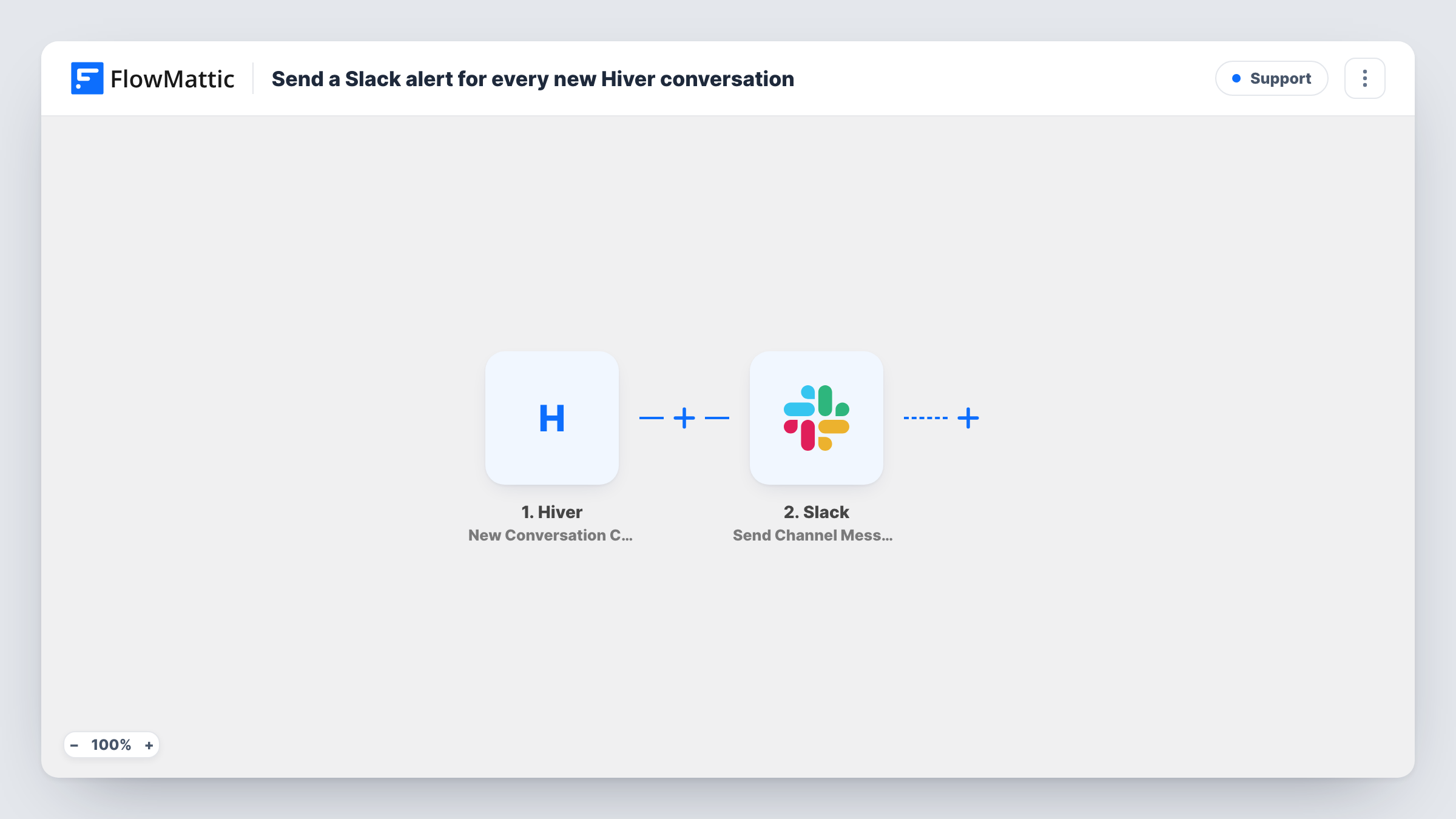
The Hiver trigger, New Conversation Created, fires when a new inbound or outbound conversation is created in a Shared Inbox. FlowMattic then runs Send Channel Message in Slack, posting to the channel you pick. Write the message and map in details from the Hiver event, such as the subject or the sender, based on what a test run captures.
Both directions count. A conversation your own team starts from the shared inbox also creates a Slack post. If you only want customer emails, switch the trigger to Hiver's New Conversation (Inbound) Received.
Support inbox on a small team
A new conversation in the support@ shared inbox shows up in #support, so whoever is free can claim it in Hiver.
Sales enquiries for account managers
Conversations created in the sales shared inbox post to #sales-leads, where account managers see each new thread as it starts.
Out-of-hours awareness for on-call staff
On-call staff follow the Slack channel on their phones and see new shared-inbox conversations without opening Gmail.
How this workflow runs
What happens at each step once the workflow is on, and what you need before you import it.
 Hiver New Conversation Created
Fires when a new conversation, inbound or outbound, is created in a Hiver shared inbox. The conversation's details are passed on to the Slack step.
- Slack Send Channel Message
Drops a note about the new Hiver thread into a Slack channel of your choice. Connect your Slack workspace, write the alert text and map in Hiver details so people can find the thread.
What you need
- FlowMatticCore
- Hiver AccountAccount
- Slack AccountAccount
After importing, map your own data. To keep the template universal, not every step is pre-filled. Open each step in the builder and connect your accounts and fields (channels, lists, sheets, recipients) before you switch the workflow on.
Make it yours
Changes worth making after you import it.
- Only care about emails from customers? Change the trigger to New Conversation (Inbound) Received so outbound threads don't post.
- Add a Filter after the trigger to post only conversations from one shared inbox, using an inbox field from a test run.
- Put the subject and sender at the start of the Slack message so the channel reads like a quick list of new threads.
Questions about this workflow
Does a reply to an existing Hiver conversation post to Slack?
No. The trigger fires when a conversation is created. Hiver's reply triggers, such as External Reply Received from Anyone, can drive a separate workflow.
Will outbound Hiver emails trigger a Slack post?
Yes, as imported. New Conversation Created covers inbound and outbound conversations. Use the inbound-only trigger if you want to leave outbound out.
Can the Hiver alerts post to a private Slack channel?
Pick the channel in the Send Channel Message step. If a private channel doesn't appear, check that your connected Slack app has access to it.
Do I need admin rights in Hiver or Slack?
You need to connect a Hiver account that can see the shared inbox and a Slack workspace where you can post to the channel.
More Support workflows
Other ready-to-import templates from the same category.





Import this workflow into your WordPress site
Download the JSON, import it from the Workflows screen and connect your accounts. Every run stays on your server, with no per-task fees.
30-day money-back guarantee Unlimited workflows and runs Self-hosted