

Save each new Sprintful booking to a Notion database
Each new Sprintful booking is saved as an item in a Notion database you choose, so your meetings sit next to your notes, projects and client pages in Notion instead of only in your scheduling tool.
 Sprintful
 Notion
2 steps Setup ~5 min Used on 2.0k sites Free to import
What this workflow does
If Notion is where you keep client notes and meeting prep, bookings that live only in Sprintful mean switching tools before every call. A Notion database of bookings lets you add agendas, link client pages and review your week in one place. This workflow fills that database for you.
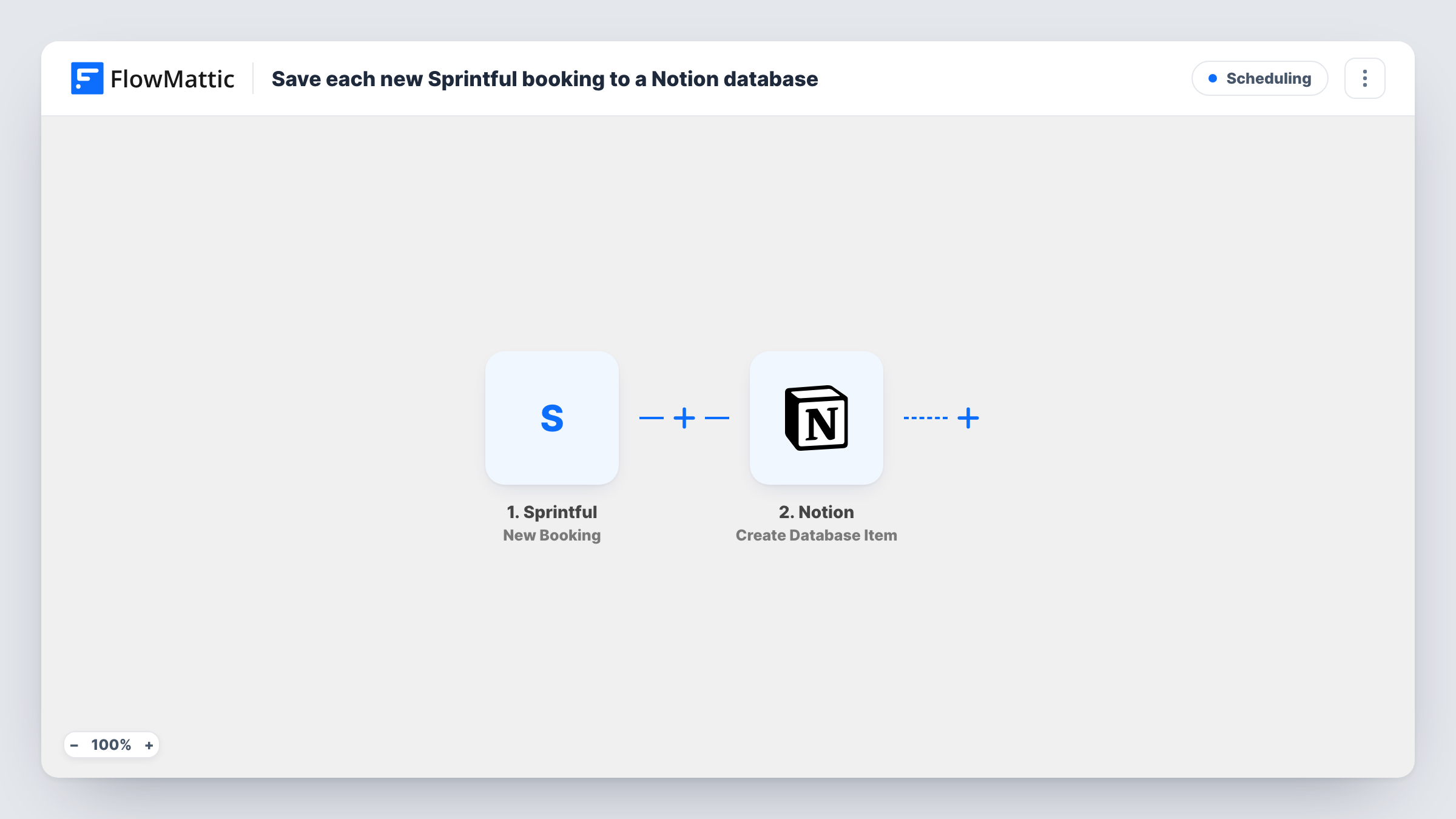
The Sprintful trigger fires when a new booking is created, and FlowMattic captures the booking data. The Notion step runs Create Database Item, which creates an item in the database you select. You map Sprintful's booking fields to the database's properties.
One booking becomes one Notion item. The step only creates items, so a rescheduled or cancelled booking does not change the item already made. Task History shows each booking run and what was sent to Notion.
Meeting prep for consultants
Each new client booking becomes a Notion item where you write the agenda and notes before the call.
A sales team's call log
Demo bookings from Sprintful fill a shared Notion database the team uses to track who met whom and what happened next.
Coaching session records
Coaches keep a Notion database of every session booked, adding notes and action items after each meeting.
How this workflow runs
What happens at each step once the workflow is on, and what you need before you import it.
 Sprintful New Booking
Starts a run for each booking someone makes through Sprintful. The booking data, such as guest details and meeting time where provided, is captured for mapping.
- Notion Create Database Item
Adds the booking as a new item in your chosen Notion database. Connect Notion, make sure the connection can access that database, and map the Sprintful booking fields to the database properties.
What you need
- FlowMatticCore
- Sprintful AccountAccount
- Notion AccountAccount
After importing, map your own data. To keep the template universal, not every step is pre-filled. Open each step in the builder and connect your accounts and fields (channels, lists, sheets, recipients) before you switch the workflow on.
Make it yours
Changes worth making after you import it.
- Create the Notion database with properties for the guest's name, email and meeting time before import, then map them from a test booking.
- Add a Slack step after Notion that posts the booking and the new item to your team channel.
- If you only want certain meeting types in Notion, add a Filter after the trigger on a field that names the meeting type in the captured booking data.
Questions about this workflow
Does a rescheduled Sprintful booking update the Notion item?
No. The workflow runs on new bookings and only creates items. Changes made later in Sprintful are not sent to Notion.
Why doesn't my bookings database appear in the Notion step?
Notion only lets a connection reach the pages and databases you give it access to. Grant the FlowMattic connection access to the database in Notion, then pick it in the step.
Are Sprintful bookings made before import saved to Notion?
No. Only bookings created after you turn the workflow on become Notion items.
Can I map the Sprintful meeting time to a Notion date property?
Map the time field from the booking data into the date property, then run a test booking to check that Notion accepts the format.
More Scheduling workflows
Other ready-to-import templates from the same category.






Import this workflow into your WordPress site
Download the JSON, import it from the Workflows screen and connect your accounts. Every run stays on your server, with no per-task fees.
30-day money-back guarantee Unlimited workflows and runs Self-hosted