

Save Fluix form response attachments to a Google Drive folder
Each time a Fluix form response is submitted, this workflow uploads a file from it to a Google Drive folder, so photos, signed pages and documents from the field end up in shared storage.
 Fluix
 Google Drive
2 steps Setup ~5 min Used on 1.4k sites Free to import
What this workflow does
Field teams fill in Fluix forms on site, often with photos, signatures or scanned pages attached. The office then needs those files somewhere everyone can reach. This workflow copies a file from each new response into Google Drive.
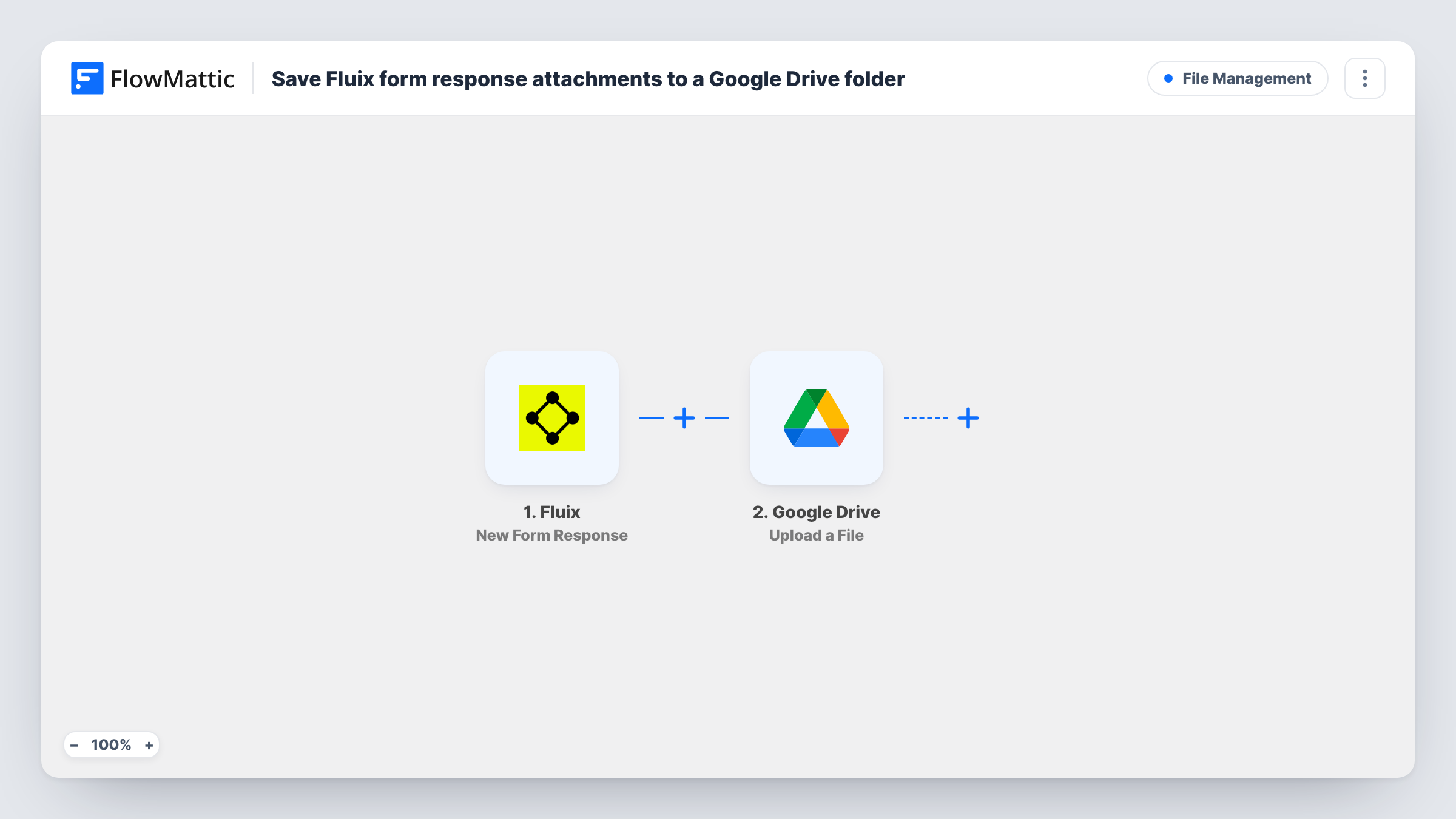
The Fluix trigger fires when a form response is submitted. FlowMattic receives the response data, including any file links Fluix sends. The Google Drive step uploads a file to the folder you set, using the file you map from the response.
As shipped, the Drive step takes a single file each time the workflow runs. If your responses carry several attachments, map the one you need, or add an Iterator before the Drive step so each attachment is uploaded in turn. Responses with nothing attached still start a run, and the Drive step has no file to upload for them. Submit a test response after import to see what Fluix sends, and check Task History for each upload.
Site inspection photos
An inspector attaches a photo to a Fluix checklist on site. The photo lands in a shared Drive folder the office reviews before writing the report.
Signed delivery notes
Drivers complete a Fluix delivery form with the customer's signed page. The file is uploaded to Drive so accounts can match it to the invoice.
Safety forms for an audit
Each completed safety form's attachment is kept in Google Drive, building a folder the safety manager can share with an auditor.
How this workflow runs
What happens at each step once the workflow is on, and what you need before you import it.
 Fluix New Form Response
Runs when a response to a Fluix form is submitted. The response data, including any attachment links Fluix includes, is passed on to Google Drive.
- Google Drive Upload a File
Uploads one file to Google Drive. Map the attachment from the Fluix response, pick the destination folder, and connect your Google account.
What you need
- FlowMatticCore
- Fluix AccountAccount
- Google Drive AccountAccount
After importing, map your own data. To keep the template universal, not every step is pre-filled. Open each step in the builder and connect your accounts and fields (channels, lists, sheets, recipients) before you switch the workflow on.
Make it yours
Changes worth making after you import it.
- If responses include more than one attachment, add an Iterator over the attachment list before the Drive step, so each file is uploaded on its own.
- Add a Filter after the trigger that continues only when the attachment field is not empty, so responses without files stop before the Drive step.
- Name each uploaded file with a response field, such as the site or job number, if the Drive step lets you set a file name, so files are easy to find later.
Questions about this workflow
Are all attachments from a Fluix response uploaded to Google Drive?
Not as imported. Only the attachment you map in the Drive step is uploaded. Add an Iterator before it to upload every attachment in a response.
What happens to Fluix responses with no attachment?
They still start a run, and the Drive step has nothing to upload, so expect it to fail for those runs. Task History shows what it returned. A Filter on the attachment field avoids this.
Can each Fluix form send files to its own Drive folder?
Yes. Add a Router after the trigger with a route per form and a Drive step with its own folder on each, using conditions that can't both match.
Does this change the response stored in Fluix?
No. The workflow only reads the response and copies a file to Google Drive. The original stays in Fluix.
More File Management workflows
Other ready-to-import templates from the same category.




Import this workflow into your WordPress site
Download the JSON, import it from the Workflows screen and connect your accounts. Every run stays on your server, with no per-task fees.
30-day money-back guarantee Unlimited workflows and runs Self-hosted