

Save new Chartink alerts as records in Airtable for review
Every new Chartink screener alert is saved as a record in your Airtable base, building a table of signals you can sort, tag and review later instead of scrolling back through alerts.
 Chartink
 Airtable
2 steps Setup ~5 min Used on 3.0k sites Free to import
What this workflow does
Chartink alerts arrive one at a time and are easy to lose. If you want to look back at which scans fired, when, and what you did about each one, you need them in one place. This workflow keeps that place for you in Airtable.
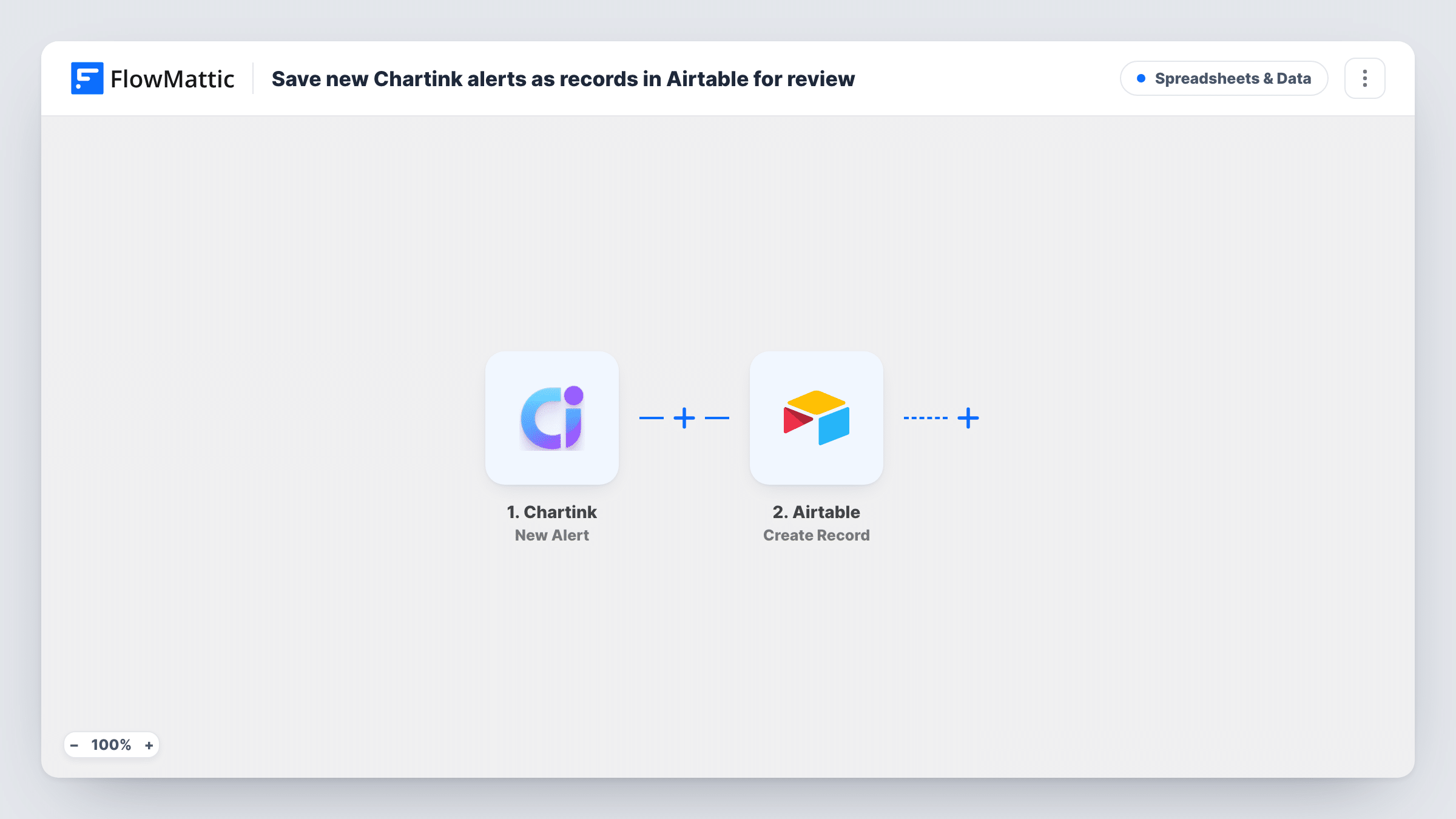
The Chartink trigger fires on a new alert for the events you specify, and FlowMattic captures the alert data. The Airtable step then creates a new record in the base and table you pick, with the alert fields mapped into your columns.
Once the record exists, review happens in Airtable. Add your own columns for notes, a decision or an outcome and fill them in by hand. FlowMattic adds new Airtable rows here and never edits or deletes them, and it doesn't act on the alert in any other way.
Trading journal built from alerts
Each alert becomes a row. You add a column for whether you took the trade and why, which turns the table into a journal you can review each weekend.
Compare scans over time
If the alert data names the scan, map it into a column and group the table by it to see which of your Chartink screeners fire most often.
Shared review queue for a study group
Members of a group looking at the same scans comment on records in the shared base instead of passing alerts around in chat.
How this workflow runs
What happens at each step once the workflow is on, and what you need before you import it.
 Chartink New Alert
Starts a run each time a new Chartink alert arrives for the events you set up. FlowMattic captures the alert data and hands it to the Airtable step for mapping.
- Airtable Create Record
Creates a new record in the Airtable base and table you choose for each alert. Map the Chartink alert fields to your columns and connect your Airtable account.
What you need
- FlowMatticCore
- Chartink AccountAccount
- Airtable AccountAccount
After importing, map your own data. To keep the template universal, not every step is pre-filled. Open each step in the builder and connect your accounts and fields (channels, lists, sheets, recipients) before you switch the workflow on.
Make it yours
Changes worth making after you import it.
- Add a Status column in Airtable with a default of To review, so new alert records show up in a review view until you mark them.
- Add a Slack step after Airtable if you also want a message for each alert, so you hear about it and have the record.
- Fire a test alert in Chartink after import so FlowMattic captures the alert fields, then map them to your Airtable columns.
Questions about this workflow
Does the workflow update an Airtable record when the same stock alerts again?
No. Each Chartink alert creates its own new record. Repeat alerts for a stock appear as separate rows.
Which Airtable columns should I set up for Chartink alerts?
That depends on what the alert sends. Fire a test alert, look at the fields FlowMattic captured, and create a column for each one you want to keep.
Does saving alerts to Airtable act on them in any way?
No. It only stores each alert as a record. Any trade or follow-up is something you do yourself.
More Spreadsheets & Data workflows
Other ready-to-import templates from the same category.





Import this workflow into your WordPress site
Download the JSON, import it from the Workflows screen and connect your accounts. Every run stays on your server, with no per-task fees.
30-day money-back guarantee Unlimited workflows and runs Self-hosted