

Save new Epos Now products as records in Airtable for catalog tracking
Each product you create in Epos Now is copied into Airtable as a new record. FlowMattic maps the product details into your table, so you can track your catalog, add notes and share it outside the till system.
 Epos Now
 Airtable
2 steps Setup ~5 min Used on 1.2k sites Free to import
What this workflow does
Epos Now holds the products you sell at the till, but planning a catalog often happens elsewhere. You might track suppliers, photos, launch dates or label printing in Airtable. Re-typing each product there is slow and leaves gaps. This workflow adds the record for you.
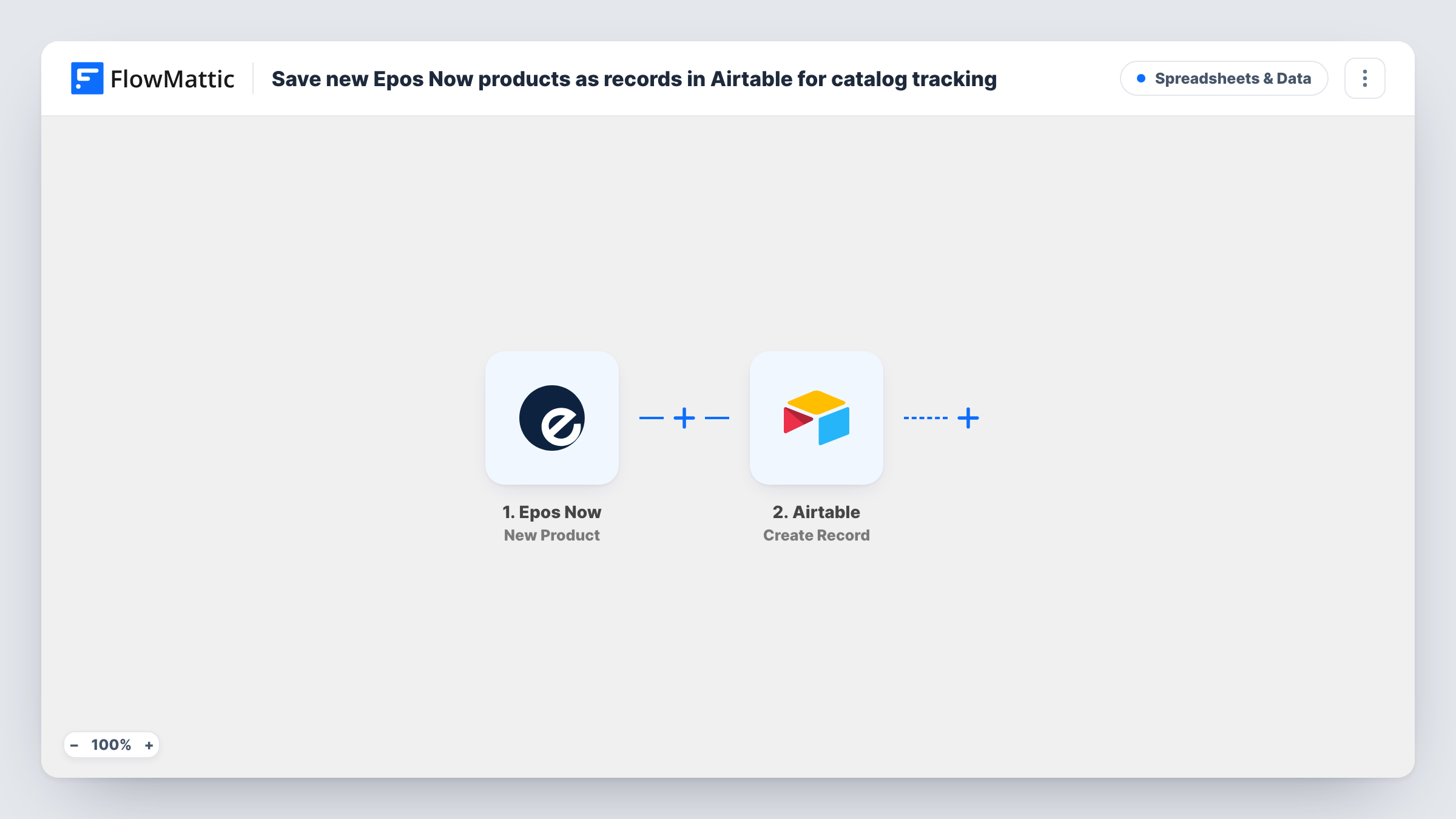
The Epos Now trigger fires when a product is created. FlowMattic passes the product data to the Airtable Create Record action, which adds a record to the base and table you choose. You map the product values into your Airtable fields.
The workflow reacts to new products only. Price changes or edits you later make in Epos Now are not sent to Airtable, and products that existed before you turned it on stay out. Each run appears in Task History, so you can check the product data that arrived.
Catalog planning for a gift shop
New stock is set up in Epos Now first. Airtable then holds the same product next to fields for supplier, reorder notes and shelf location.
Product photos for the website
A marketing assistant works from an Airtable view of products added this week and attaches photos to each record before they go online.
Shared list for a franchise owner
An owner who doesn't use the till system sees each newly added product in a shared Airtable view.
How this workflow runs
What happens at each step once the workflow is on, and what you need before you import it.
 Epos Now New Product
Fires when a product is created in Epos Now. The product data is passed on for mapping. Add a test product to see which values Epos Now sends.
- Airtable Create Record
Creates a record in the Airtable base and table you choose for each new product. Connect your Airtable account and map the Epos Now values to your fields.
What you need
- FlowMatticCore
- Epos Now AccountAccount
- Airtable AccountAccount
After importing, map your own data. To keep the template universal, not every step is pre-filled. Open each step in the builder and connect your accounts and fields (channels, lists, sheets, recipients) before you switch the workflow on.
Make it yours
Changes worth making after you import it.
- Build the Airtable fields before mapping, with a currency or number field for prices, so the values land in a field type you can sort by.
- Add your own Airtable fields, such as supplier or status, that the workflow leaves blank. Your team fills them in after each record appears.
- If you also want a spreadsheet copy, add a Google Sheets Add New Row step after the Airtable step and map the same product values.
Questions about this workflow
Do product edits in Epos Now update Airtable?
No. The trigger fires when a product is created, and the Airtable step only creates records. Later changes stay in Epos Now.
Will my existing Epos Now products be copied?
No. Only products created after you turn the workflow on reach Airtable.
What if I add the same product twice in Epos Now?
Each creation in Epos Now is a new product, so Airtable gets a record for each one. The Create Record step doesn't look for an existing match.
Which product details can go into Airtable?
Whatever the Epos Now trigger sends for the product. Run a test after import to see the values, then map the ones your table needs.
More Spreadsheets & Data workflows
Other ready-to-import templates from the same category.





Import this workflow into your WordPress site
Download the JSON, import it from the Workflows screen and connect your accounts. Every run stays on your server, with no per-task fees.
30-day money-back guarantee Unlimited workflows and runs Self-hosted