

Save processed Rendi output files to Dropbox when an FFmpeg command completes
When a Rendi FFmpeg command completes, this workflow uploads the resulting output file to Dropbox, so your processed video and audio are stored in a folder you choose rather than only on Rendi.
 Rendi
Rendi
 Dropbox
2 steps Setup ~5 min Used on 1.1k sites Free to import
What this workflow does
Rendi runs FFmpeg commands for you in the cloud: converting formats, trimming clips, compressing video or extracting audio. When the job finishes, the output still has to be fetched and stored somewhere your team can use. This workflow handles that step by sending the file to Dropbox.
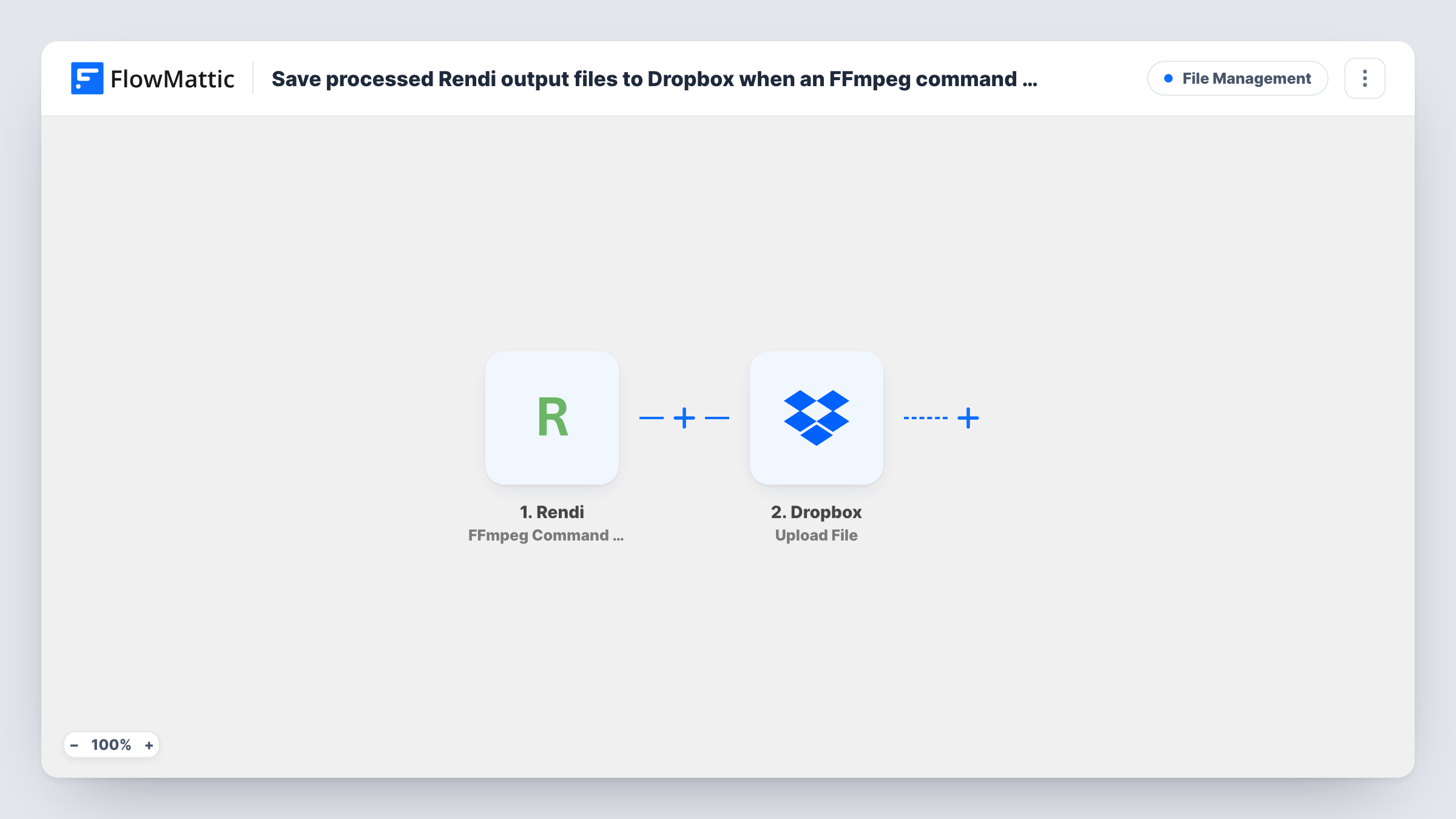
The Rendi trigger starts a run once Rendi has finished running one of your FFmpeg commands. FlowMattic receives the details of the finished command, including where its output can be found, and passes them to Dropbox. The Upload File action then puts the file in your Dropbox, using the output you map from Rendi.
Each completed command produces one run and one upload. If a single command writes several output files, map the one you want, or add an Iterator to handle them in turn. Task History shows what Rendi sent and how the upload went.
Social video exports
Rendi resizes a clip for each social platform, and every finished file is saved to a Dropbox folder your social media manager uses.
Podcast audio extraction
An FFmpeg command pulls the audio track from a recorded video, and the resulting file lands in the Dropbox folder your editor shares.
Client video deliveries
A video agency compresses final renders through Rendi and keeps each output in a Dropbox folder that it shares with the client.
How this workflow runs
What happens at each step once the workflow is on, and what you need before you import it.
 Rendi FFmpeg Command Completed
Fires when a Rendi FFmpeg command completes. The command's result, including its output file details, becomes available to map in the Dropbox step.
- Dropbox Upload File
Uploads a file to your Dropbox. Map the output file from the Rendi result, set where it should be saved, and connect your Dropbox account on import.
What you need
- FlowMatticCore
- Rendi AccountAccount
- Dropbox AccountAccount
After importing, map your own data. To keep the template universal, not every step is pre-filled. Open each step in the builder and connect your accounts and fields (channels, lists, sheets, recipients) before you switch the workflow on.
Make it yours
Changes worth making after you import it.
- Use an Iterator before the Dropbox step if a Rendi command returns a list of output files, so each one is uploaded separately.
- Add a Filter after the trigger that continues only when the command's status shows success, so failed commands don't produce a failed upload.
- Run a short FFmpeg command through Rendi after import so FlowMattic captures a real result, then map the output file in the Dropbox step.
Questions about this workflow
Which Rendi output gets uploaded to Dropbox?
The one you map in the Dropbox step from the completed command's data. Run a test command to see which output fields Rendi sends.
What happens when a Rendi command fails?
The trigger fires on completion, and the Dropbox step still runs. Without a valid output there is nothing to upload, and Task History shows the error. A Filter on the status field avoids this.
Can I save Rendi outputs to Google Drive instead of Dropbox?
Yes. Replace the Dropbox step with the Google Drive Upload a File action and map the same Rendi output into it.
Do I need my own FFmpeg installation?
No. Rendi runs the FFmpeg commands on its side. You need a Rendi account and a Dropbox account connected in FlowMattic.
More File Management workflows
Other ready-to-import templates from the same category.






Import this workflow into your WordPress site
Download the JSON, import it from the Workflows screen and connect your accounts. Every run stays on your server, with no per-task fees.
30-day money-back guarantee Unlimited workflows and runs Self-hosted