

Save signed ArcSite proposal documents to a Dropbox folder
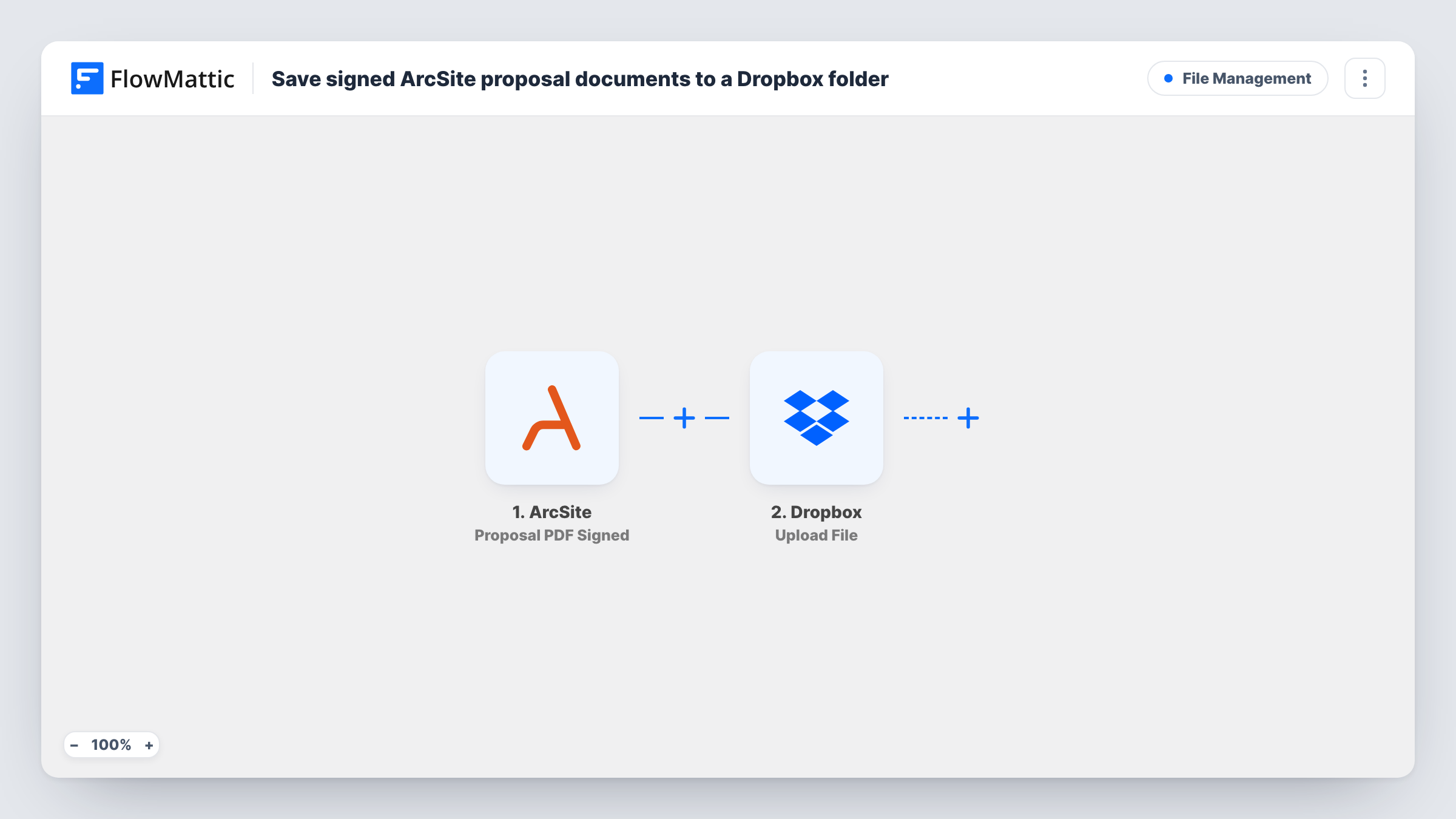
When a proposal PDF is signed in ArcSite, FlowMattic uploads it to a Dropbox folder you choose, so every signed proposal is filed in one place your office can reach.
 ArcSite
 Dropbox
2 steps Setup ~5 min Used on 3.0k sites Free to import
What this workflow does
Contractors and installers often get proposals signed on site in ArcSite. Back at the office, someone still has to download each signed PDF and file it with the job. This workflow does the filing for you.
The ArcSite trigger fires when a proposal PDF is signed. FlowMattic takes the details from that event and runs the Dropbox Upload File action, which saves the file into your Dropbox. You map the signed PDF from the ArcSite data into the upload, and you can build the file name from values such as the project or customer name.
The upload only works if the signed event gives FlowMattic the PDF to fetch, so check a test run to confirm the file link comes through before you rely on it. Every upload, and any error Dropbox returns, is listed in Task History.
Roofing or HVAC contractor
A homeowner signs the proposal on the estimator's tablet, and the signed PDF is saved to the company's Dropbox for the office to schedule the job.
Shared folder for the accounts team
Signed proposals land in a Dropbox folder that the bookkeeper uses to raise deposits and invoices.
Keeping signed copies outside ArcSite
A firm keeps its own copy of every signed proposal in Dropbox, alongside drawings and photos for the same job.
How this workflow runs
What happens at each step once the workflow is on, and what you need before you import it.
 ArcSite Proposal PDF Signed
Starts a run when a proposal PDF is signed in ArcSite. Details of the signed proposal are passed on, ready to map into the Dropbox upload.
- Dropbox Upload File
Saves the signed proposal into Dropbox. Connect Dropbox, choose the destination, and map the signed PDF from the ArcSite event. Use a test run to see which file value to pick.
What you need
- FlowMatticCore
- ArcSite AccountAccount
- Dropbox AccountAccount
After importing, map your own data. To keep the template universal, not every step is pre-filled. Open each step in the builder and connect your accounts and fields (channels, lists, sheets, recipients) before you switch the workflow on.
Make it yours
Changes worth making after you import it.
- Include the customer or project name in the Dropbox file name, so signed proposals are easy to find without opening each one.
- Add an Email step after Dropbox that tells the office manager a signed proposal has been filed.
- Sign a test proposal in ArcSite after import and check Task History to confirm the PDF reached Dropbox before you switch the workflow on.
Questions about this workflow
Are ArcSite proposals that are not signed uploaded too?
No. The trigger fires only when a proposal PDF is signed, so drafts and unsigned proposals stay in ArcSite.
Can each ArcSite project get its own Dropbox folder?
Not as imported. Add Dropbox's Create Folder action before the upload, name the folder from an ArcSite value such as the project, and point the upload at it.
What if a signed ArcSite PDF does not reach Dropbox?
Task History shows the Dropbox step's response. Check there that the signed PDF's file value was mapped into the upload.
Do I need a Dropbox account for the signed proposals?
Yes. You connect a Dropbox account to the Upload File step when you import, and the files are saved there.
More File Management workflows
Other ready-to-import templates from the same category.






Import this workflow into your WordPress site
Download the JSON, import it from the Workflows screen and connect your accounts. Every run stays on your server, with no per-task fees.
30-day money-back guarantee Unlimited workflows and runs Self-hosted