

Schedule workflow to be executed every day at 10:00 AM, Delete DNS Record in Cloudflare
Once a day, at the time you set (10:00 AM in the title), this workflow asks Cloudflare to delete one DNS record you choose. As imported it removes that one record, so it suits a one-time timed removal.
 Schedule
 Cloudflare
2 steps Setup ~5 min Used on 2.7k sites Free to import
What this workflow does
Some DNS records are meant to be short-lived. A temporary verification record, a test subdomain or an entry another tool keeps adding can linger in your zone long after it is needed. This workflow removes one specific record on a daily schedule, so you don't have to remember to do it in the Cloudflare dashboard.
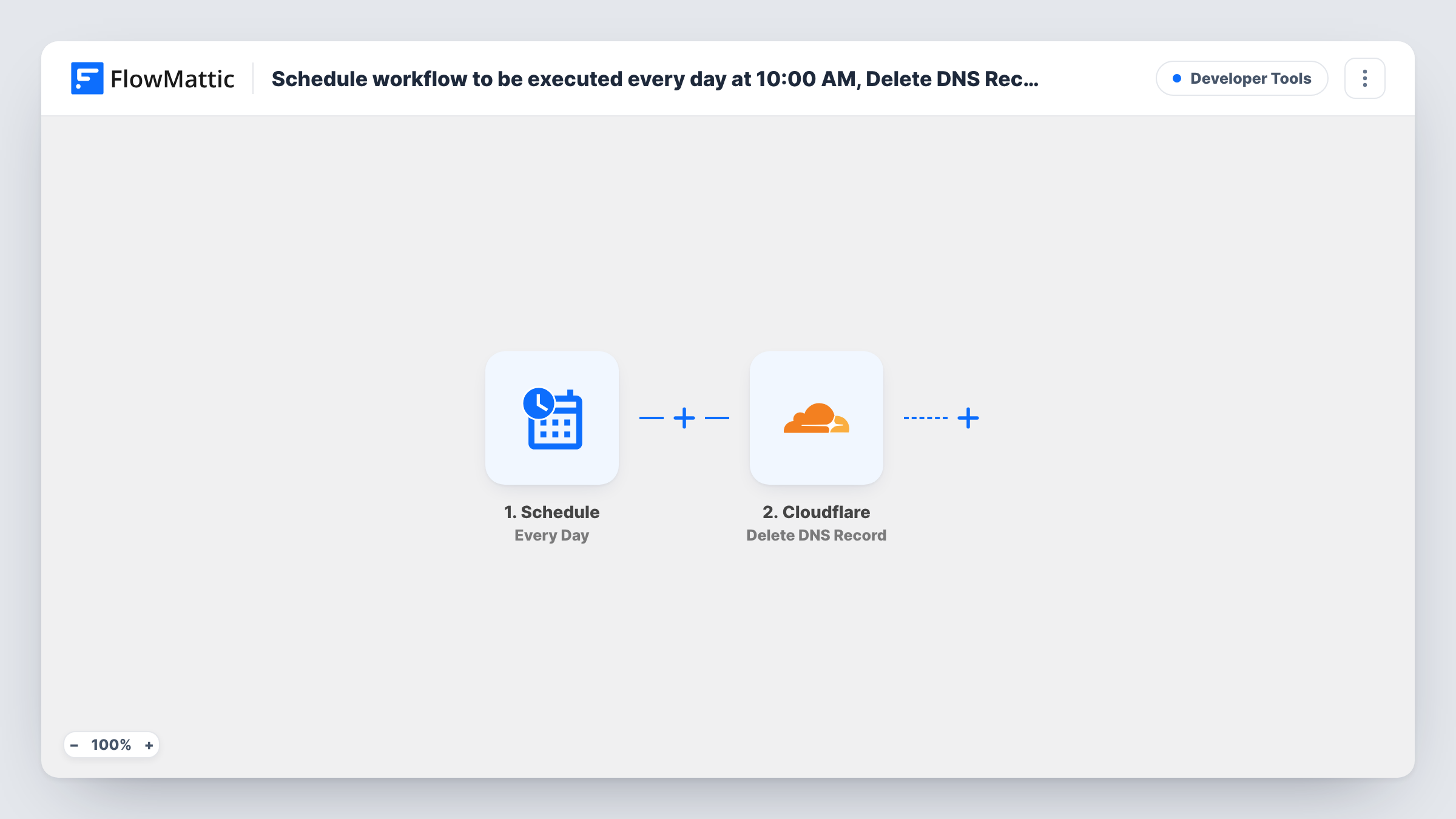
The Schedule trigger kicks off one run each day. The title names 10:00 AM, so check the run time in the trigger after import. Each run then goes to Cloudflare and uses its Delete DNS Record action on the record you point it at.
Be clear about what that means. The step deletes the same fixed record on every run. After the first run removes it, later runs have nothing to delete until the record is created again, and Task History will show Cloudflare's error for those runs. A record that is created again usually gets a new ID in Cloudflare, so check whether the step still points at it. In practice this suits a timed one-time removal you then turn off. There is no undo, so check the record before you turn the workflow on.
Timed cleanup after a migration
You plan to drop a legacy A record the morning after a cutover. Point the step at it, let the next scheduled run delete it, then switch the workflow off.
Scheduled removal of a temporary record
A domain verification record only needs to exist for a day. Turn the workflow on, let the next morning's run delete it, then turn the workflow off.
Retiring an old subdomain
You have moved a service and its old subdomain should stop resolving. Turn the workflow on the day you switch over, then turn it off once the record is gone.
How this workflow runs
What happens at each step once the workflow is on, and what you need before you import it.
 Schedule Every Day
Runs on a daily schedule. The title says 10:00 AM; check the time set in the trigger after you import, since that decides when the record is removed.
- Cloudflare Delete DNS Record
Asks Cloudflare to delete one existing DNS record in your domain. Connect your Cloudflare account and point the step at the record you want removed. Every run targets the same record.
What you need
- FlowMatticCore
- Cloudflare AccountAccount
After importing, map your own data. To keep the template universal, not every step is pre-filled. Open each step in the builder and connect your accounts and fields (channels, lists, sheets, recipients) before you switch the workflow on.
Make it yours
Changes worth making after you import it.
- Turn the workflow off after the record is gone if it won't be recreated, so later runs don't keep logging Cloudflare errors in Task History.
- If you would rather find the domain zone by name on each run, add Cloudflare's Search Zone by Domain Name step before the delete step and map the zone it returns.
- Need the record back on a schedule too? Build a second workflow with Cloudflare's Create DNS Record action on its own Schedule trigger.
Questions about this workflow
What happens on days when the Cloudflare record is already gone?
The run still happens and Cloudflare returns an error, which appears on that step in Task History. Nothing else in your zone is touched.
Can I get a deleted Cloudflare DNS record back?
Not from this workflow. Deletion is permanent, so you would need to recreate the record in Cloudflare yourself or with the Create DNS Record action.
Can it delete several DNS records each day?
Not as imported. It deletes one record per run. Add another Delete DNS Record step for each extra record you want removed.
Can I run the Cloudflare deletion weekly instead of daily?
Yes. Swap the Every Day trigger for the Schedule app's Every Week trigger, then point the Cloudflare step at the same record again.
More Developer Tools workflows
Other ready-to-import templates from the same category.






Import this workflow into your WordPress site
Download the JSON, import it from the Workflows screen and connect your accounts. Every run stays on your server, with no per-task fees.
30-day money-back guarantee Unlimited workflows and runs Self-hosted