

Log Piotnet Forms submissions with a Nationalize region prediction in Google Sheets
Each new Piotnet Forms entry is sent to Nationalize for a country guess based on the person’s name, then saved as a Google Sheets row together with that prediction.
 Piotnet Forms
 Nationalize
 Google Sheets
3 steps Setup ~5 min Used on 2.4k sites Free to import
What this workflow does
Form entries tell you who wrote in but rarely where they might be. If you sort enquiries by market, or just want a rough picture of who your forms reach, a country guess beside each entry can help. This workflow adds one using Nationalize and keeps everything in a spreadsheet you can sort.
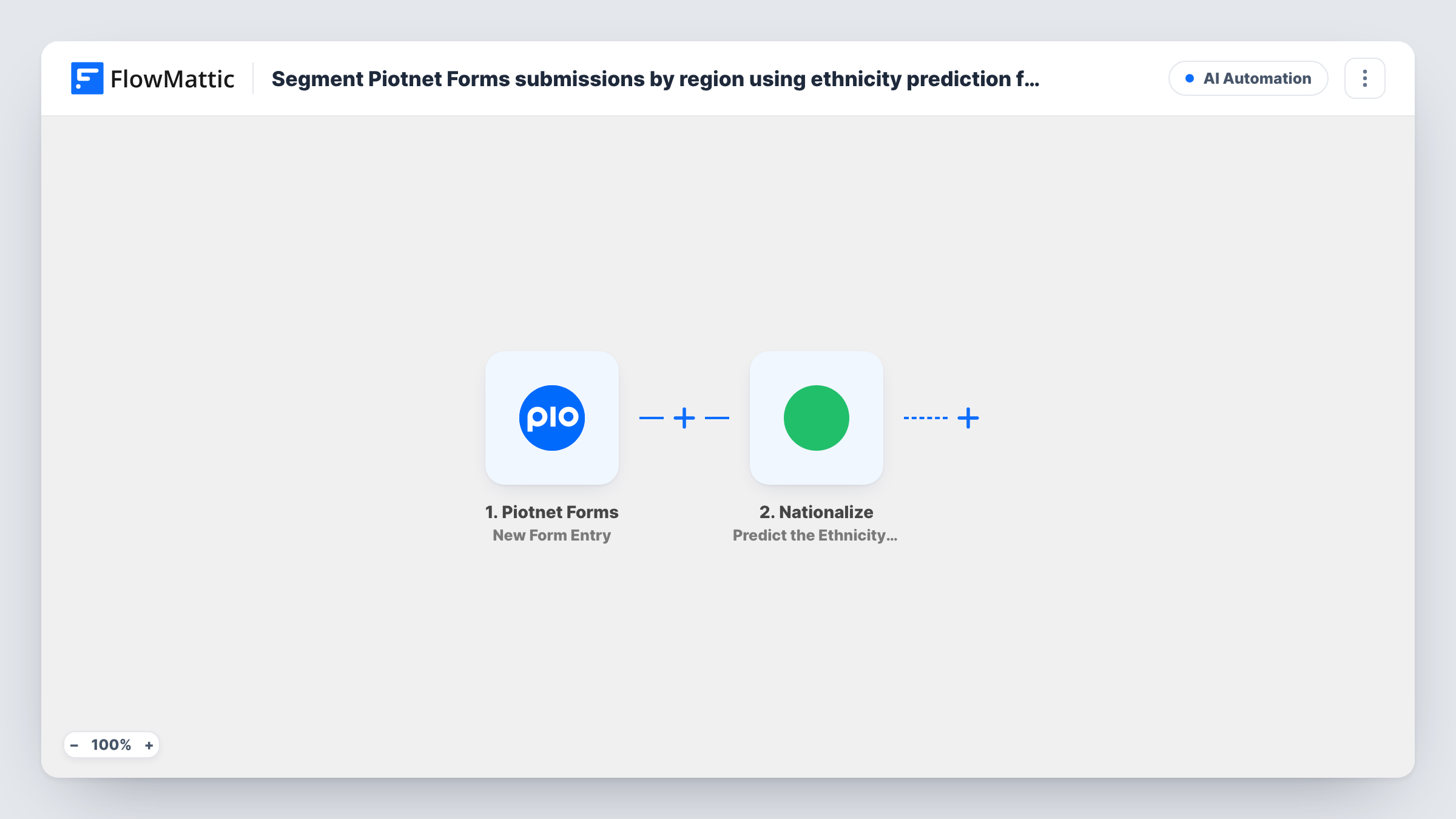
The Piotnet Forms trigger fires when a new entry is submitted on your WordPress site, and passes on the entry's fields. The Nationalize step then predicts nationality from the person's name and returns the countries where that name is most common, each with a likelihood. FlowMattic describes the action as working from a last or full name, so map a full-name field if your form has one.
Finally, Google Sheets adds one row per entry. Both the Nationalize and Sheets steps arrive without mapping. After import you map the name into Nationalize, then choose the spreadsheet and match the form fields and the predicted country code to your columns.
Every entry runs the flow, so the sheet fills with all submissions, not only those with a confident prediction. The country is a guess from the name, not something the person told you, so label the column clearly and treat it as a hint.
Sorting enquiries by likely market
A travel agency's Piotnet enquiry form feeds a sheet where staff sort by predicted country to pass each lead to the colleague who knows that market.
A rough audience picture from a contact form
A small publisher counts predicted countries in the sheet each month to see roughly where its contact form traffic comes from.
Prepping a regional outreach list
An NGO collecting volunteer sign-ups filters the sheet by predicted country before contacting its regional coordinators.
How this workflow runs
What happens at each step once the workflow is on, and what you need before you import it.
 Piotnet Forms New Form Entry
Fires when someone submits a new entry through a Piotnet form on your WordPress site. Each field from the entry becomes available to the Nationalize and Google Sheets steps.
- Nationalize Predict the Ethnicity of a Name
Sends the person's name to Nationalize, which returns the countries that name is most common in, with a likelihood for each. Map the full or last name field from the entry after import.
- Google Sheets Add New Row
Adds a row to the spreadsheet you choose with the form fields and the Nationalize result you map, for example the top country code and its likelihood next to the name and email.
What you need
- FlowMatticCore
- Piotnet Forms PluginPlugin
- Nationalize AccountAccount
- Google Sheets AccountAccount
After importing, map your own data. To keep the template universal, not every step is pre-filled. Open each step in the builder and connect your accounts and fields (channels, lists, sheets, recipients) before you switch the workflow on.
Make it yours
Changes worth making after you import it.
- Give the prediction its own clearly named column, such as Predicted country, so nobody mistakes it for an answer the person gave.
- If your site has several Piotnet forms and only one should be logged, put a Filter between the Piotnet Forms trigger and the Nationalize step on a value that identifies that form, which a test entry shows.
- Map the likelihood as well as the country code, so you can sort the sheet and ignore low-confidence guesses.
Questions about this workflow
Which Piotnet Forms fields end up in Google Sheets?
Only fields you match up in Add New Row. That step is empty on import, so pair each Piotnet field and the Nationalize result with the column it belongs in.
What if Nationalize can't predict a country for the name?
Then there is no country to log, so the prediction column may stay blank for that entry. Task History shows exactly what Nationalize returned.
Is the predicted country the person's real nationality?
Not necessarily. Nationalize guesses from how common a name is in each country, and many names are shared across several, so treat the column as a rough hint only.
More AI Automation workflows
Other ready-to-import templates from the same category.







Import this workflow into your WordPress site
Download the JSON, import it from the Workflows screen and connect your accounts. Every run stays on your server, with no per-task fees.
30-day money-back guarantee Unlimited workflows and runs Self-hosted