

Send a confirmation email to invitees after a specific Lemcal meeting type is booked
When someone books the Lemcal meeting type you choose, this workflow sends the invitee a confirmation email from your Gmail account, written your way and filled with the booking details Lemcal provides.
 Lemcal
 Gmail
Gmail2 steps Setup ~5 min Used on 785 sites Free to import
What this workflow does
Some meetings need more than a standard calendar invite. A paid consultation might need payment terms, an onboarding call might need a checklist, and a demo might need a short agenda. This workflow sends your own email for one Lemcal meeting type, so those notes reach the right invitees.
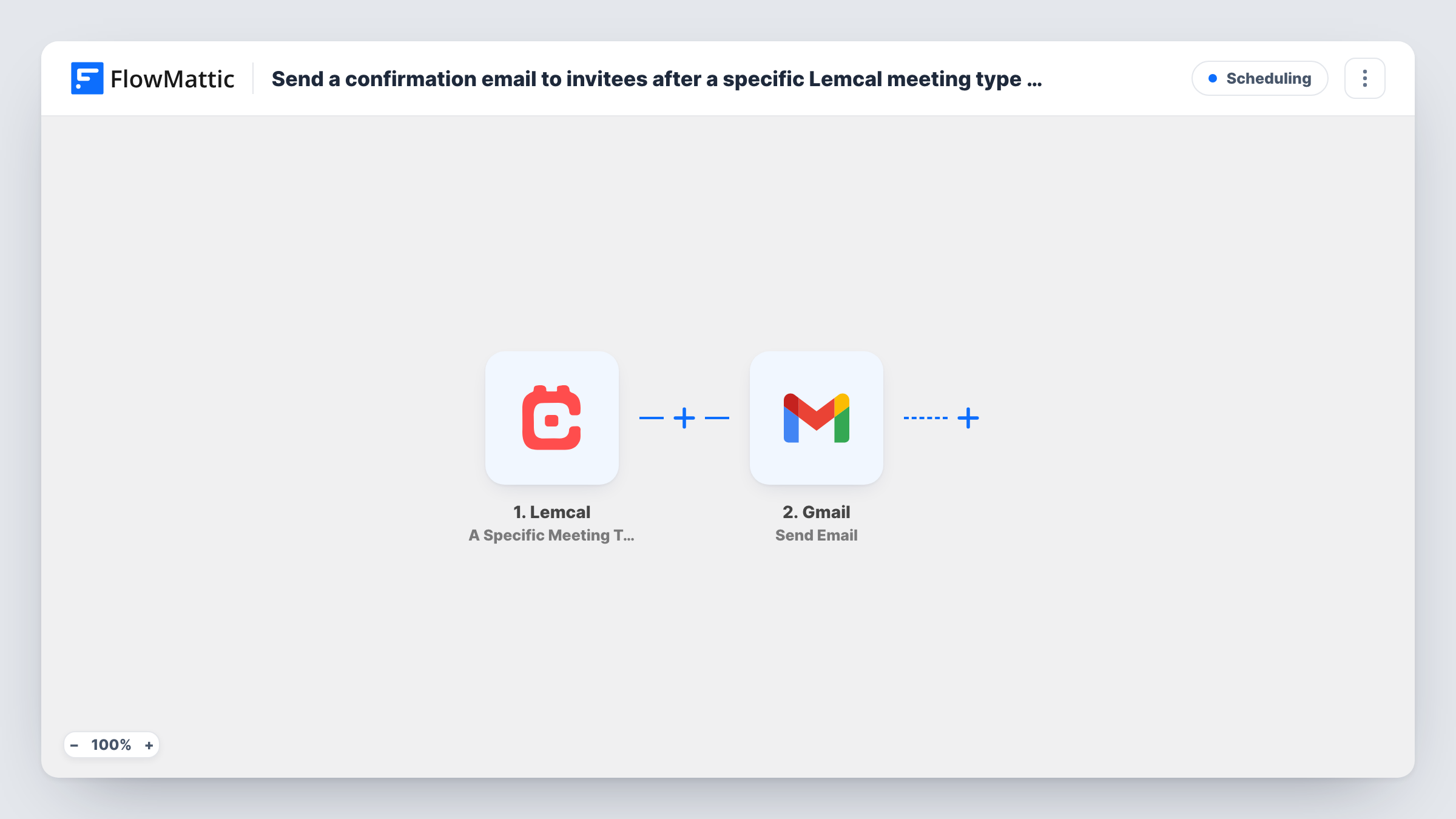
The Lemcal trigger, A Specific Meeting Type, fires for the meeting type you select when you set up the trigger. Bookings of your other meeting types don't start it. FlowMattic receives the booking data, which you can map into the email.
The Gmail step, Send Email, sends a message from the Gmail account you connect. Map the invitee's email address as the recipient and write the subject and body, pulling in values such as their name and the meeting time. Lemcal's own notifications still go out as before; this email is an extra message on top of them.
Paid consultation instructions
Clients who book your paid strategy session get an email with how to pay and what to prepare, while free intro calls get nothing extra.
Onboarding call checklist
New customers booking the onboarding meeting type receive a list of logins and documents to have ready for the call.
Interview logistics for recruiters
Candidates who book the on-site interview type are emailed the address, parking notes and who they will meet.
How this workflow runs
What happens at each step once the workflow is on, and what you need before you import it.
 Lemcal A Specific Meeting Type
Runs for bookings of the Lemcal meeting type you pick in the trigger settings. Other meeting types don't start the workflow. The booking details are passed on for the email.
- Gmail Send Email
Emails the invitee through the Gmail account you link. Map the invitee's address from the Lemcal data as the recipient, then write the subject and body with the booking details you want included.
What you need
- FlowMatticCore
- Lemcal AccountAccount
- Gmail AccountAccount
After importing, map your own data. To keep the template universal, not every step is pre-filled. Open each step in the builder and connect your accounts and fields (channels, lists, sheets, recipients) before you switch the workflow on.
Make it yours
Changes worth making after you import it.
- Import the workflow a second time and point it at another meeting type to send a different email for that type, rather than one message for everything.
- Add a Delay before the Gmail step if you'd rather the confirmation arrive a little after Lemcal's own notice instead of at the same moment.
- Book a test meeting of the chosen type after import to capture the fields Lemcal sends, then check the email in your own inbox before going live.
Questions about this workflow
Which Lemcal meeting types trigger the email?
Only the one you select in the trigger. Lemcal also has triggers for all meeting types and for your team's meetings if you want a broader workflow.
Will invitees get two confirmations from Lemcal and Gmail?
They may, if Lemcal also sends its own confirmation. This workflow doesn't change Lemcal's notifications, so write your Gmail message to add information rather than repeat it.
Does the email come from my own address?
Yes. Gmail Send Email sends from the Gmail account you connect, and the message appears in that account's Sent folder.
What happens if a Lemcal booking is rescheduled or cancelled?
The template has no step for that. Check a test run of a reschedule to see whether the trigger fires again before you rely on it.
More Scheduling workflows
Other ready-to-import templates from the same category.





Import this workflow into your WordPress site
Download the JSON, import it from the Workflows screen and connect your accounts. Every run stays on your server, with no per-task fees.
30-day money-back guarantee Unlimited workflows and runs Self-hosted